Unscreened visitors
Parents, vendors, and guests arrive all day, and a single unstaffed moment becomes a safety gap at the door.
For schools and campuses
Front offices field a constant stream of parents, visitors, deliveries, and students, all while safety and sign-in matter more than ever. HiBridge greets and verifies every visitor and answers every video call, so staff can stay focused on students.
The problem
Parents, vendors, and guests arrive all day, and a single unstaffed moment becomes a safety gap at the door.
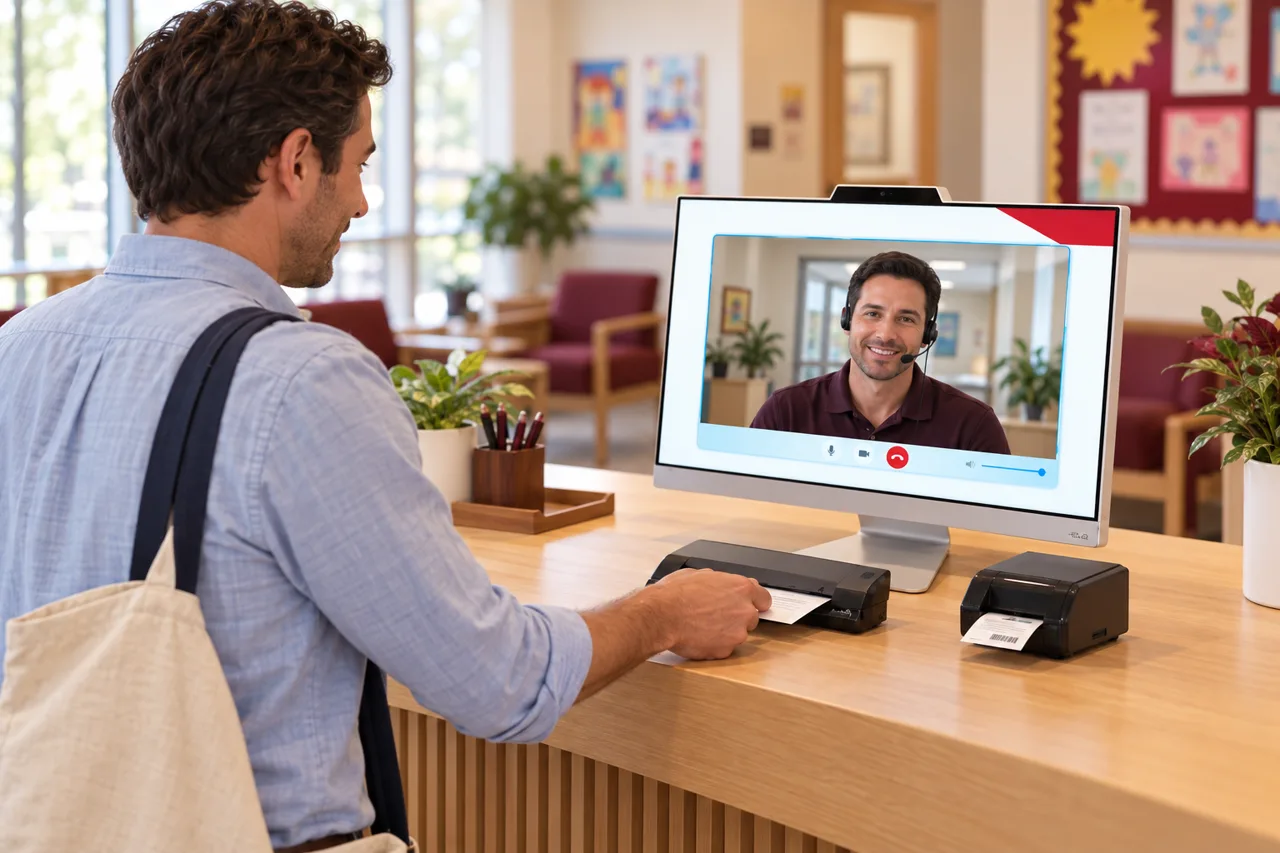
One administrator can take a video call or greet the person at the counter, rarely both, during the morning rush.
Tardy sign-ins and early dismissals pile paperwork onto staff exactly when the office is fullest.
Evening programs and multiple buildings leave front offices unstaffed and video calls unanswered.
How HiBridge solves it
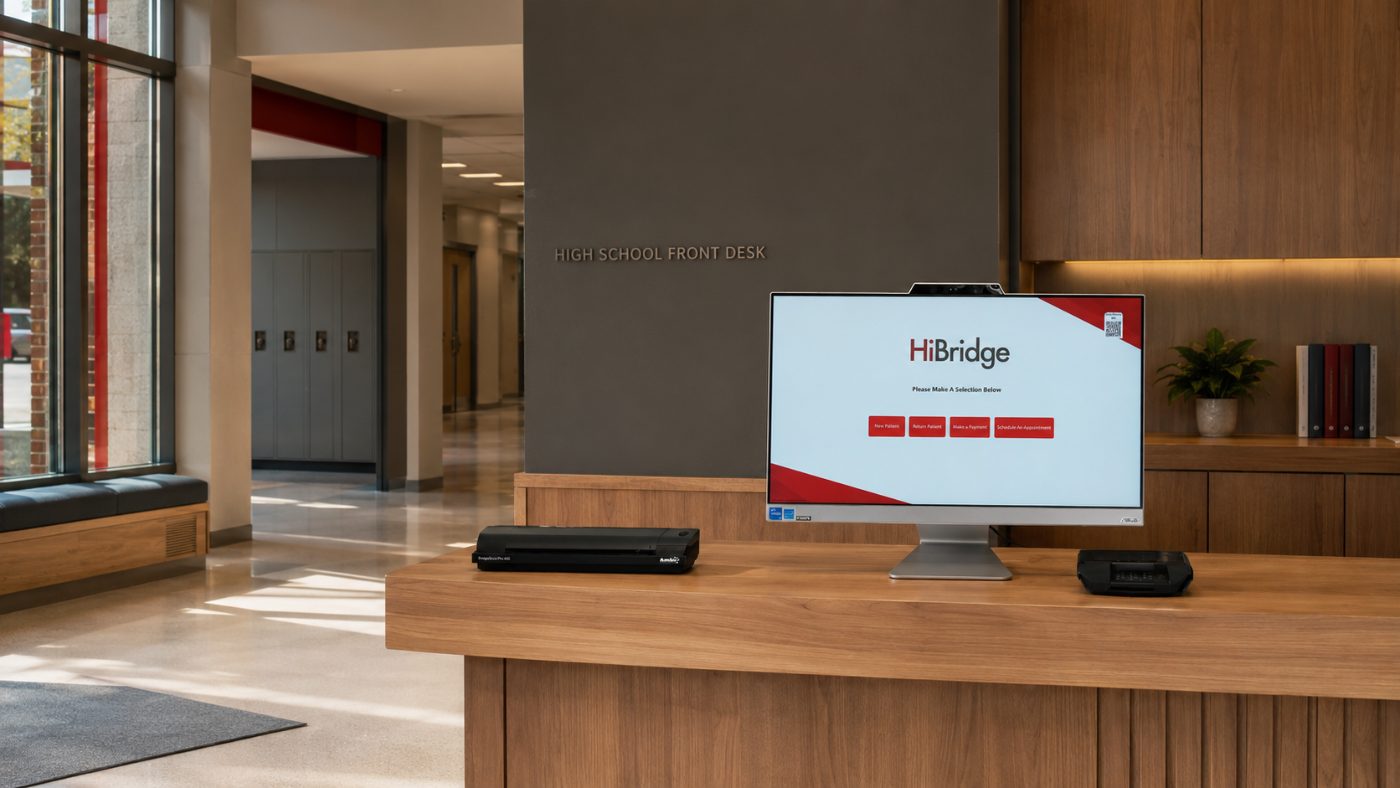
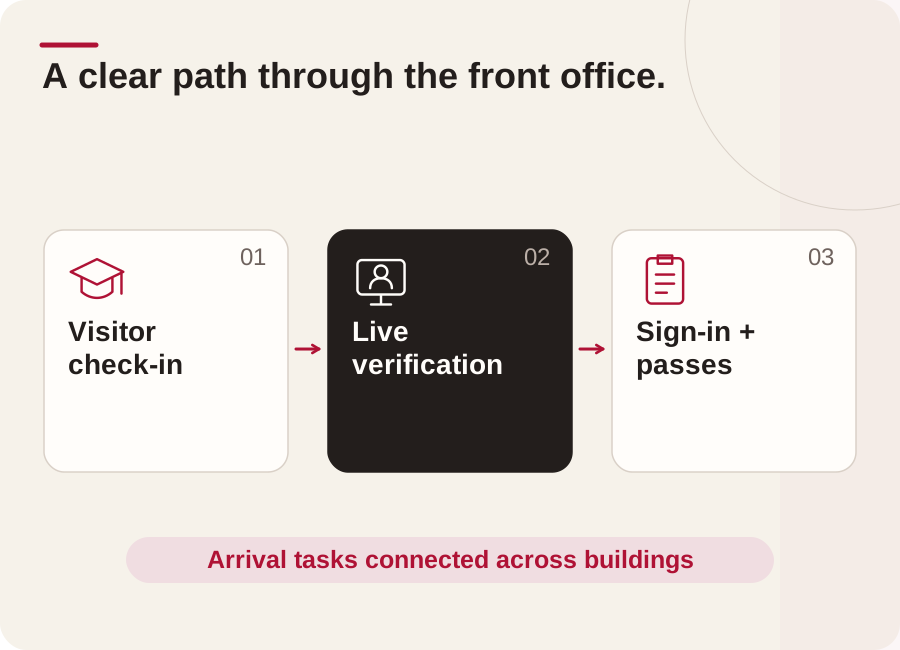
Guests check in and are screened at the kiosk while a live receptionist confirms who they are before they proceed.
Real receptionists take parent and vendor video calls so office staff stay with the students in front of them.
Late arrivals, early pickups, and passes captured on screen, no clipboard, no bottleneck at the counter.
One reception team covers every office and every after-hours program, without hiring for each door.
Outcomes
Who this fits
Multi-location
Most campus operators do not have a coverage problem at one location, they have it across all of them at once. A pooled reception team on the HiBridge portal sees every lobby in one view, so a quiet site absorbs a busy one instead of each door needing its own hire.
That is also how breaks, call-outs, and peak hours get covered without adding headcount. Read more on the multi-location front desk page.
Security & privacy
A virtual desk changes who can overhear a conversation. Visitors speak to one receptionist on a screen rather than across an open counter, and check-in details are entered by the visitor rather than read aloud.
Our current security, privacy, and compliance posture is documented on the security and privacy page.
FAQ
Both models run on the same platform. HiBridge is the patented virtual reception technology: kiosk, live video, payments, printing, scanning, and the multi-location receptionist portal. Some organisations staff it with their own team from a central location; others staff it with a remote receptionist sourced through HiBridge. We will walk through which model fits your campus during a demo.
A real person. One tap brings a live receptionist onto the screen. There is no phone tree and no chatbot standing in for a human.
Yes. One pooled reception team can cover several lobbies at once from a single view, which is the main reason multi-site operators move to a virtual front desk.
A screen at the desk, a camera, and a network connection. Existing tablets and desk hardware can often be reused, and peripheral options for printing, scanning, and card capture are covered on the hardware page.
Book a demo and we will run the kiosk and receptionist portal against your own campus workflow, then show you the staffing and cost picture with your numbers.
Tell us about your campus and how many locations you run, and we will show you exactly how HiBridge fits.
Prefer numbers first? Run the staffing and savings calculator.
Book a demoRelated
 Featured industry
See patient check-in, live reception, recorded walkthroughs, and published outcomes from physical therapy organizations.
See the page →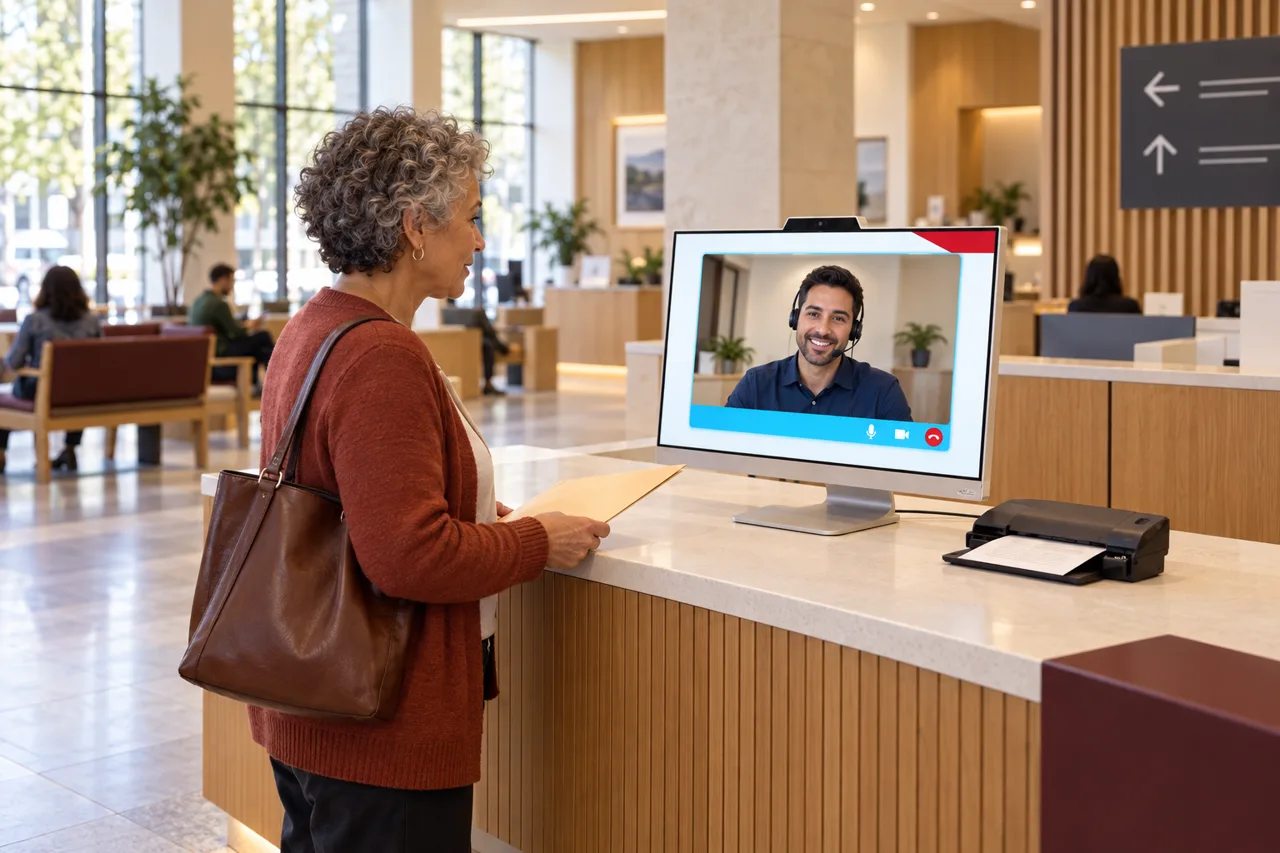 Industry
Residents at the counter, long lines, and video calls no one can get to, handled so every citizen is served without adding headcount.
See the page →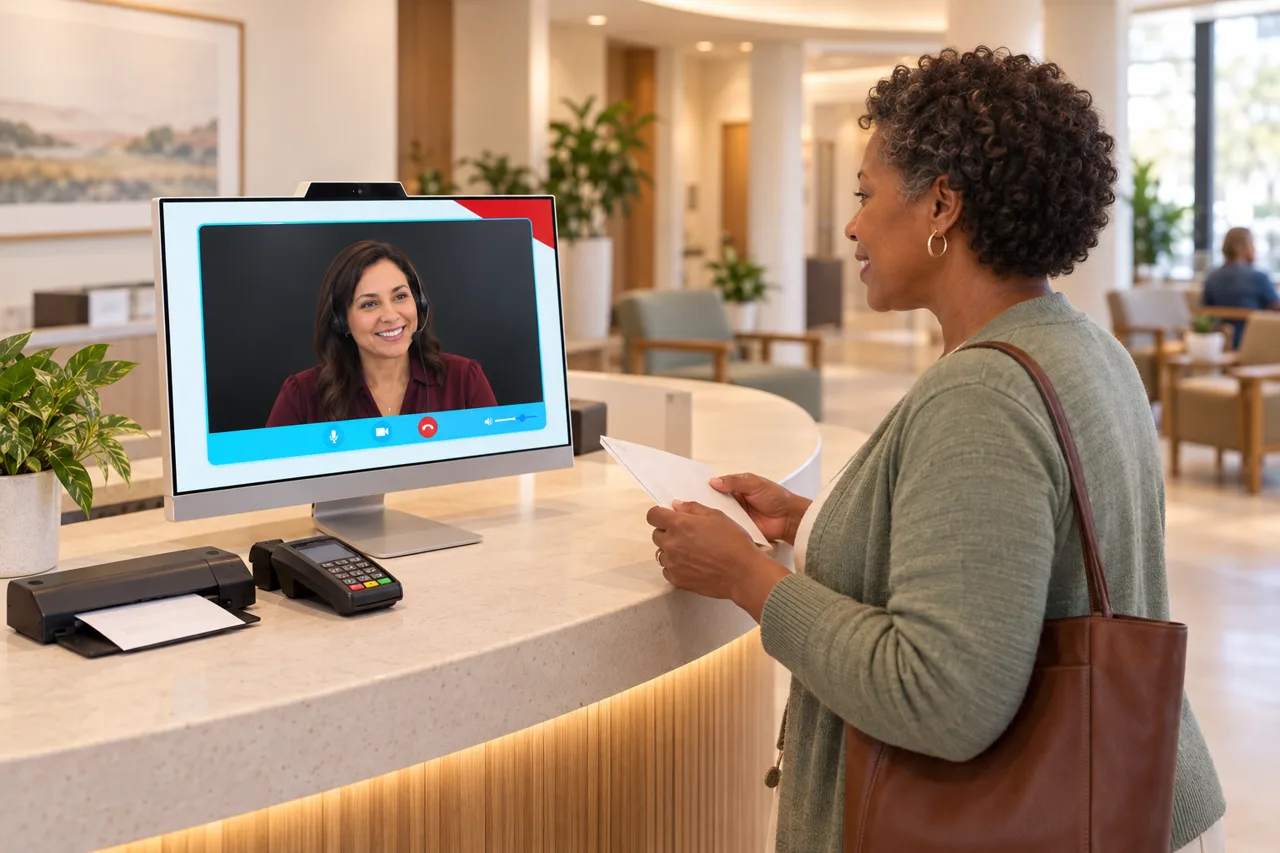 Industry
Patients checking in, copays to collect, and video calls that never stop, handled so clinical teams can focus on care.
See the page →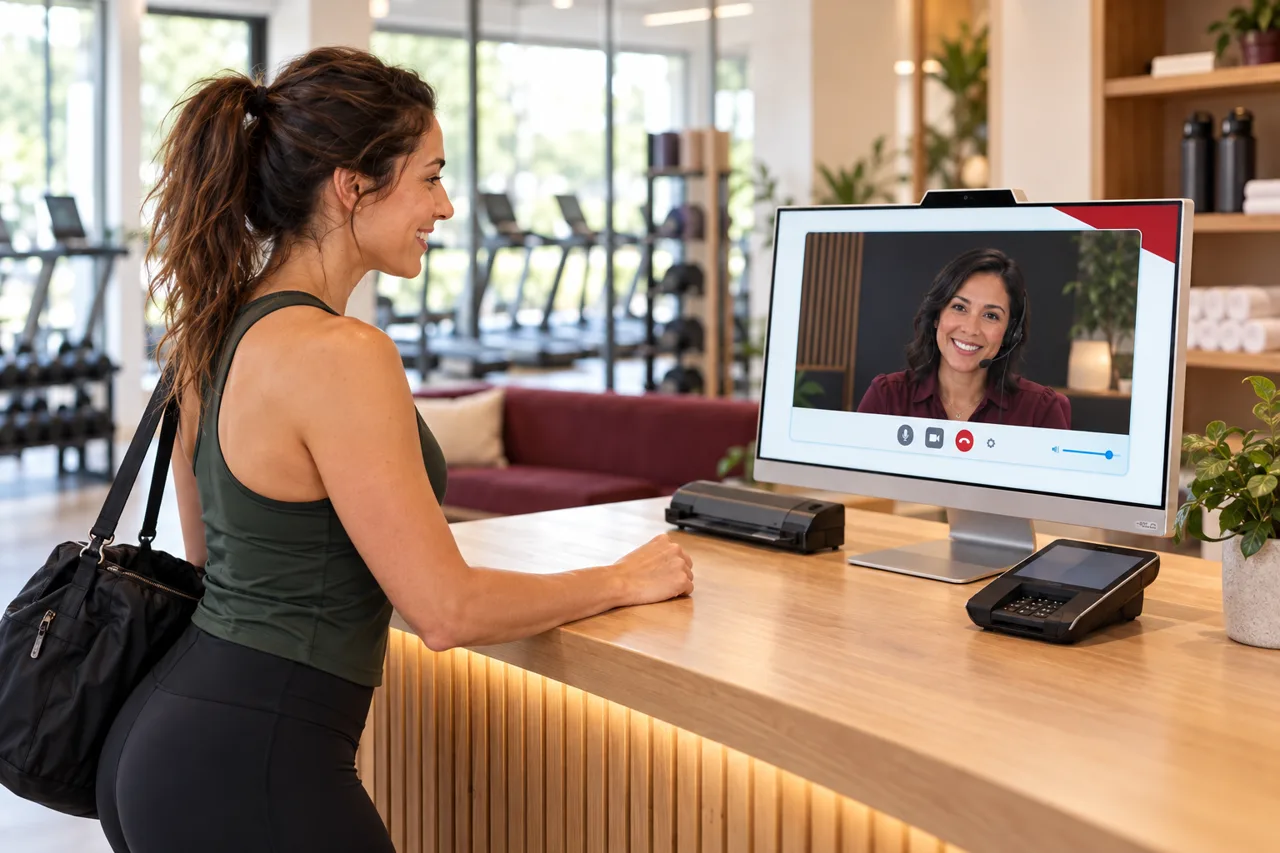 Industry
Prospects who call after hours, unmanned check-ins, and dues to collect, covered without staffing the desk around the clock.
See the page →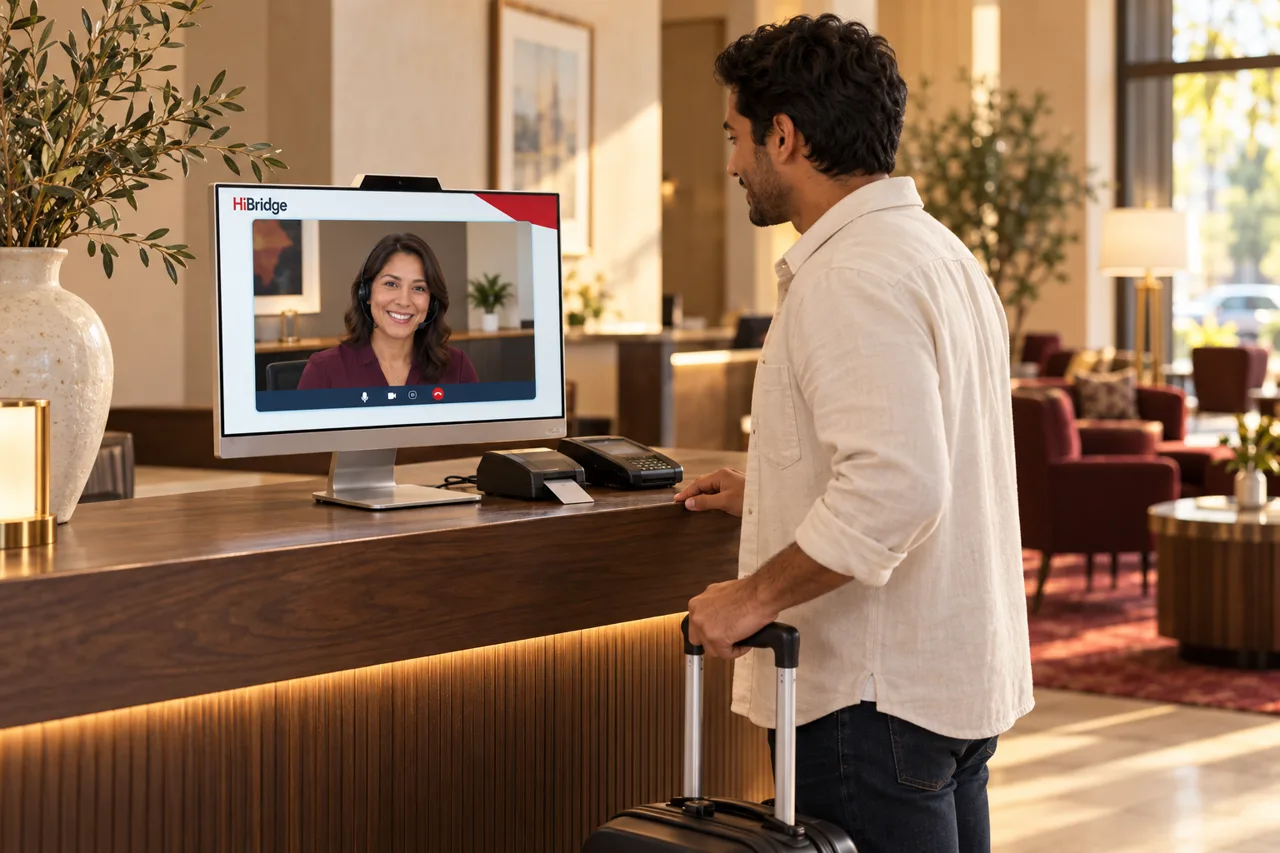 Industry
Guests arriving at all hours, front desks that empty overnight, and calls that shape the review, covered with a real, warm welcome.
See the page →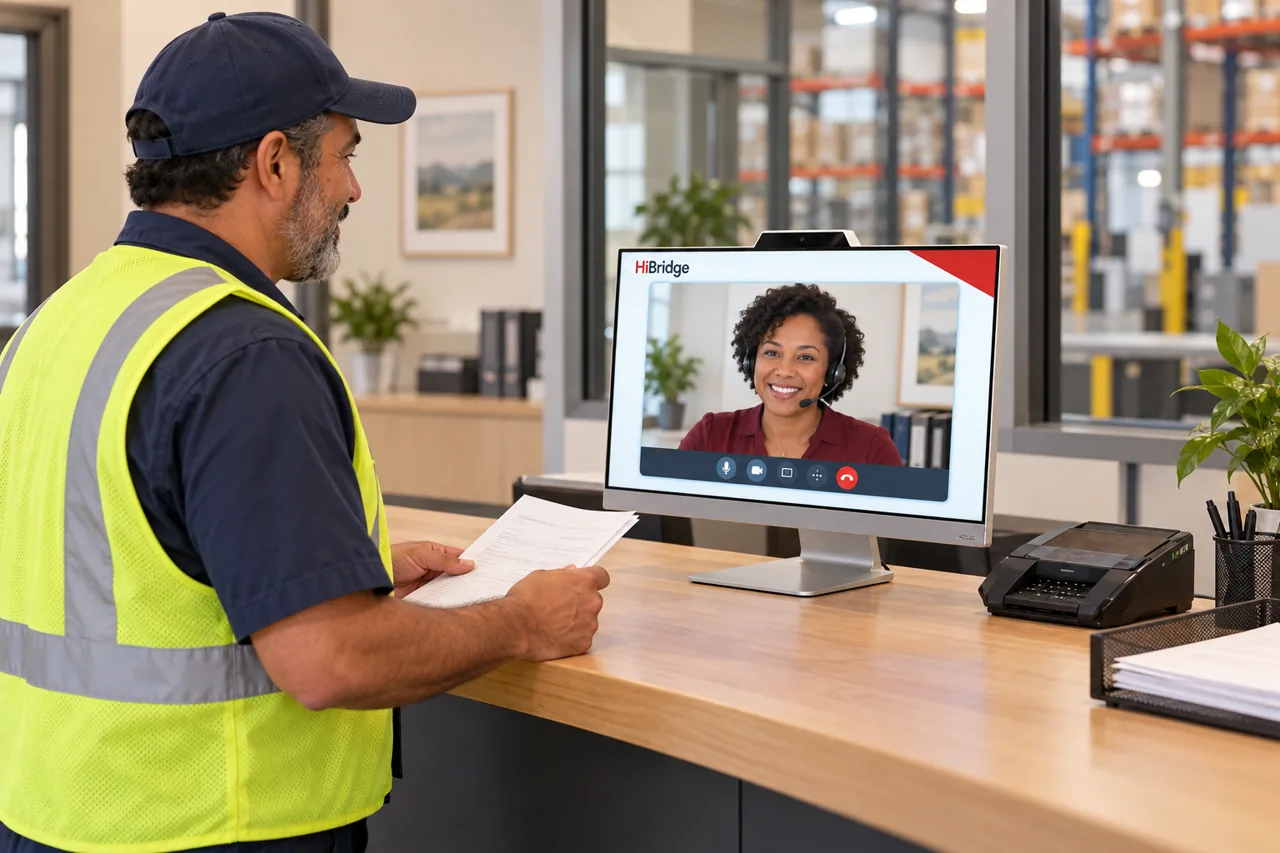 Industry
Drivers checking in, visitors at the gate, and dispatch video calls no one can get to, handled so the dock keeps moving.
See the page →