Self check-in
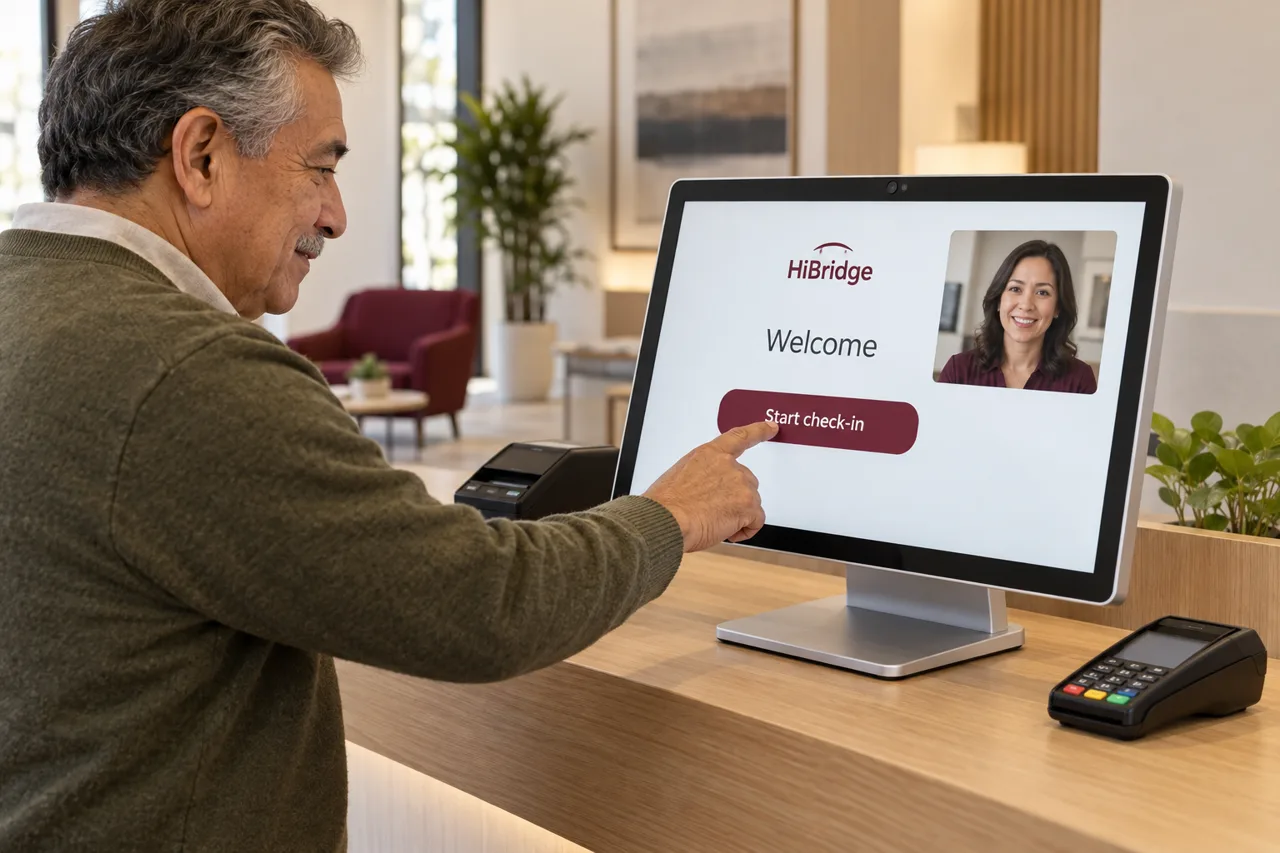
Arrive, tap, confirm who you are, and see your appointment, without waiting for anyone to be free.
Features
Some of this is the visitor helping themselves. Some of it is a real receptionist on screen. Some of it is the portal deciding who picks up next. Here is the whole list, split by which part of the system handles it.
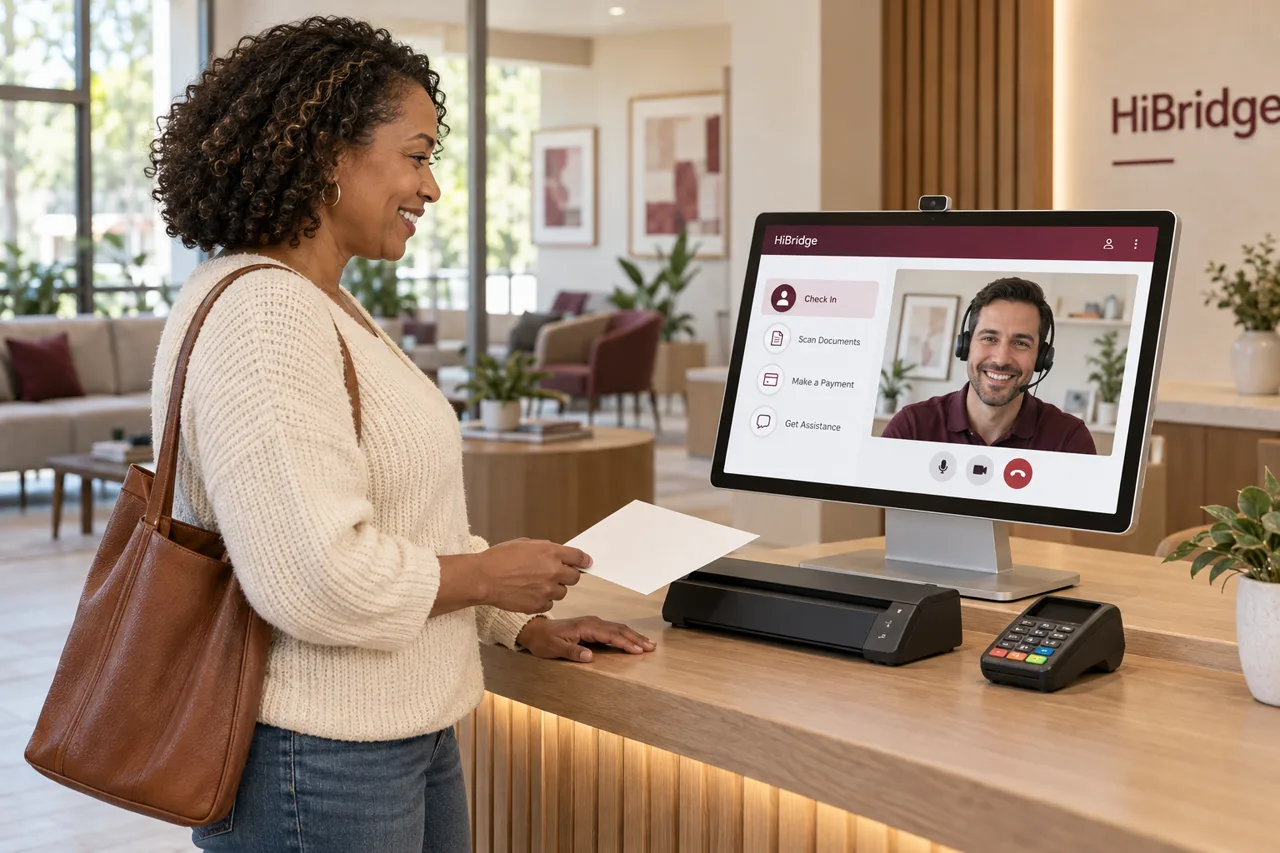
At the kiosk
Arrive, tap, confirm who you are, and see your appointment, without waiting for anyone to be free.
Scan an ID, an insurance card, or a form at the counter, captured straight into the record.
Complete outstanding paperwork on screen instead of on a clipboard, before the visit starts.
Copays and balances captured at check-in, collected on arrival rather than billed and chased.
A real receptionist appears on screen whenever the visitor wants one. No menu, no queue message.
Receipts, passes, and documents printed to the desk printer while the visitor stands there.
The receptionist
A live welcome by name, and directions to the right room, window, or dock.
Confirming who someone is before they go further into the building.
Booking, moving, and confirming appointments during the conversation, not after it.
Answering the calls and questions that would otherwise land on voicemail during a busy stretch.
Verification, authorizations, follow-ups, scanning, and record updates, handled away from the counter.
Walking a visitor through a payment, or taking a balance that needs a conversation first.
The portal
Every lobby on one screen, so a pooled team sees where the demand is right now.
The next visitor goes to whoever is free, instead of queuing behind one location’s assigned person.
Lunches, breaks, call-outs, and peaks absorbed by the pool rather than left uncovered.
Printing, scanning, and card capture at a remote counter, driven from the receptionist’s side.
FAQ
Yes. Card capture happens at the kiosk at the counter, so the balance is collected on arrival rather than billed and chased later.
Yes, that is what the desk peripherals are for. A receptionist can print a document to the counter printer or have a visitor scan an ID, an insurance card, or a form.
They tap once and get one. Self check-in is the fast path, not a gate you have to pass through to reach a human.
That is the design. The portal shows every location in one view and routes the next visitor to whoever is free. How many lobbies one person can hold depends on your volume, which is what the calculator models.
A demo is the fastest way to see which of these matter for your workflow and which you would never use.
Book a demoRelated
 Feature
Visitors check themselves in, complete forms, and pay on arrival, with a real person one tap away.
See self check-in →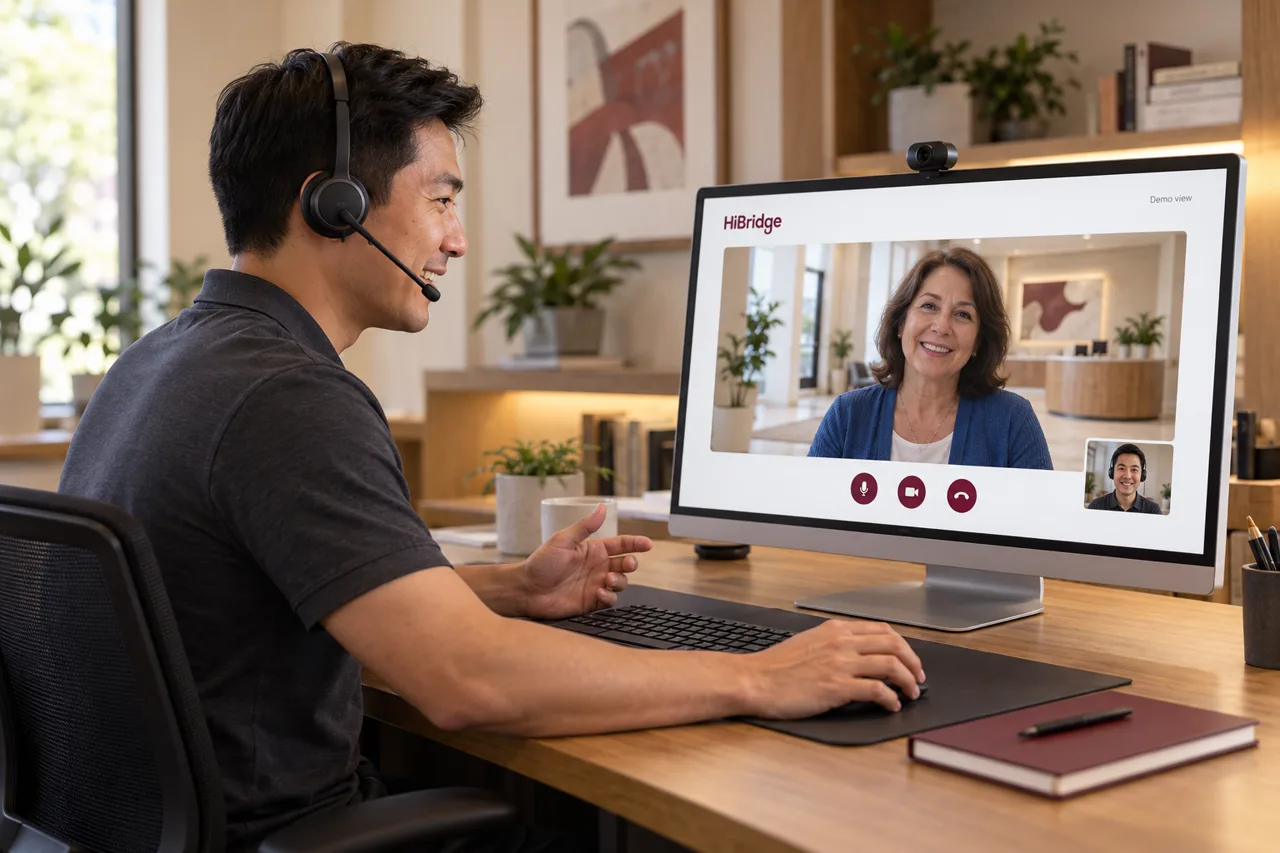 Feature
How a receptionist works a lobby live from anywhere, and what that changes about coverage.
See the page →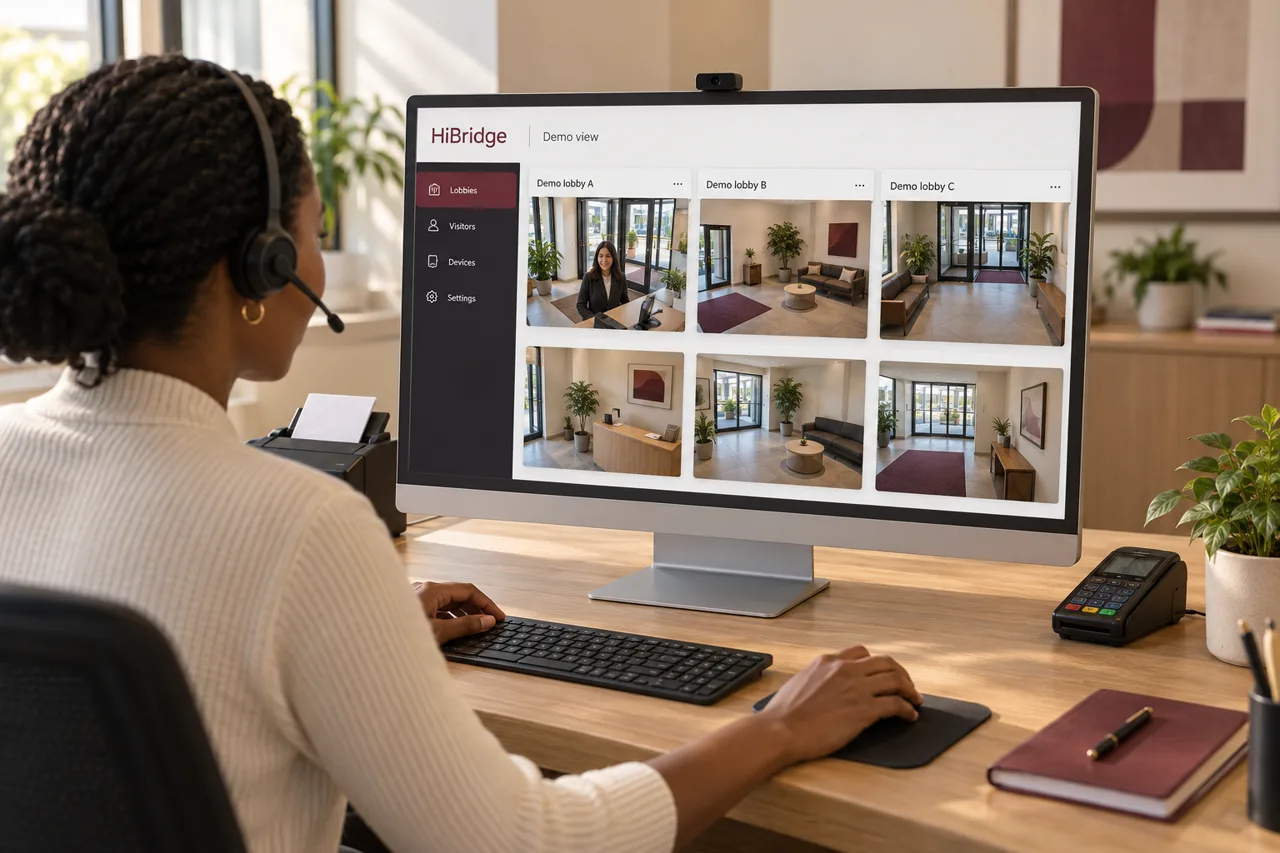 Feature
One view of every lobby, so a pooled team can cover several locations at once.
See the portal →Screens, cameras, printers, scanners, and card capture at the desk.
See hardware →