Arrive and tap
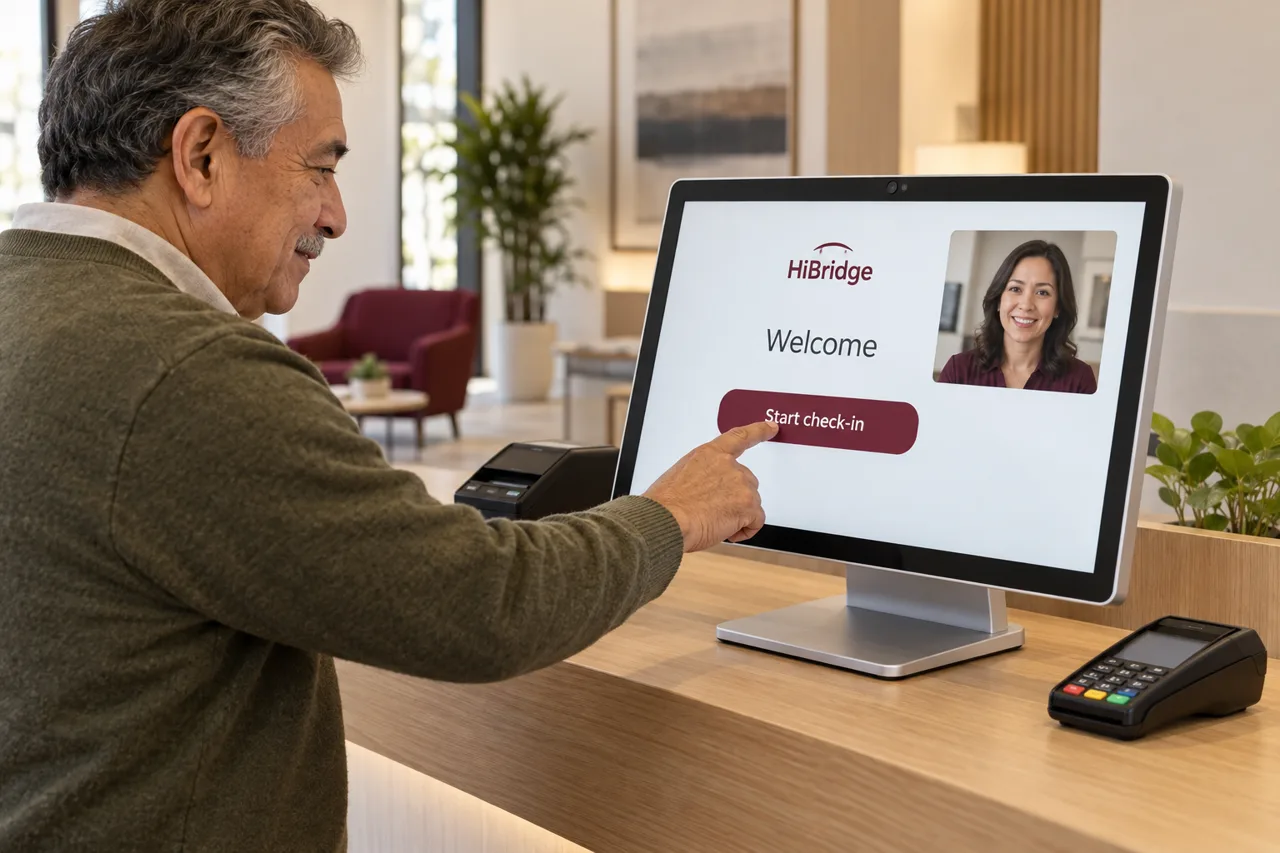
The visitor walks up to a lit screen instead of an empty counter and starts immediately, with no waiting for someone to be free.
Feature
Most check-in systems are a screen that takes your name and asks you to sit down. This one confirms who you are, finishes your paperwork, takes your payment, and puts a real receptionist on the screen the moment you want one.
The problem with most kiosks
Self-service check-in has a bad reputation for a good reason. Most of it is a form that used to be paper, now on a screen, with nobody behind it. The moment anything is unusual, a wrong appointment, a payment question, a first visit, the visitor is stuck, and someone has to be found anyway.
The fix is not more automation. It is a human being one tap away, so the fast path stays fast and the exceptions still get handled by a person.
What happens
The visitor walks up to a lit screen instead of an empty counter and starts immediately, with no waiting for someone to be free.
Details confirmed on screen, with an ID or insurance card scanned at the counter where that is required.
Outstanding forms and intake completed on the kiosk, before the appointment rather than during it.
Copays and balances captured by card at check-in, and a receipt printed at the counter if they want one.
One tap brings a live receptionist onto the screen for anything that needs a conversation.
Directions to the right room, window, or dock, and the desk knows they have arrived.
Why it works
A staffed counter serves people in series: one at a time, in the order they arrive, at the speed of the person behind it. Self check-in serves the routine arrivals in parallel, which removes most of the queue before it forms.
What is left is the smaller number of visitors who genuinely need to talk to someone, and those are the ones a receptionist should have time for. That is the whole design: automate the arrival, not the conversation.
It also changes privacy at the desk. A visitor entering their own details on a screen is not reading them aloud across a counter to a waiting room, a point one of our patients, Leonard Wheeler, made better than we could.
FAQ
No. Self check-in is the fast path for people who want to get on with it. Anyone who would rather speak to a person taps once and a real receptionist is on screen with them.
This is the single most common objection, and the most useful answer comes from a patient rather than from us. Tim Bibee describes himself as not tech-savvy, used the guided check-in for the first time, and found it straightforward, his story is published in full in our library.
Yes. Card capture at the kiosk takes copays and balances on arrival, which is the difference between a collected payment and a statement you chase later.
Yes. Outstanding forms can be completed on screen at check-in rather than on a clipboard, and IDs, insurance cards, and documents can be scanned at the counter.
Much less of one. Several people can check themselves in at once where a single staffed counter would have processed them one at a time. What is left is the subset who need a conversation, and those go to whoever on the pooled team is free.
The interactive experience on our home page walks the whole flow. A demo runs it against your workflow, with your forms and your payment rules.
Book a demoRelated
 Feature
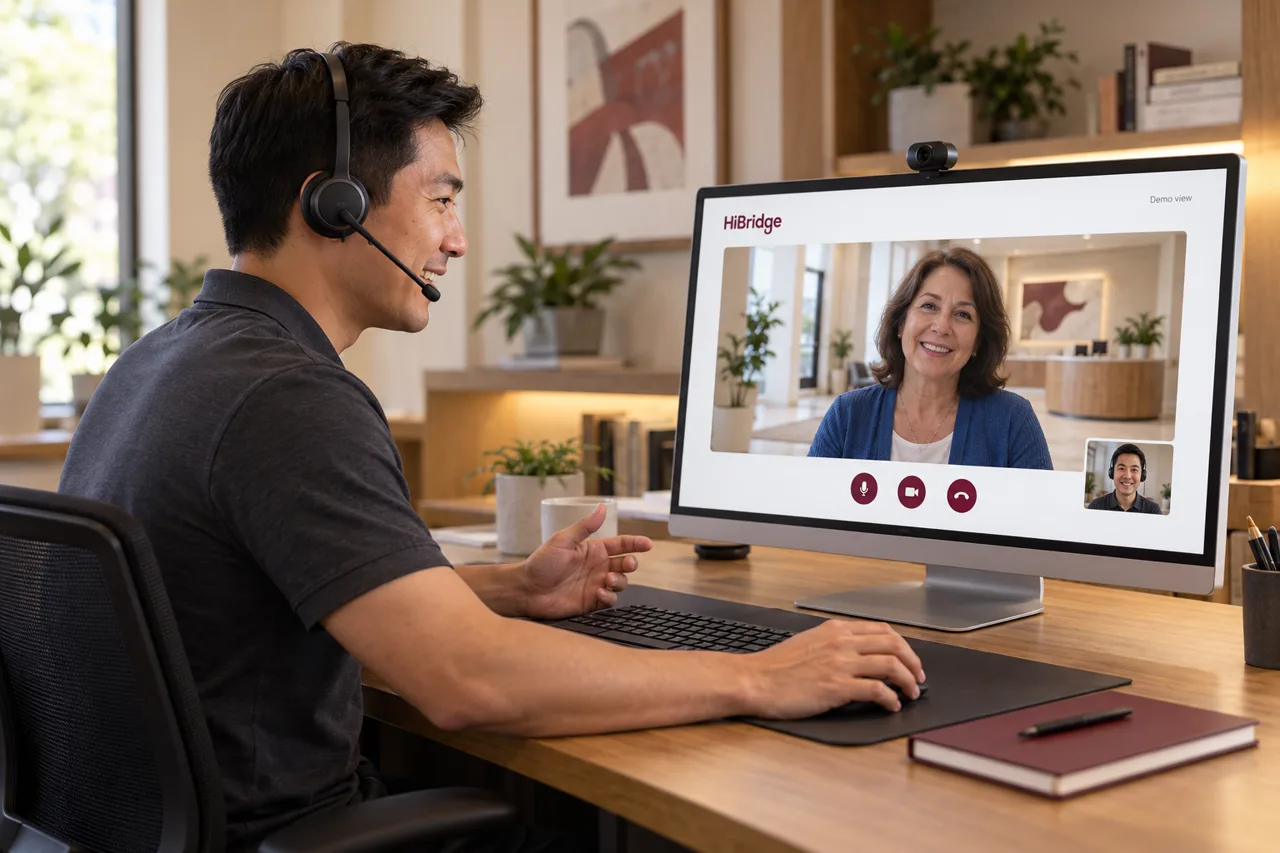
How a receptionist works a lobby live from anywhere, and what that changes about coverage.
See the page →Screens, cameras, printers, scanners, and card capture at the desk.
See hardware →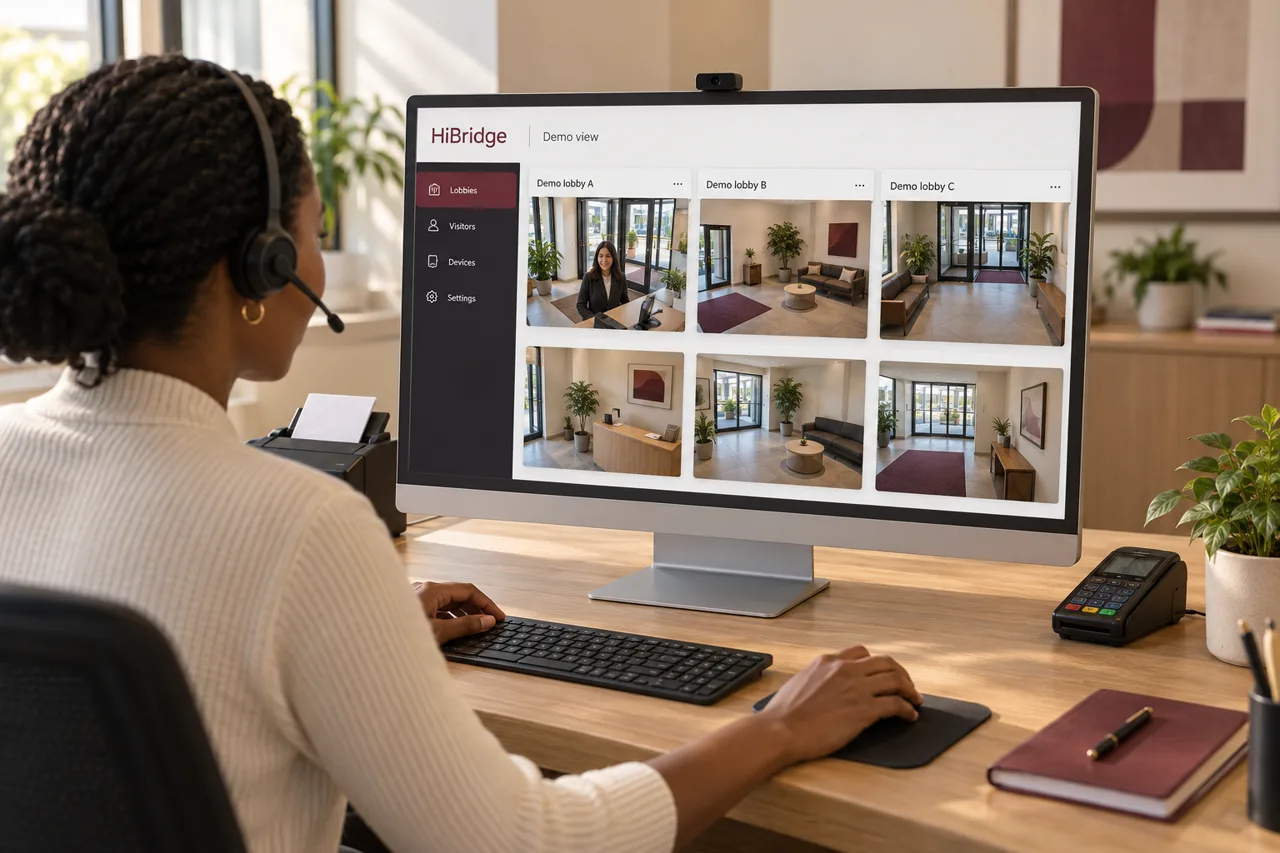 Feature
One view of every lobby, so a pooled team can cover several locations at once.
See the portal →Research & guides