Industries
A virtual front desk for every industry that runs one.
The platform is the same everywhere: a real receptionist live on screen, self check-in at the kiosk, and one reception team covering every location. What changes is the workflow around it. Pick the front desk closest to yours.
Who We Serve
Two clear ways to explore HiBridge.
Choose the path that best matches what you want to understand. Explore HiBridge by the type of organization you operate, or see the partners that extend the platform through staffing, technology, payments, purchasing, and practice support.
Industries We Serve
See how the HiBridge workflow adapts to healthcare, education, government, hospitality, and other front desk environments.
Browse industries ↓02Partners Who Serve With Us
Explore the companies and organizations that add staffing, software, payment, purchasing, and practice expertise around HiBridge.
Meet our partners →Choose your industry
Eleven front desks, one platform
 Featured industry
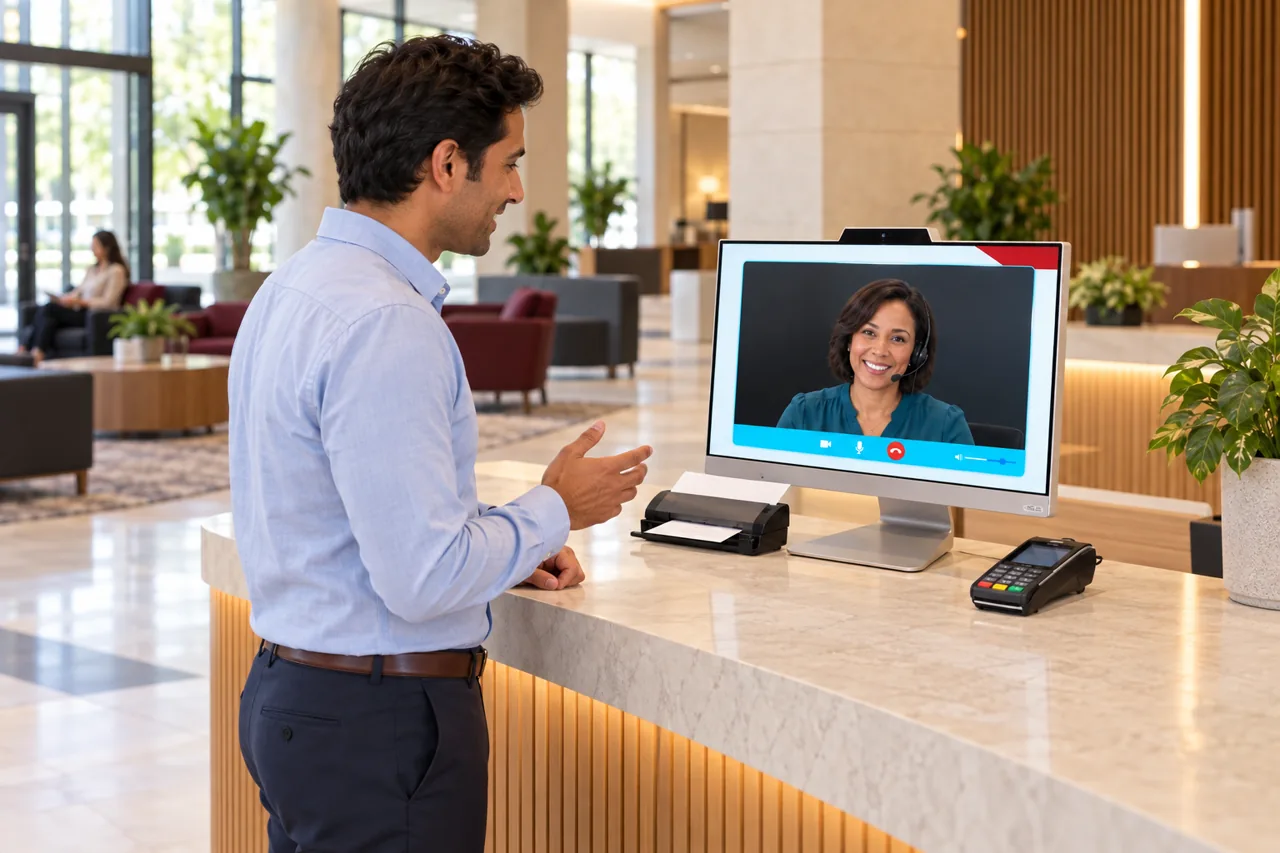
Physical therapy
Patient check-in, live reception, and multi-location coverage, supported by customer stories and published outcomes.
See the page →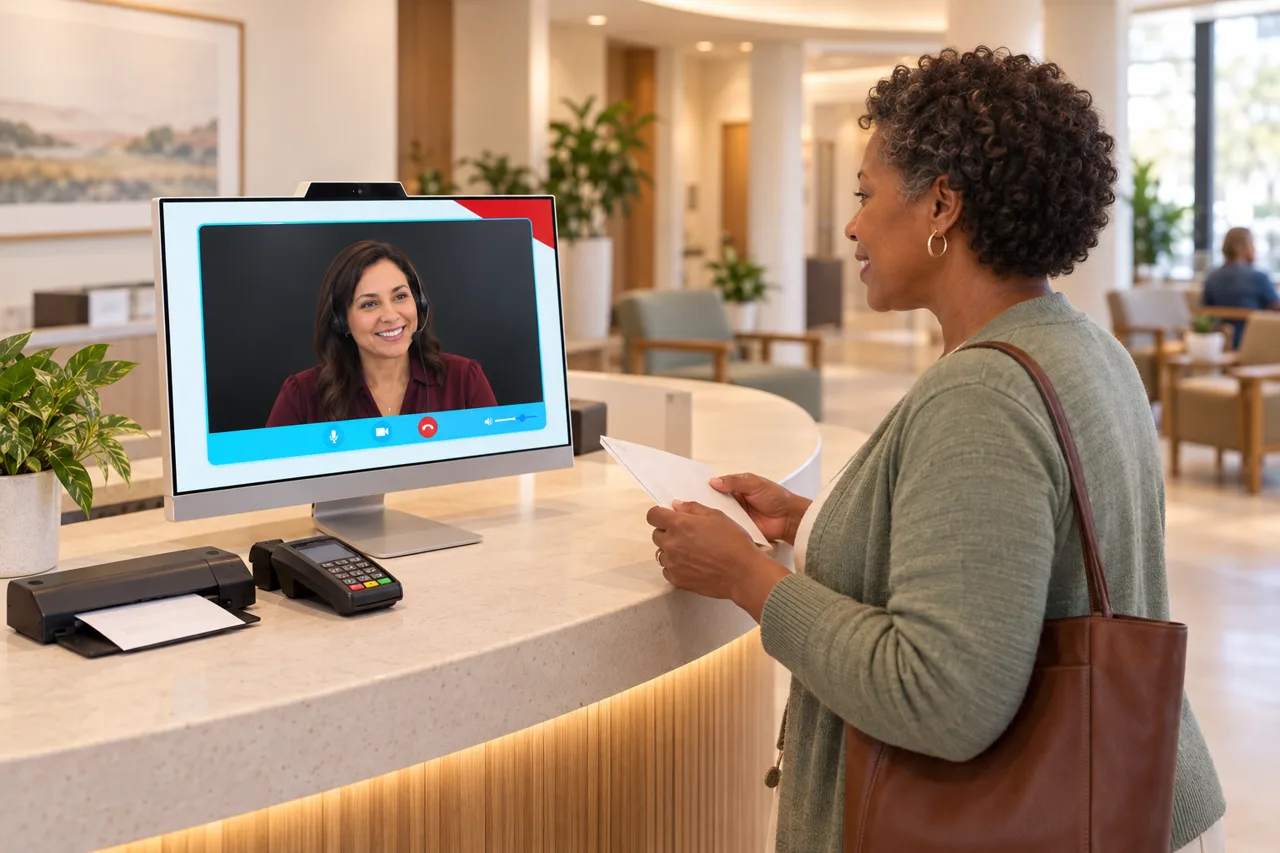 For healthcare providers
Healthcare & social assistance
Patients checking in, copays to collect, and video calls that never stop, handled so clinical teams can focus on care.
See the page →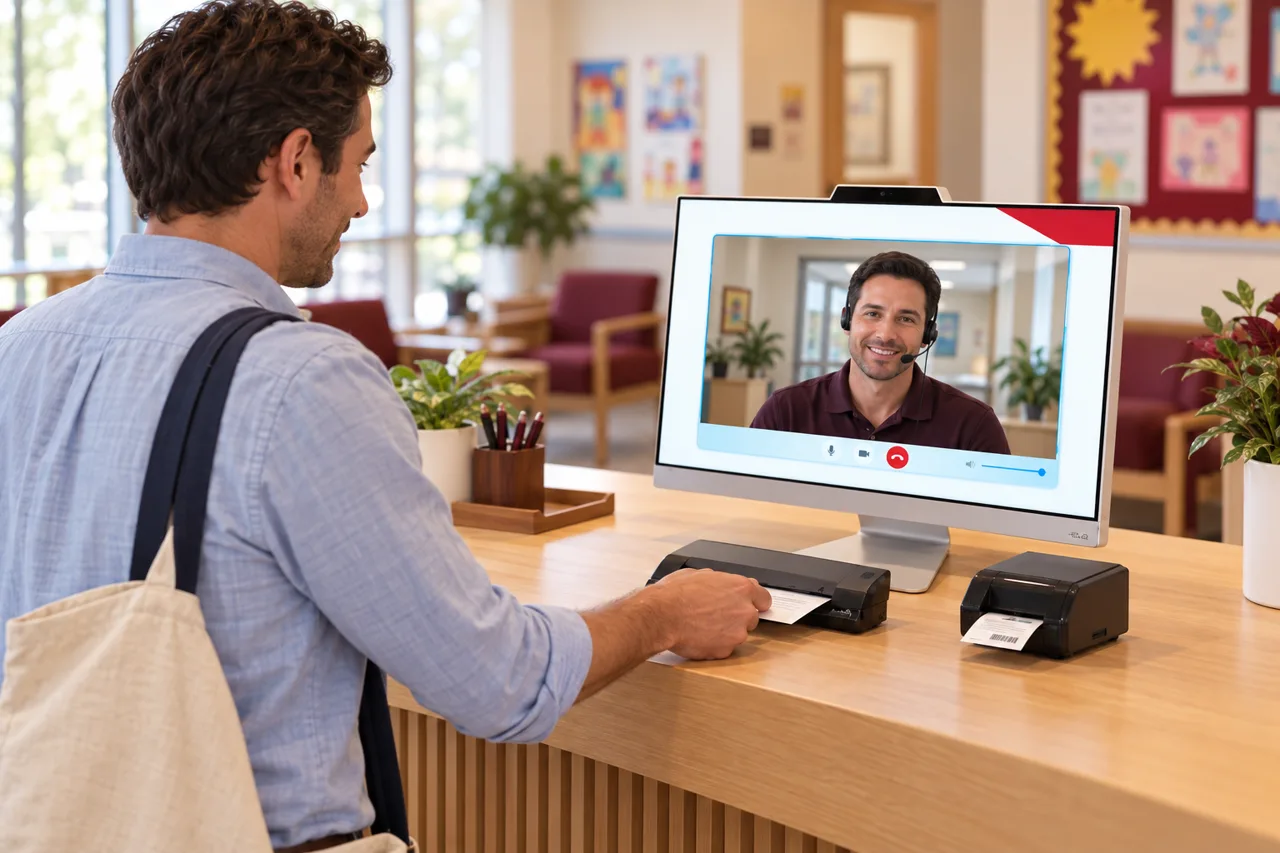 For schools and campuses
Education
Visitors, parents, and students at the front office, greeted, verified, and directed without pulling staff off their work.
See the page →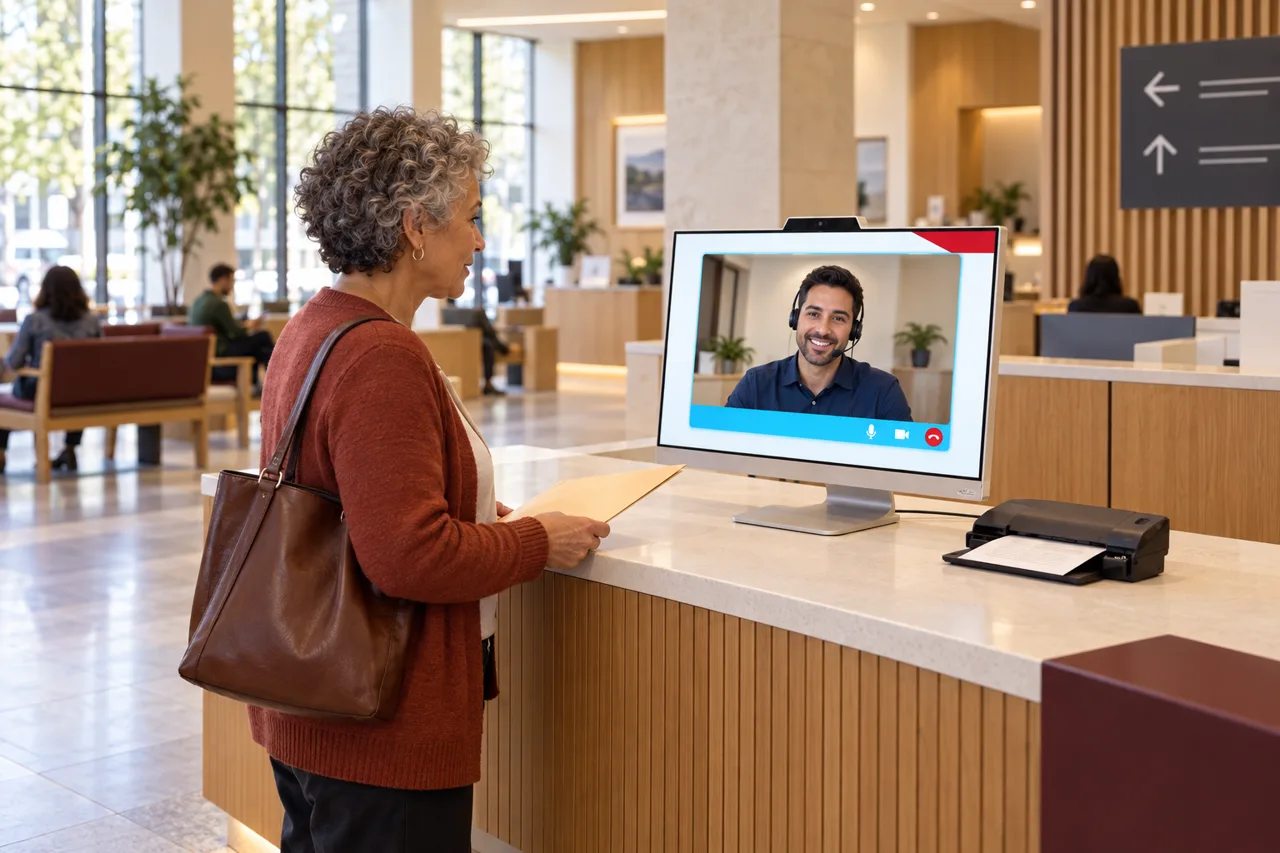 For public agencies
Government & public administration
Residents at the counter, long lines, and calls no one can get to, handled so every citizen is served without adding headcount.
See the page →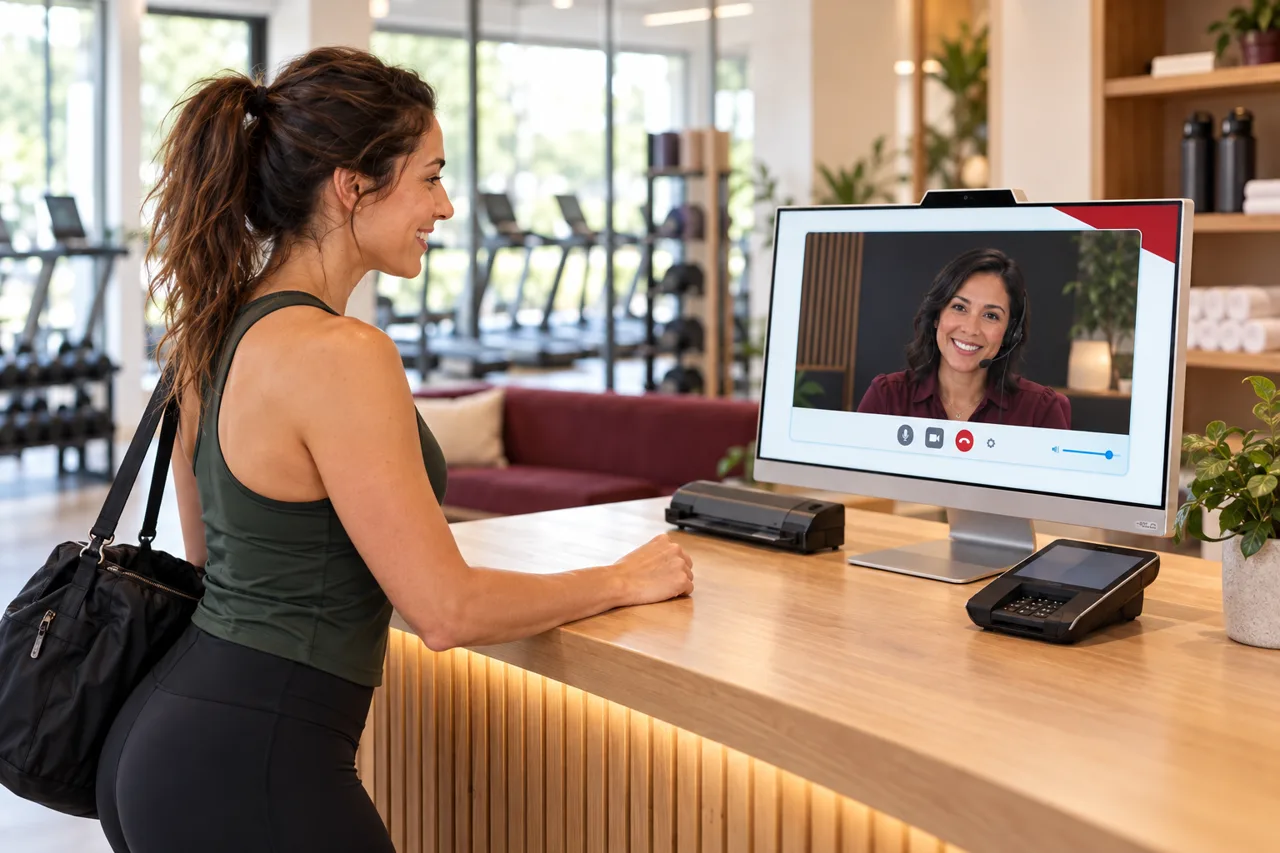 For gyms and studios
Fitness & wellness
Prospects who reach out after hours, unmanned check-ins, and dues to collect, covered without staffing the desk around the clock.
See the page →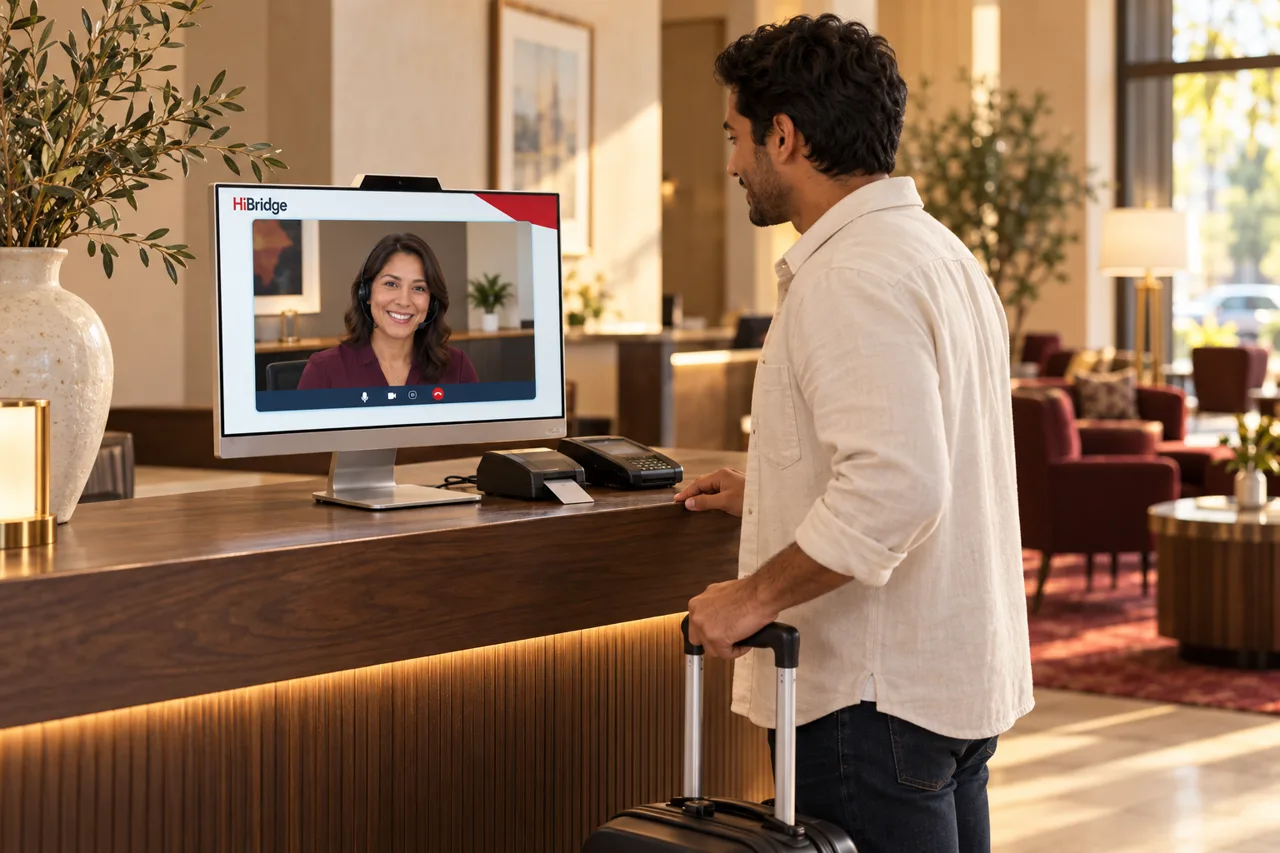 For hotels and venues
Hospitality & leisure
Guests arriving at all hours, front desks that empty overnight, and calls that shape the review, covered with a real, warm welcome.
See the page →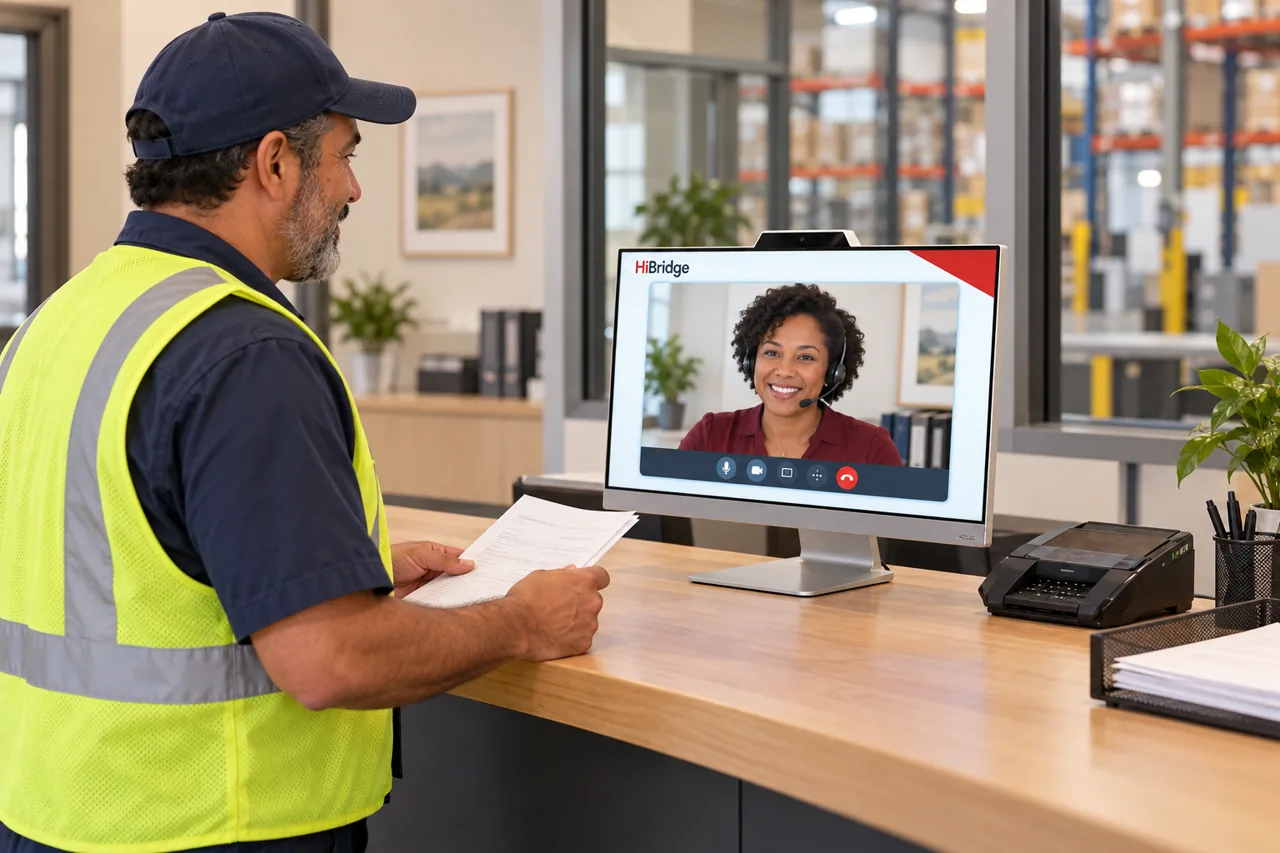 For logistics operations
Transportation & warehousing
Drivers checking in, visitors at the gate, and dispatch calls no one can get to, handled so the dock keeps moving.
See the page →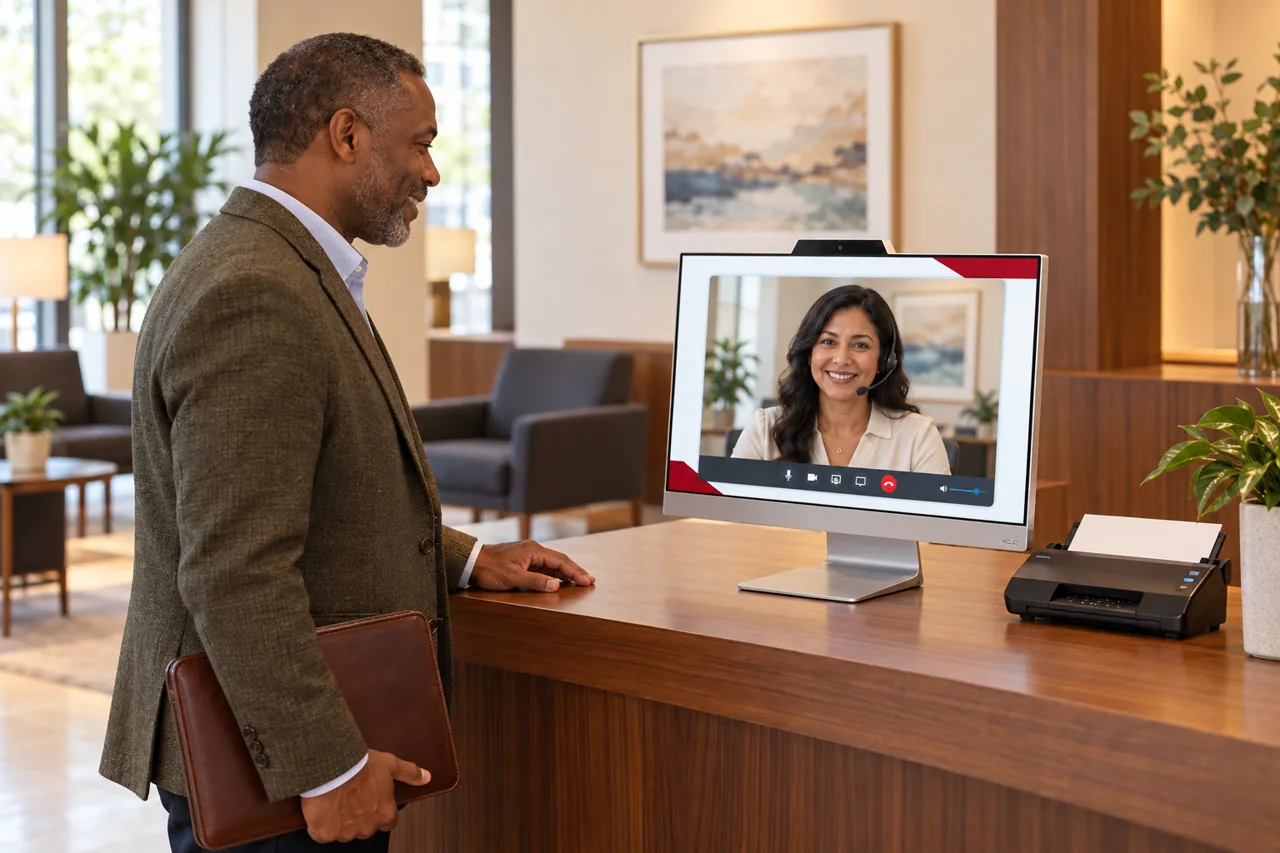 For professional firms
Professional offices
A staffed, discreet reception for law, accounting, insurance, and consulting offices, without pulling a fee-earner off billable work.
See the page →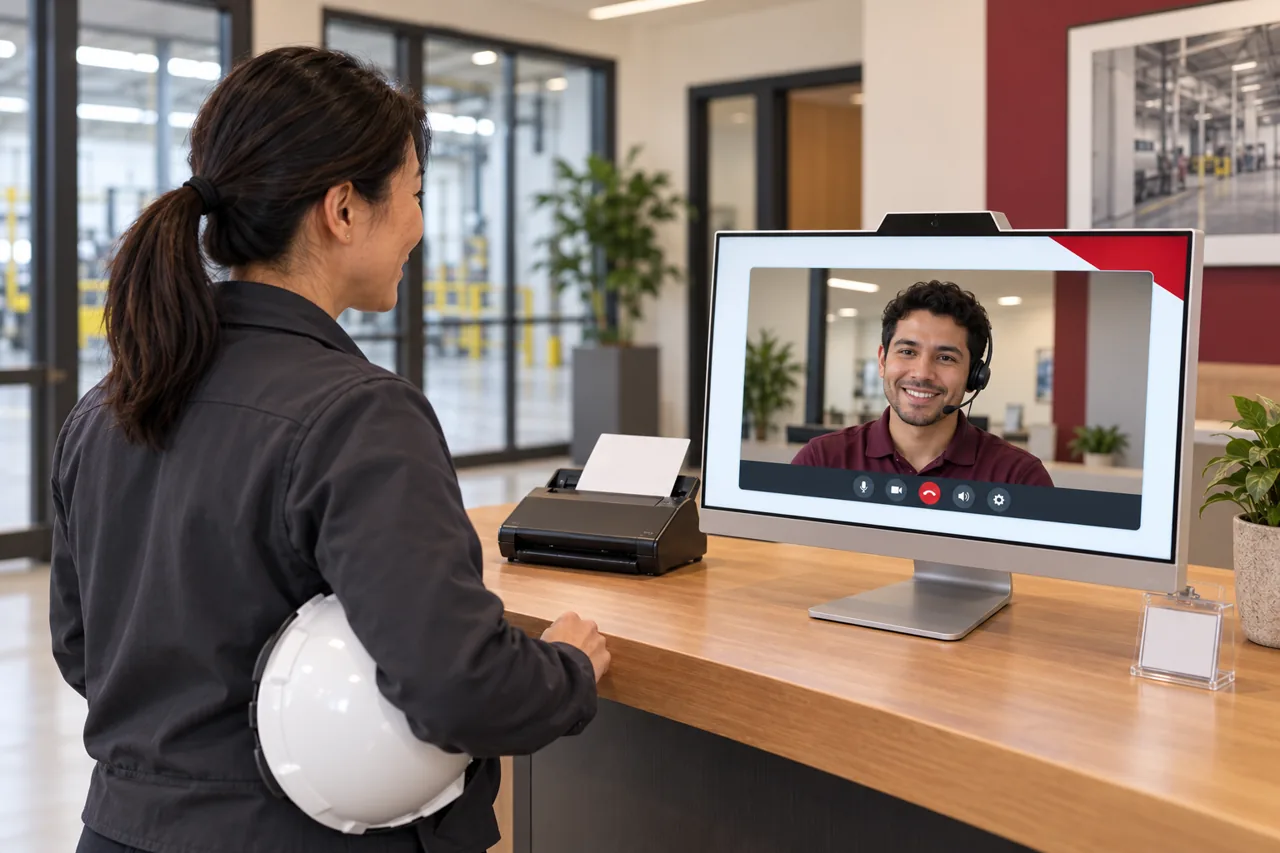 For plants and production sites
Manufacturing
Contractors and vendors verified before entry, safety sign-in captured on screen, and plant entrances covered on every shift.
See the page →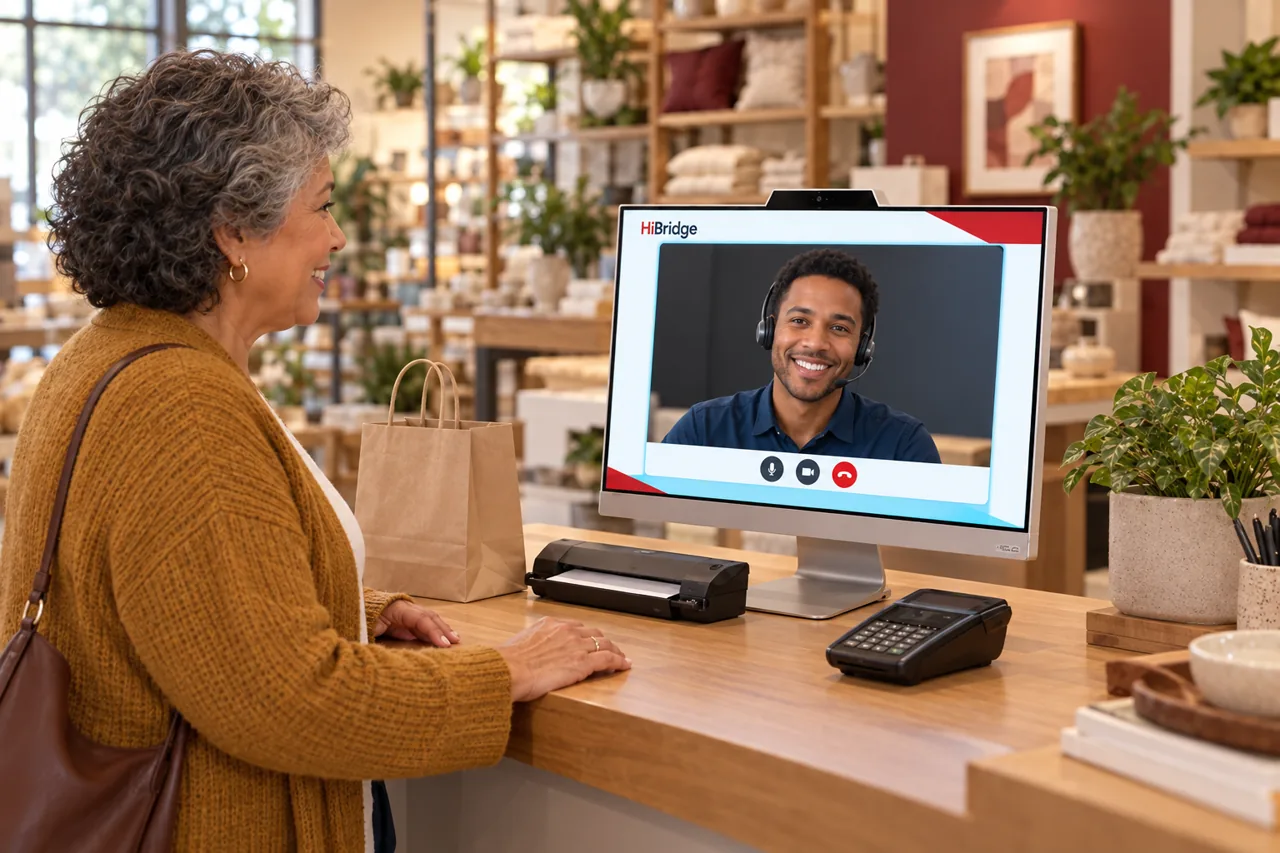 For stores and service counters
Retail
Collections, returns, and appointment check-ins handled at the counter so your team stays on the shop floor.
See the page →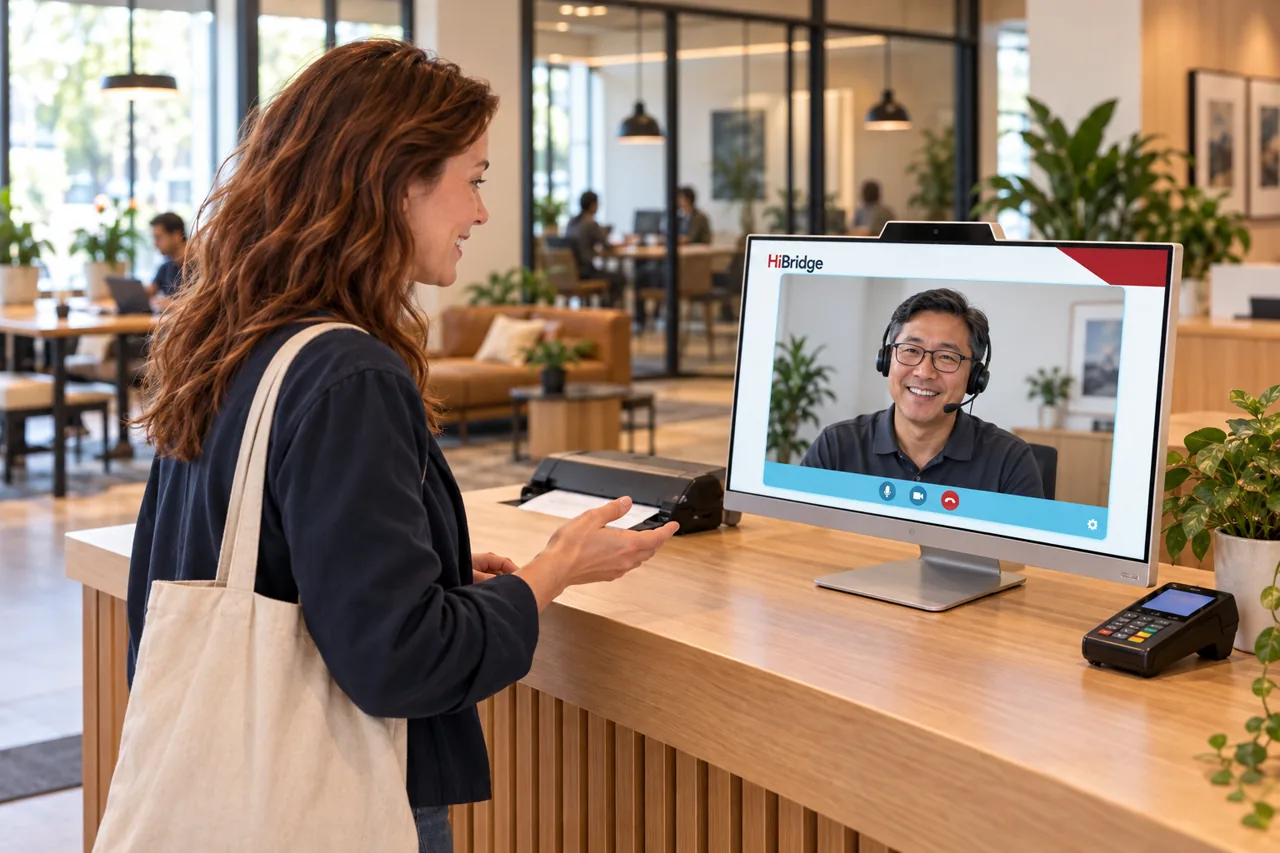 For workspaces and buildings
Coworking & property management
Tenants and guests greeted at any hour, prospect tours handled live, and every building in the portfolio covered by one team.
See the page →
FAQ
Frequently asked questions
Is the platform different per industry?
The platform is the same. What changes is the check-in flow, the forms and payments collected, the routing rules, and how the receptionist team is pooled across locations.
My industry is not listed. Does HiBridge still fit?
If you run a front desk, a lobby, a counter, or a gate, it usually fits. Tell us about the workflow on the contact page and we will be straight with you about whether it does.
Where should I start if I run several kinds of site?
Start with the platform page for how the system works, then the multi-location front desk page for the coverage arithmetic. The industry page is the detail on top of those two.
See it against your own front desk.
A demo runs the kiosk and the receptionist portal against your workflow, with your locations and your volume.
Book a demo