The lunch hour
Treatment continues through lunch but the desk does not. Calls go to voicemail and arrivals wait, every single day, at the same time.
For physical therapy clinics
Lunch covered. Call-outs covered. Verifications, authorizations, and copays handled without pulling anyone off the treatment floor. And one reception team across every clinic instead of one hire per door. This is the industry HiBridge grew up in.

Where we started
Private practice physical therapy has the hardest version of the front desk problem. Reimbursement per visit keeps falling while salaries, benefits, and operating costs keep rising, and the front desk is the one role you cannot leave empty for a single hour of the treatment day.
So practices hire, train, and lose front desk staff on a cycle, cover lunches with a therapist or a tech, and route the overflow to voicemail, where new-patient calls quietly turn into someone else’s new patient.
This is the industry HiBridge was built in, and the one where we have the most operating history, the named references, and the published outcomes.
The specific gaps
Treatment continues through lunch but the desk does not. Calls go to voicemail and arrivals wait, every single day, at the same time.
One person out sick empties the desk. One resignation restarts the hire-train-lose cycle, and the desk runs thin for weeks.
Eligibility checks, authorizations, and authorization follow-ups pile onto the same person who is greeting patients and taking copays.
A copay not collected at check-in becomes a statement, then a follow-up call, then an unpaid balance that costs more to chase than it is worth.
Each new location needs its own desk under the traditional model, so front desk cost scales linearly with growth instead of pooling.
The highest-value call of the day arrives while the desk is checking in three people at once, and there is no one left to answer it.
How HiBridge fits
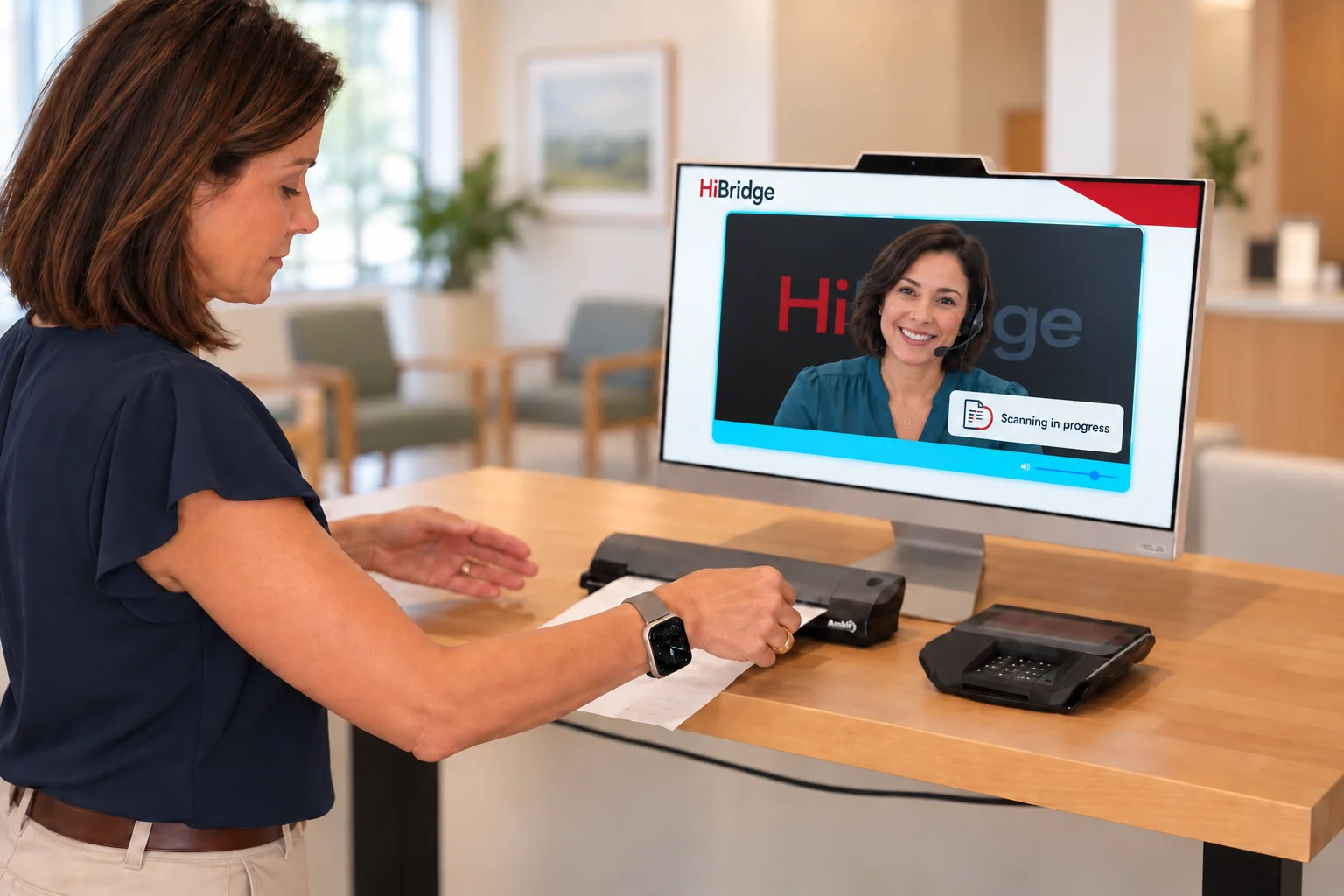
A patient arrives, checks in at the kiosk, confirms details, completes intake, and pays a copay, without waiting for anyone to be free.
One tap brings a live person onto the screen: a familiar face who greets them by name, answers the question, and stays until it is handled.
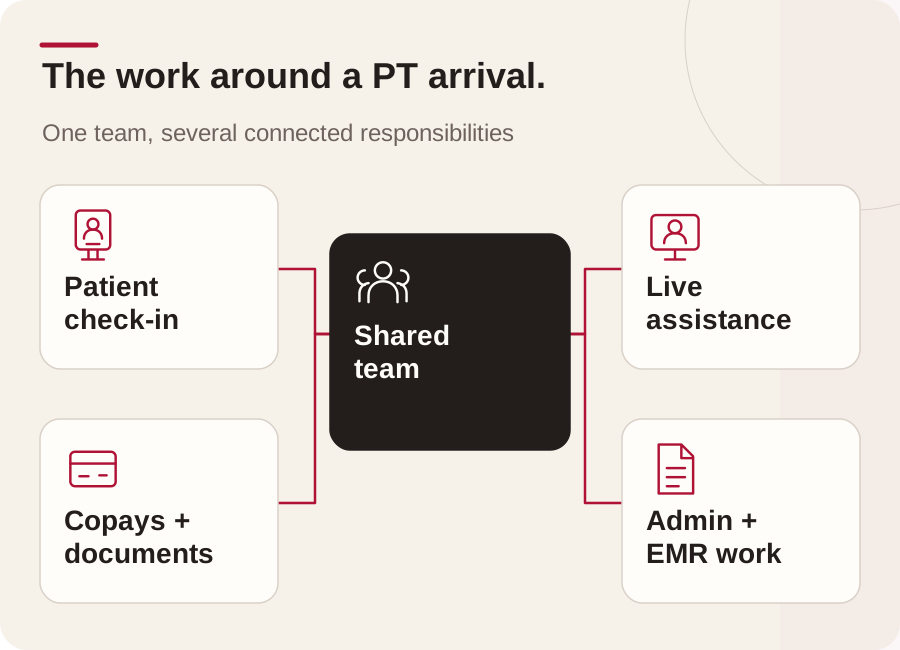
Verification, authorizations, follow-ups, scanning, and EMR updates are handled by the same pooled team, away from the treatment floor.
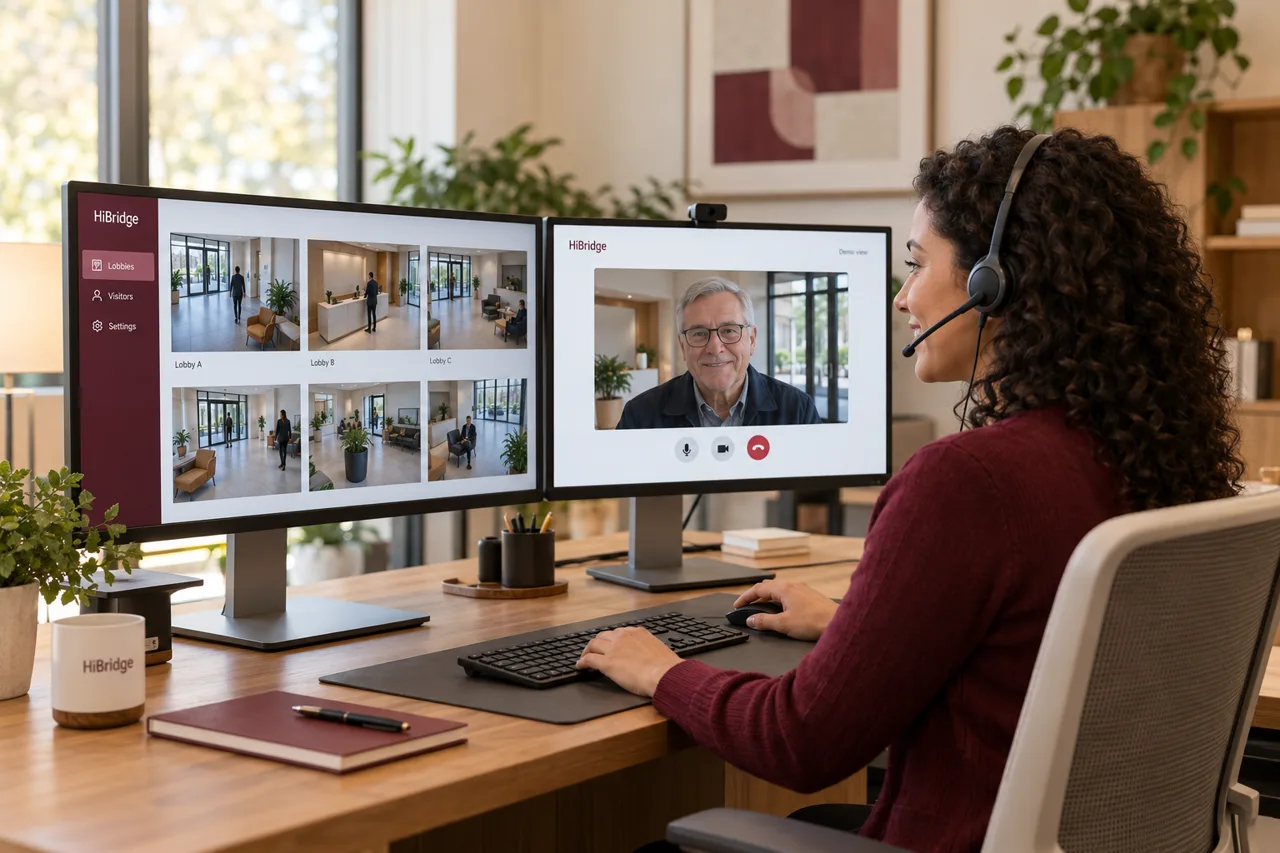
The receptionist portal shows every lobby at once, so coverage follows demand instead of being pinned to a chair at one site.
Proof
The patient journey
Arrival. The patient walks in to a lit screen rather than an empty counter. They tap to check in, confirm who they are, and see their appointment on screen.
Intake and payment. Any outstanding form is completed on the kiosk, and the copay or balance is captured at that moment, before the visit rather than after it.
A question. Something is unclear, or they need to move next week’s appointment. One tap and a real receptionist is on screen with them, working live.
Between visits. The pooled team handles the verification, the authorization follow-up, and the scanning that used to sit in a pile behind the desk.
Privacy. The conversation happens with one person on a screen rather than across an open counter within earshot of the waiting room, which is exactly what Leonard Wheeler pointed to in his story.
Multi-clinic
Under a traditional model, opening a fourth clinic means hiring a fourth front desk, and the fourth desk is idle at the same times the other three are. Pooling reception breaks that link: capacity is shared, so the total headcount tracks total demand instead of the number of doors.
That is the mechanism behind EA Therapeutic Health using front desk savings to fund expansion, and it is the same reason a satellite clinic, like the one Rose City runs inside a 20,000-member athletic club, does not need a full-time person sitting in it.
More detail on the coverage math is on the multi-location front desk page.
Security & privacy
Handling patient information through a virtual desk raises real questions about access, storage, and who is on the other end of the screen. We take them seriously enough to have recorded a full webinar on it, including how a practice pairs the platform with a HIPAA-compliant healthcare virtual assistant.
For the specifics that belong in a contract (a BAA, access controls, data handling, and the current state of any certification) ask us and we will give you the actual documentation rather than a marketing claim. The security and privacy page covers what is published today.
FAQ
It is the first question every practice asks. The most useful answers are the patients themselves: Tim Bibee describes himself as not tech-savvy and still found the guided check-in easy, and Leonard Wheeler, who prefers dealing with real people, says the human connection and his privacy stayed intact. Both stories are published in full in our library.
The same pooled reception team that covers the rest of the day. Because the receptionist is not physically tied to one clinic, coverage does not disappear when one person steps away, which is the specific gap most single-desk clinics cannot fill without paying for a second body.
At Rose City Physical Therapy the virtual receptionist works as a full front desk equivalent: check-in, copays, scheduling, intake, scanning, and EMR updates. What a given receptionist handles depends on the access and training you set up, and we scope that with you before go-live.
Verification, authorization, and authorization follow-up are administrative work that does not need to happen at the counter, so they are usually the first tasks a pooled team absorbs. The staffing calculator models them explicitly, in minutes per task, so you can see how much desk time they consume today.
HIPAA is a central design constraint and the subject of a full recorded webinar in our library, covering how Rose City pairs the platform with a HIPAA-compliant healthcare virtual assistant. For your specific compliance requirements, including a BAA, ask us directly and we will put the current documentation in front of you.
That is where the model earns most of its value. One reception team sees every clinic in one view, so a quiet Tuesday at one site absorbs a busy morning at another. EA Therapeutic Health reworked its front desk and then used the savings to open two new clinics.
Ask us for a current timeline for your specific setup during the demo. Rose City spent three to four weeks on due diligence before choosing HiBridge, which is a fair picture of the evaluation side.
Tell us how many clinics you run and what your desk covers today. We will run the kiosk and the receptionist portal against your workflow and show you the staffing picture with your numbers.
Prefer to start with the math? Run the staffing and savings calculator.
Book a demoRelated
 Case study · Multiple locations
The supplied case study reports 65% lower annual front-desk payroll and a standardized patient experience across 28 locations. Explore the reported HiBridge results and broader ecosystem outcomes.
Read the PT of the City case study → Case Study · 6 min read
A 30-year Portland practice solved a staffing shortage with a live virtual receptionist, cutting front-end staffing costs while keeping check-in personal.
Read the story →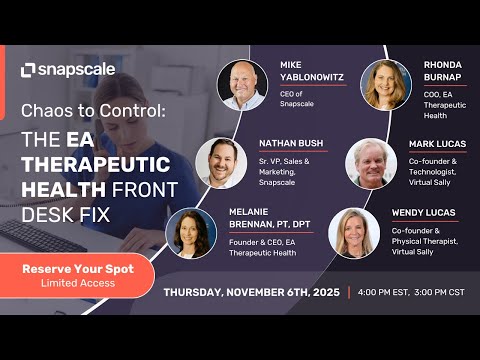 Case Study · 8 min read
A neuro-focused practice in Rochester, Minnesota reworked its front desk with a live virtual receptionist, then used the savings to scale, without losing the personal touch patients love.
Read the story →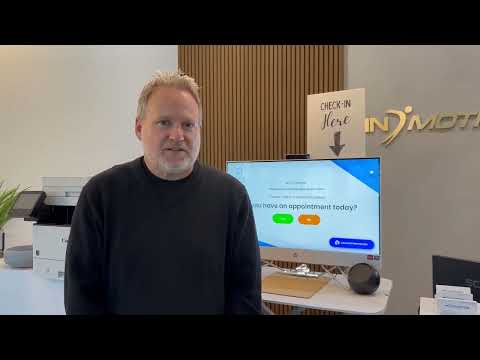 Case Study · 4 min read
An Orange County practice moved to a remote-staffed virtual front desk for lower overhead and a more modern patient experience.
Read the story → Patient Story · 3 min read
A first-time, self-described non-tech-savvy patient on why a guided, live virtual check-in felt easy and personal.
Read the story → Patient Story · 3 min read
A patient who prefers dealing with real people on why virtual check-in kept the human connection, and the privacy, intact.
Read the story → Webinar · 9 min read
HiBridge founders Wendy and Mark Lucas join Brian Gallagher to explain how a live, virtual front desk cuts costs, ends the turnover cycle, and keeps check-in personal, without turning your clinic into a mill.
Read the story →Related
 Industry
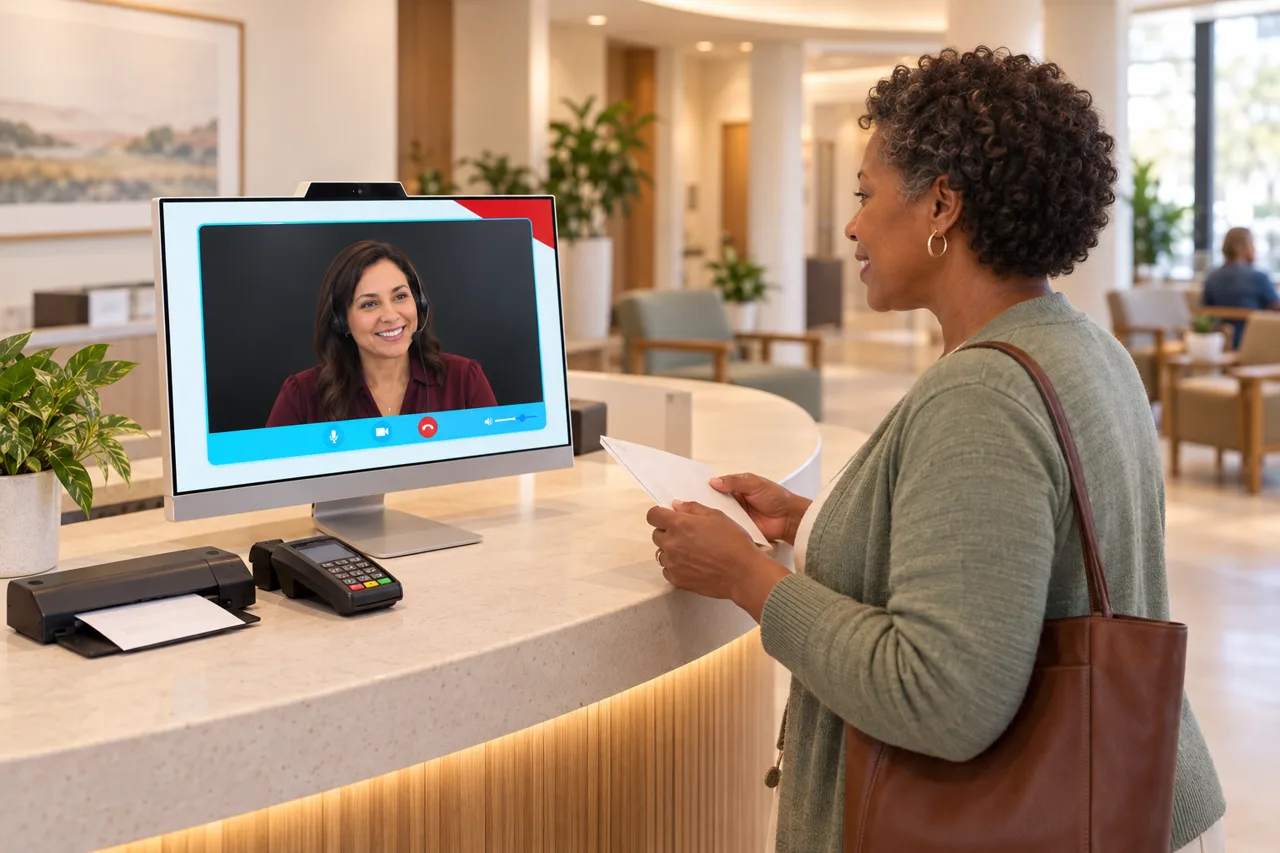
The wider healthcare front desk: clinics, medical and dental practices, mental health, and social services.
See the page →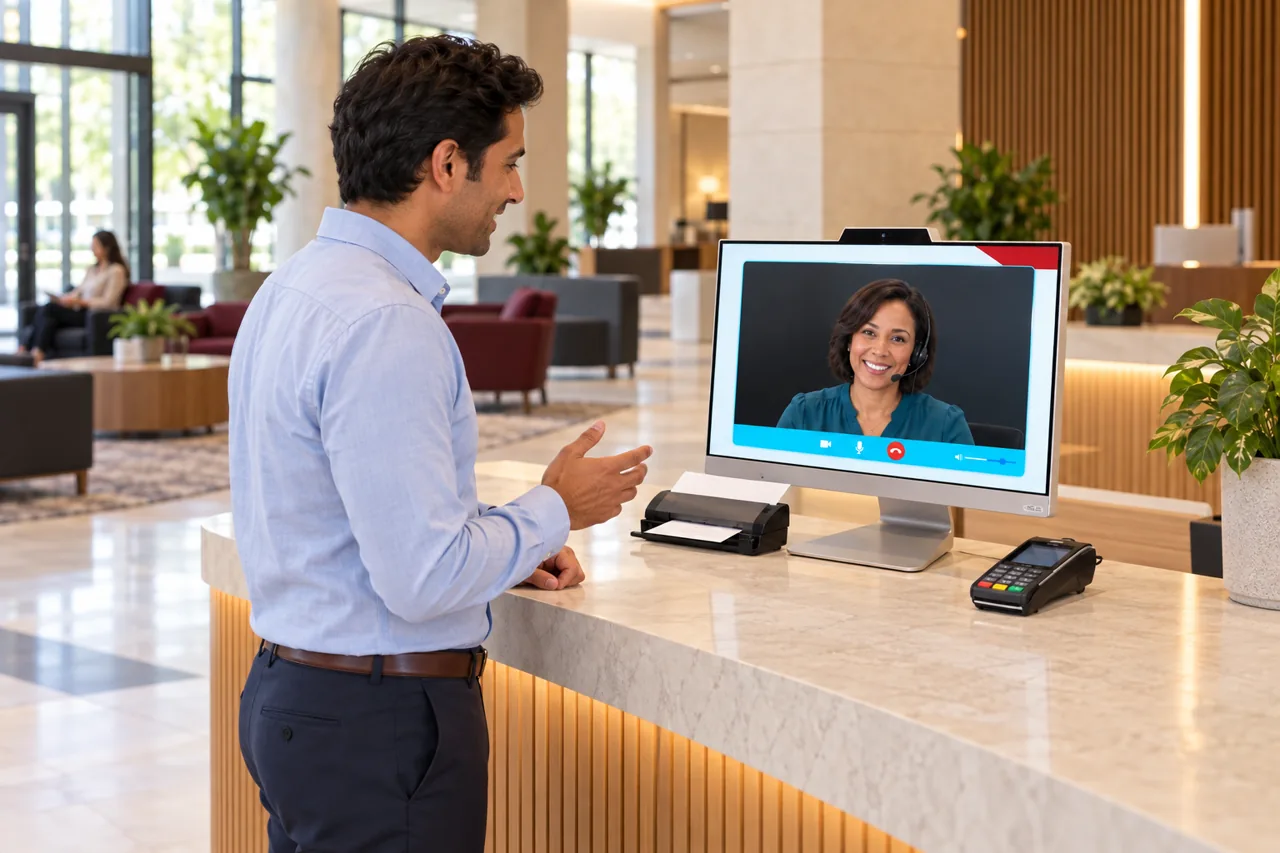 Hub
HubEvery front desk HiBridge is built for, from campuses to distribution centers.
See the hub →Kiosk, live video reception, payments, and the multi-location receptionist portal.
See the platform →Research & guides