Your team
Centralize your existing receptionists so one pooled team can cover several locations from one view.
The virtual front desk for every industry
HiBridge is a patented virtual front desk platform that combines self check-in, live video reception by real people, payments and document handling, and one portal for covering multiple locations.
One platform, three ways to operate it
HiBridge is the technology platform. Your organization can operate it with its own people, use receptionists sourced through HiBridge staffing partners, or combine both approaches. The kiosk, live video experience, receptionist portal, and workflow tools remain the same.
Centralize your existing receptionists so one pooled team can cover several locations from one view.
Use trained receptionists sourced through HiBridge staffing partners for a fully managed front desk model.
Keep selected on-site or centralized staff while partner receptionists cover gaps, peaks, or additional locations.
What HiBridge handles
Visitors, patients, members, guests, students, residents, drivers, and customers can complete arrival steps directly at the kiosk.
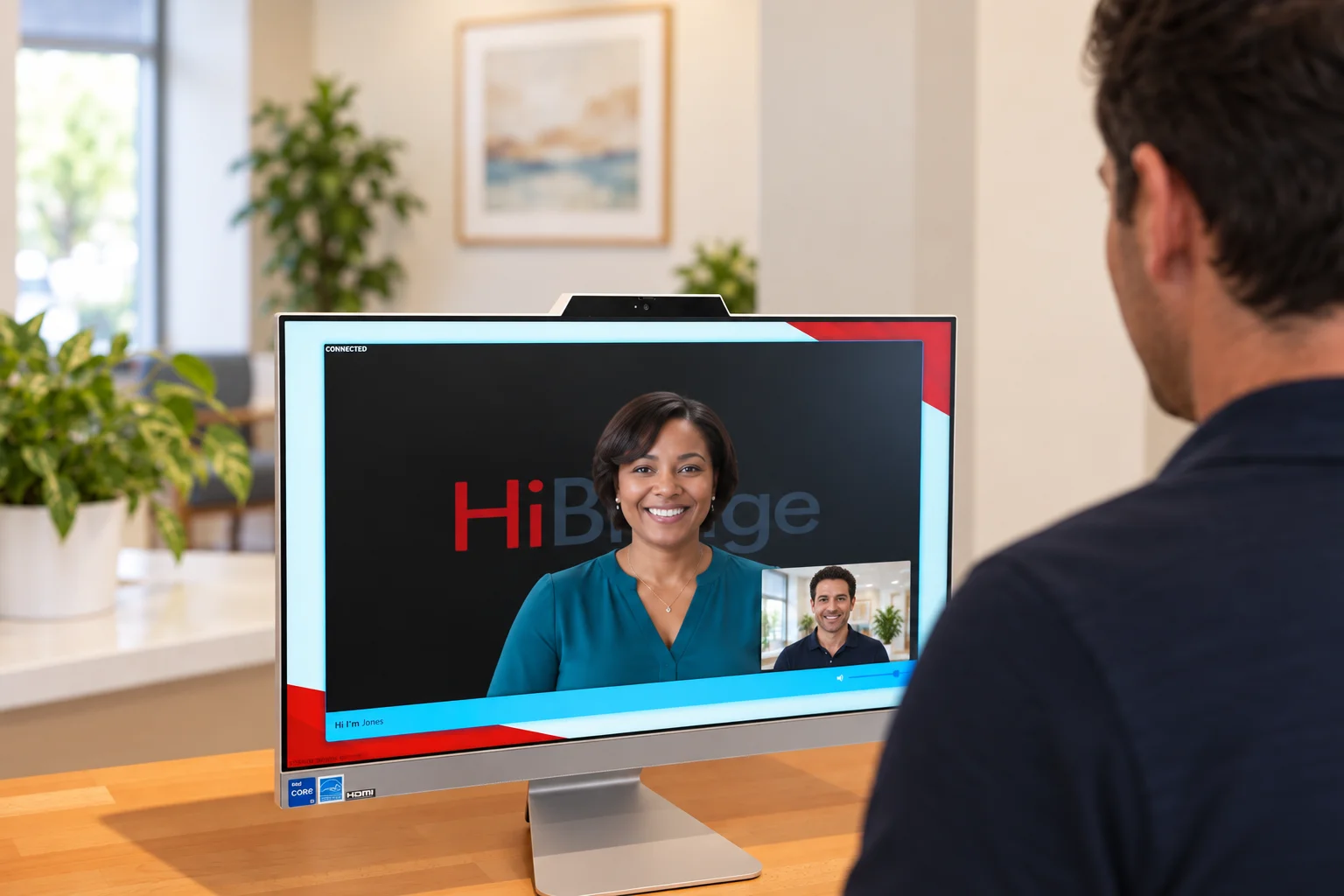
One tap connects the person at the desk with a real receptionist on live video, not a bot, avatar, or phone tree.
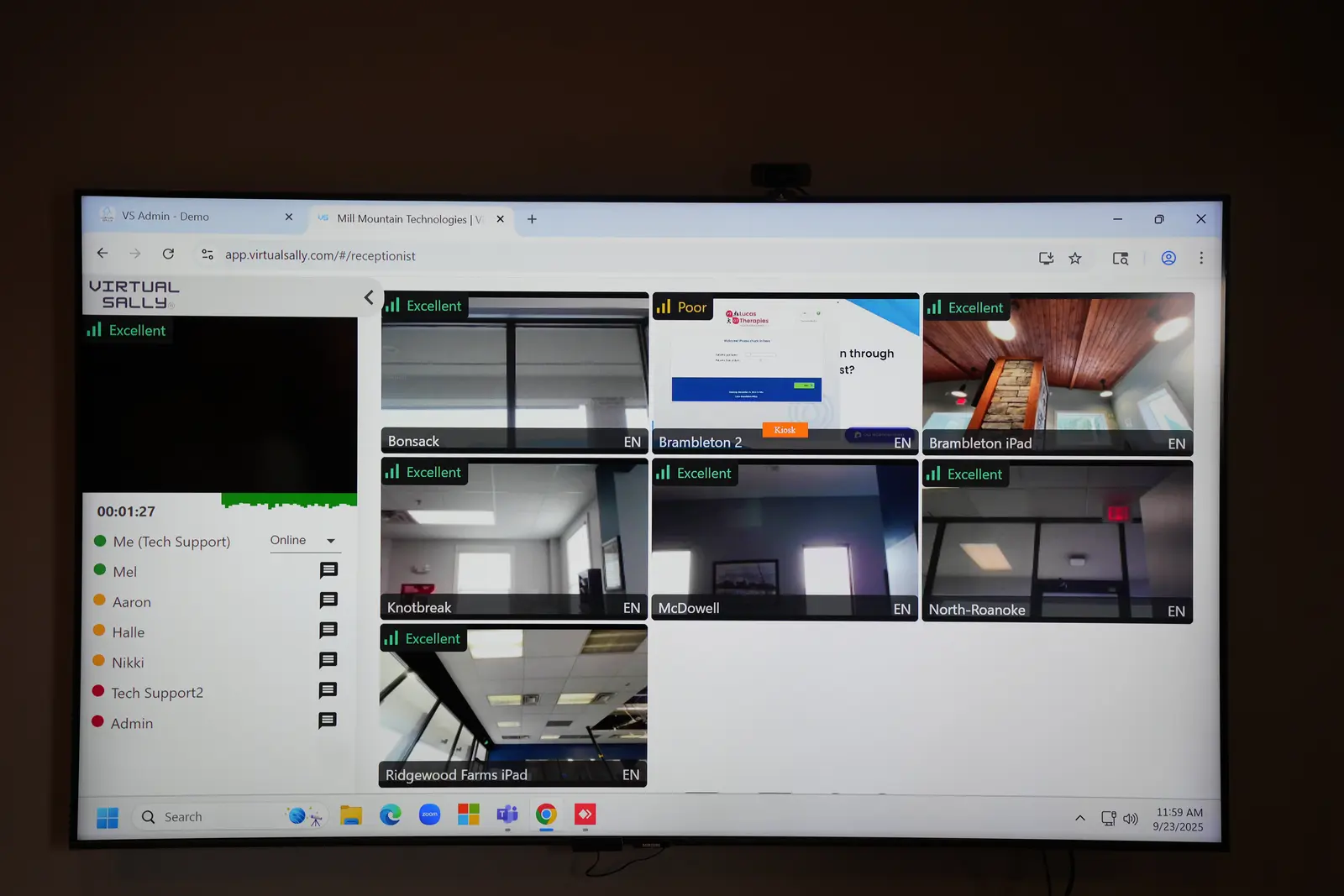
A pooled reception team can monitor and support multiple front desks from one receptionist portal.
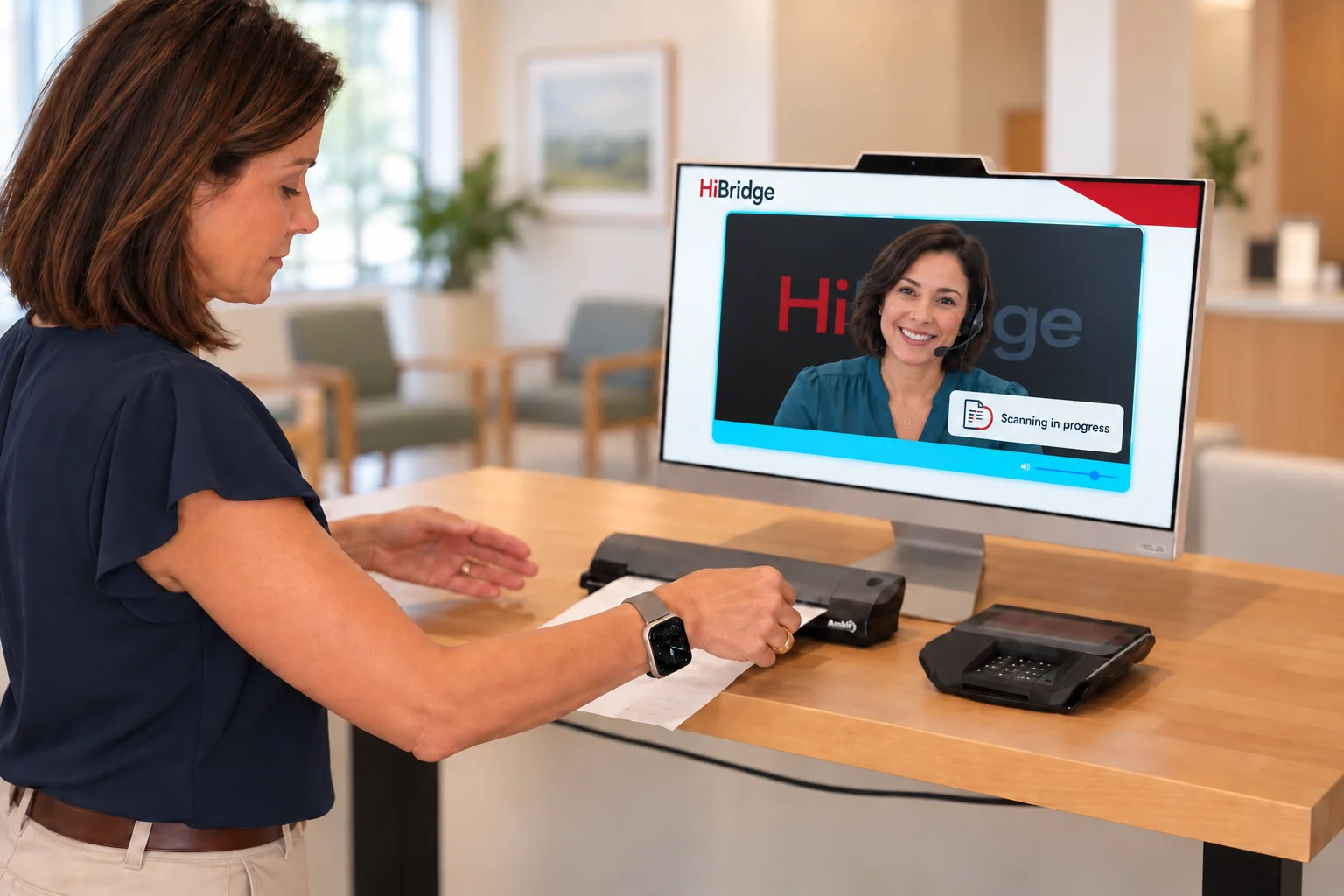
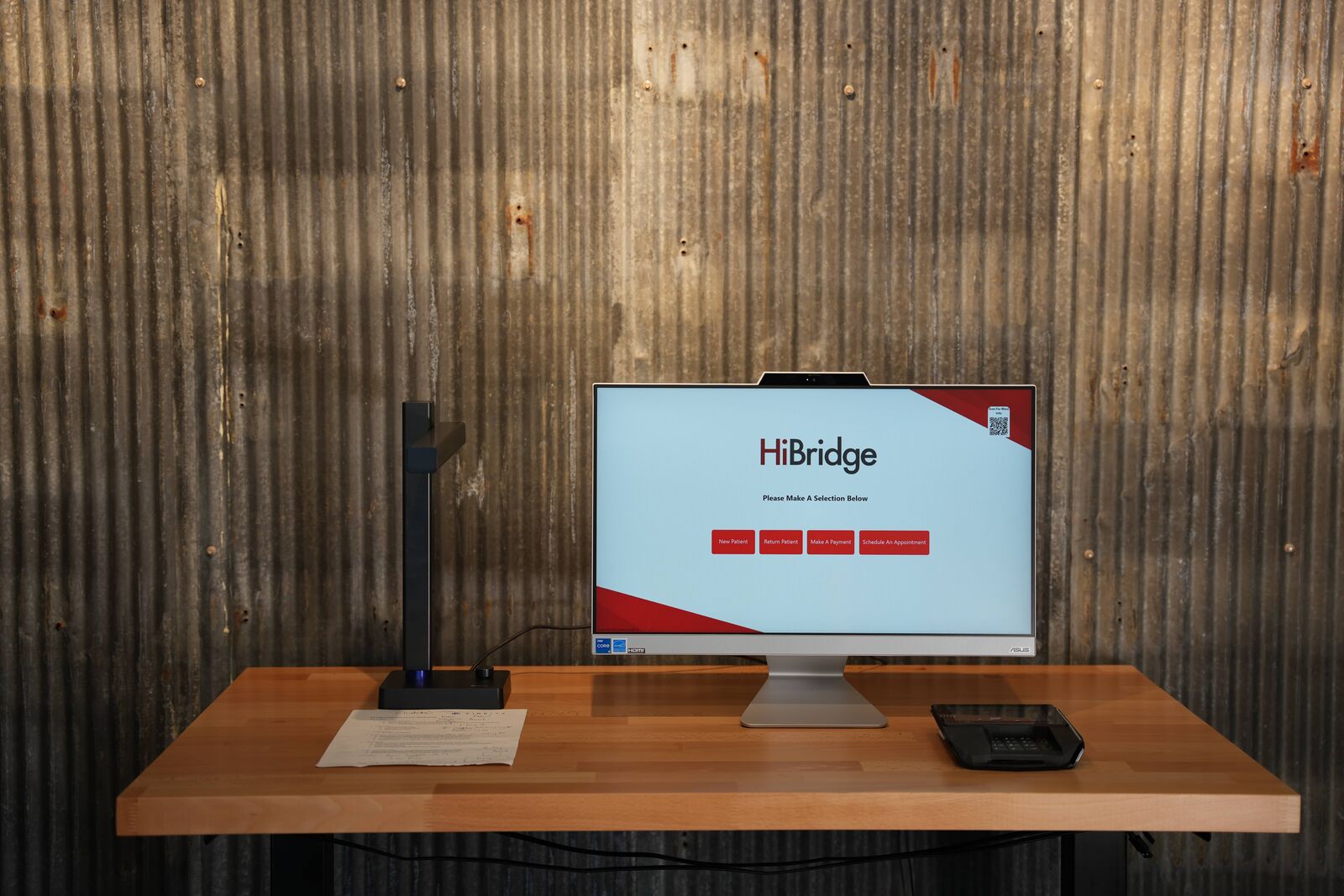
Compatible desk hardware supports card capture, printing, scanning, and the forms required by each workflow.
Reception teams can work inside the systems and processes authorized by the organization, including scheduling and follow-up tasks.
Organizations can purchase configured equipment through HiBridge or use compatible hardware they already own.
Built for industry-specific workflows
HiBridge adapts the platform and operating model around the arrivals, communication, documents, payments, access, and administrative workflows that matter to each industry.
Evidence before promises
Read named examples from Rose City Physical Therapy, EA Therapeutic Health, and In Motion OC, including their challenges, implementation choices, and reported outcomes.
Read the case studiesModel your own locations, calls, check-ins, administrative workload, staffing mix, and cost assumptions before requesting a customized analysis.
Run the calculatorIn their words

“The transition has been basically seamless. It took a lot of pressure and time off my plate.”

“HiBridge was a no-brainer for us. We wanted the self check-in kiosk, and the transition was straightforward. We now have much greater front desk efficiency without having to recruit, hire, train, manage, or retain front desk staff. Good administrative people are hard to find and expensive to keep, and HiBridge removed that burden while creating meaningful savings.”
“We are very thankful for Virtual Sally, now HiBridge, for developing this amazing product and taking this stress away from us. I hope this testimonial helps you.”

“HiBridge lets me stay fully connected to patients from anywhere. I can monitor multiple waiting rooms, speak with patients, manage calls and schedules, handle messages, and print or scan documents from home. Everything stays organized and efficient, even on our busiest days. It feels like having the full front desk at my fingertips.”

“Finding the right platform for our practice was not easy until we discovered HiBridge. We chose it for its unmatched functionality and the incredible team behind it. Visibility into the waiting room and the ability to work in pods were essential. HiBridge is built by physical therapists, so it truly understands our needs. The customer service is top-notch, and we could not be happier.”

“We are pleased to have HiBridge in our office as a virtual receptionist. Patients are happy to have a live person from our team engaging and interacting with them. HiBridge has been a great addition to our STARS team.”

“HiBridge and our virtual front desk team have worked really well for us. We would never go back. The clinic became calmer, our administrative staff could focus, and our metrics improved. The model also made it possible to open two satellite clinics that we could not have afforded to staff with dedicated on-site receptionists.”

“HiBridge and our virtual receptionist reduced our front-end staffing budget by about 50 percent while improving efficiency. Patients embraced the experience and treat our receptionist as part of the team. It has been a fantastic combination of software, hardware, and real human connection.”
“We knew we needed to make a change but wanted a way to maintain a personal connection with our patients. The ability to initiate contact with incoming patients was a requirement for us to move forward. Our patients love our remote team and we haven't lost that personal touch. The team at Virtual Sally is a pleasure to work with, they are always looking for feedback to drive future enhancements. We are excited about the future with Virtual Sally.”
Read all HiBridge testimonials · Watch the original HiBridge video
See your workflow on the platform
A demonstration covers your locations, arrival workflow, staffing approach, hardware, systems, and the responsibilities you want the front desk team to handle.
Choose your industry and the whole site speaks your language - your challenges, your visitors, your front desk. You can change it anytime.
A real receptionist - live on screen, greeting every person by name. Not a bot. Not a phone tree.
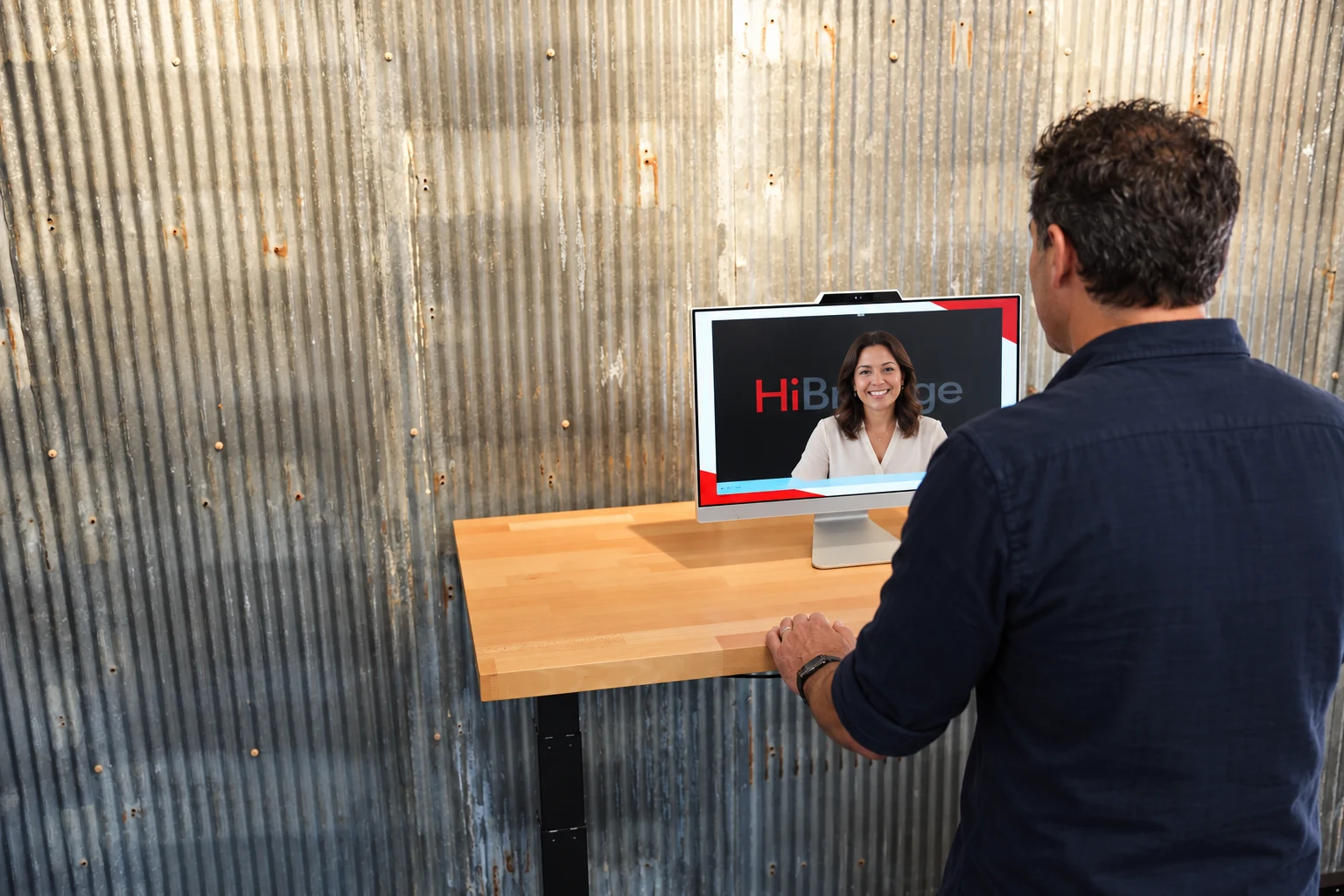
Real people. Smart technology.
{{ homeVisualIntro }}
Explore the platformOne platform. Three ways to run it.
Your team, partner receptionists, or both.
Use trained receptionists sourced through HiBridge staffing partners.
See live receptionist coverageCombine your team with partner coverage for gaps and peaks.
See multi-location coverageStaffing availability, launch timing, and responsibilities are confirmed during discovery and may vary by industry, workflow, and partner.
Made for {{ ind.name }}
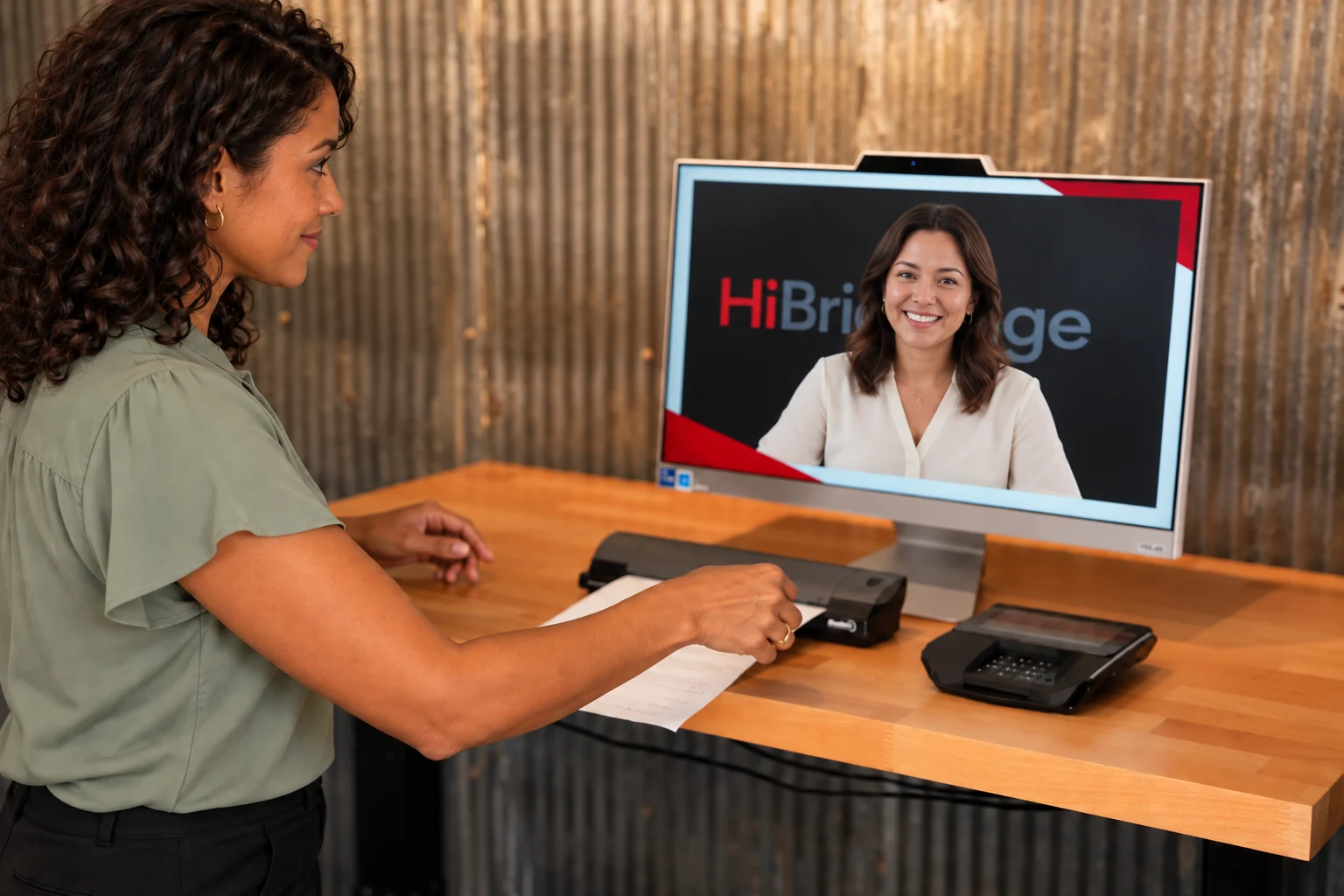
{{ scrollFollowLine }}
What HiBridge does
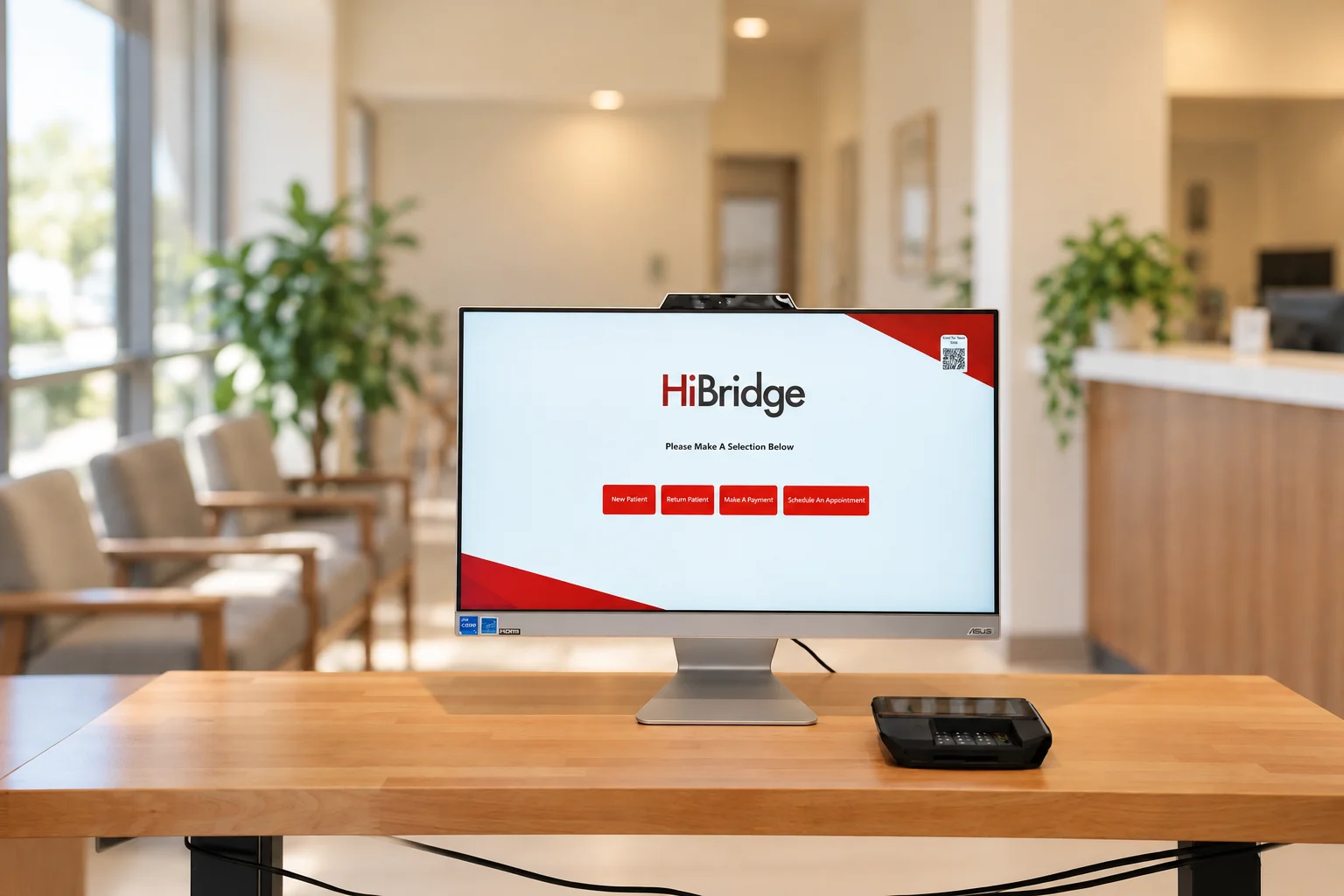
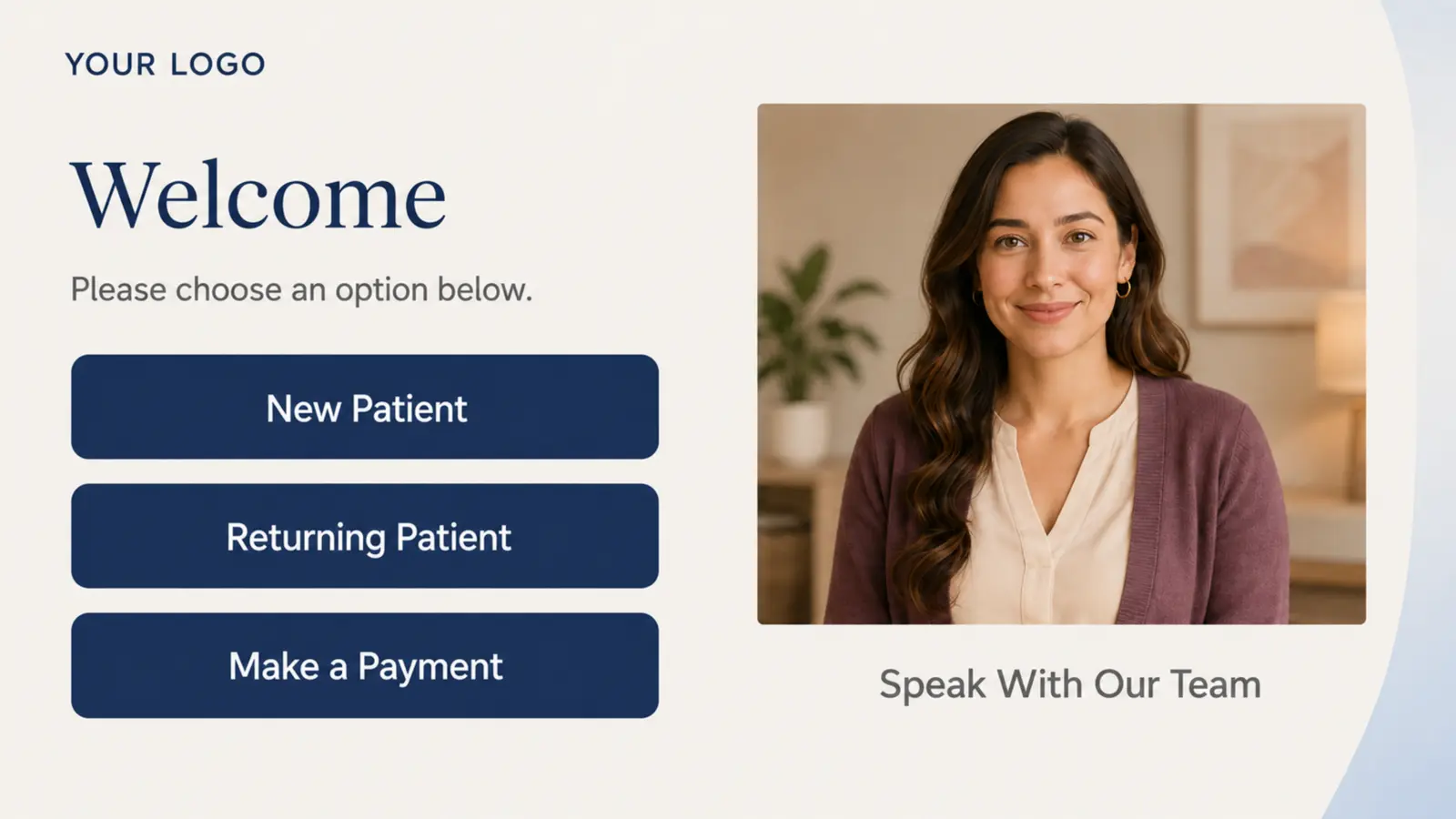
Check in at the kiosk on arrival.
Connect with a real receptionist on screen.
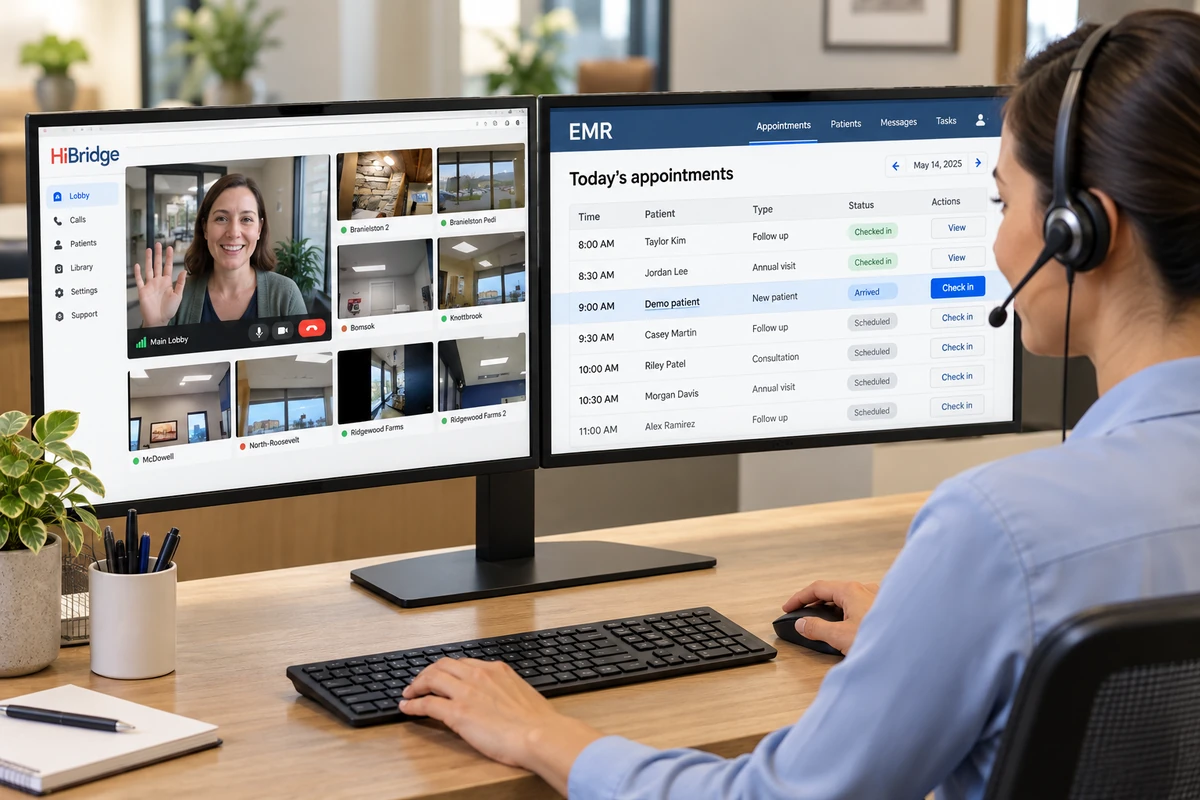
See multiple locations from one workstation.
Handle documents at the kiosk.
{{ homeVisualFormNote }}
{{ homeVisualIntegrationBody }}
{{ homeVisualPayNote }}
Match the kiosk to your organization.
Why teams choose HiBridge
{{ homeVisualVisitorLabel }}
Self check-in with a real person available on screen.
For your staff
{{ homeVisualCareLine }}
For your business
Centralize coverage and support additional locations.
From contract to go-live
Week 1
Map workflows, configure your kiosk, and plan integrations.
Week 2
Train your team, pilot one location, and roll out with support.
{{ t.quote }}
Walk the {{ ind.who }}'s kiosk check-in, then step behind the receptionist's screen that watches every location at once.
{{ k.body }}
{{ d.body }}
{{ serveIntro }}
{{ d.body }}
{{ p.body }}
A full-time front desk without the full-time cost - HiBridge beats minimum wage in every state, skips the hire-train-lose cycle, and runs every location from one place.
Tell us about your business and how many locations you run. We'll show you exactly how it fits.
{{ p.body }}
{{ s.body }}
A full-time front desk without the full-time cost - HiBridge beats minimum wage in every state, skips the hire-train-lose cycle, and runs every location from one place.
See exactly how HiBridge fits your {{ ind.short }} front desk, configured for your specialty and your locations.
{{ aboutMission }}
{{ p }}
{{ v.body }}
{{ p }}
{{ contactIntro }}
{{ e.body }}
Webinars, customer stories, and product walkthroughs, straight from the practices and people who run their front desk on HiBridge.
Book a live walkthrough and we'll show you HiBridge configured for your business and your locations.
Schedule a demo{{ article.dek }}
This video was recorded when HiBridge was known as Virtual Sally. The product referenced throughout is now HiBridge.
{{ p }}
{{ tp }}
With HiBridge, every interaction is handled by a real receptionist live on screen at the kiosk or on the phone: no one sits at the desk. Enter a few basics for an instant estimate, then add operational detail for a fuller staffing and KPI analysis. All figures are preliminary estimates.
Turn on either option (or both), set how many people and what they're paid, and it flows straight into your HiBridge total cost and savings below.
At this volume the numbers are close. A quick call with our team can pin down the model that actually fits your practice.
{{ cr.summarySentence }}
Defaults come from a three-month HiBridge call-log analysis. Adjust anything to match your practice; results update live and now use the detailed workload model.
Minutes-per-task defaults are industry-typical assumptions; edit them to match your practice. While this section is open, these detailed entries replace your quick admin estimate above.
Estimates only. This calculator provides preliminary, informational estimates based on the figures you enter and editable planning assumptions. Actual staffing needs, costs, and savings vary by practice, workflow, payer mix, and implementation. Nothing here is a quote, guarantee, or commitment of any kind, and HiBridge assumes no responsibility for decisions made from these estimates. Review the calculation methodology and defaults, then request a customized analysis built from your real call logs and schedules before acting on the results.
Request a customized staffing analysis and we'll validate this estimate against your actual call logs, locations, and hours. Your entries here carry over, no need to re-enter anything.
Explore the kiosk, kiosk customization, and the receptionist desk. Every compatible device can be purchased through HiBridge, or you can bring your own. We configure it either way.
One device greets everyone who walks in. Pick the one that fits your lobby.
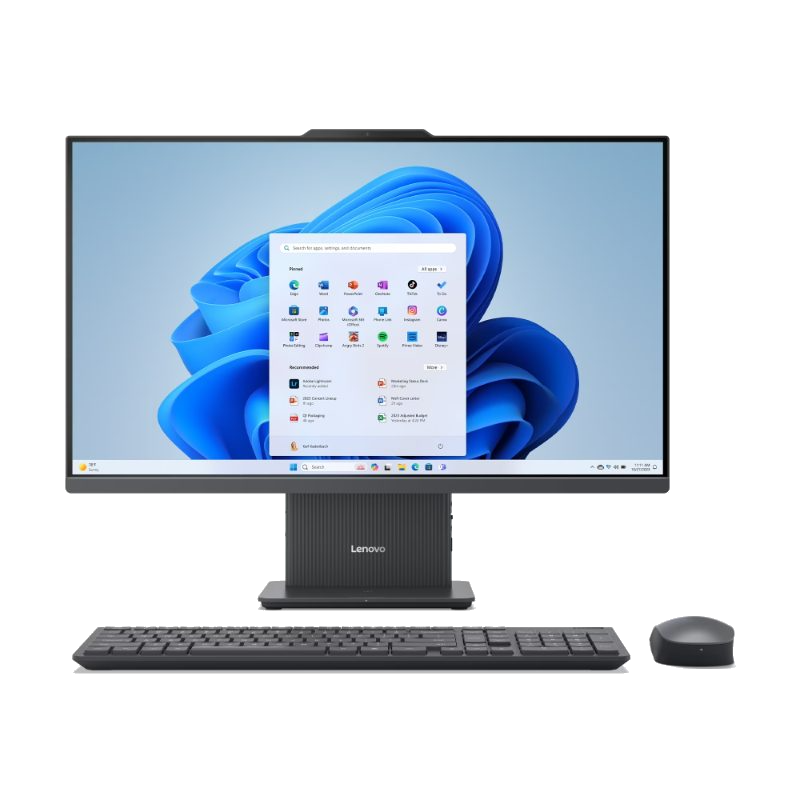
Purpose-built floor or counter kiosk. Ships configured and ready to mount - the simplest way to go live.
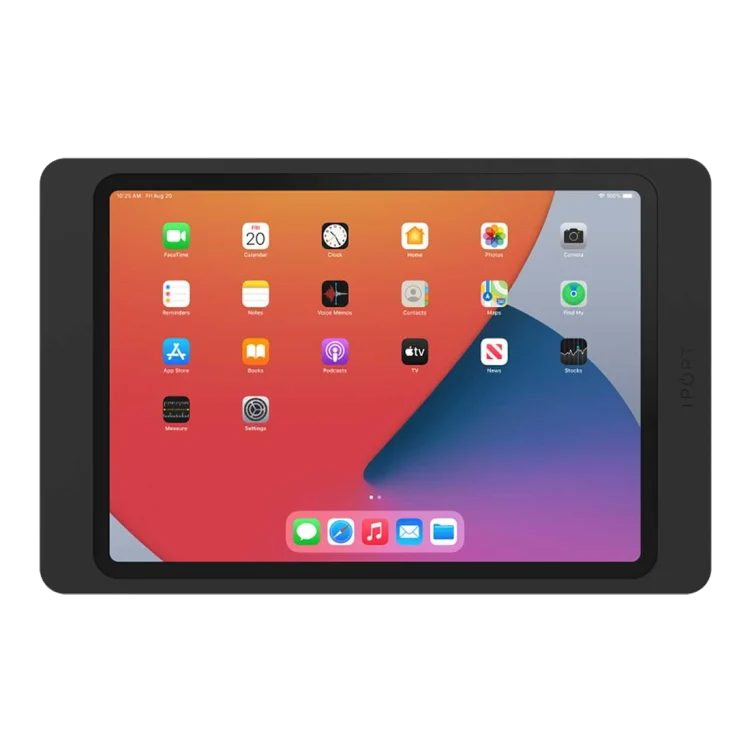
Counter stand or wall mount. HiBridge is now iOS compatible - run the full self check-in experience right on iPad.
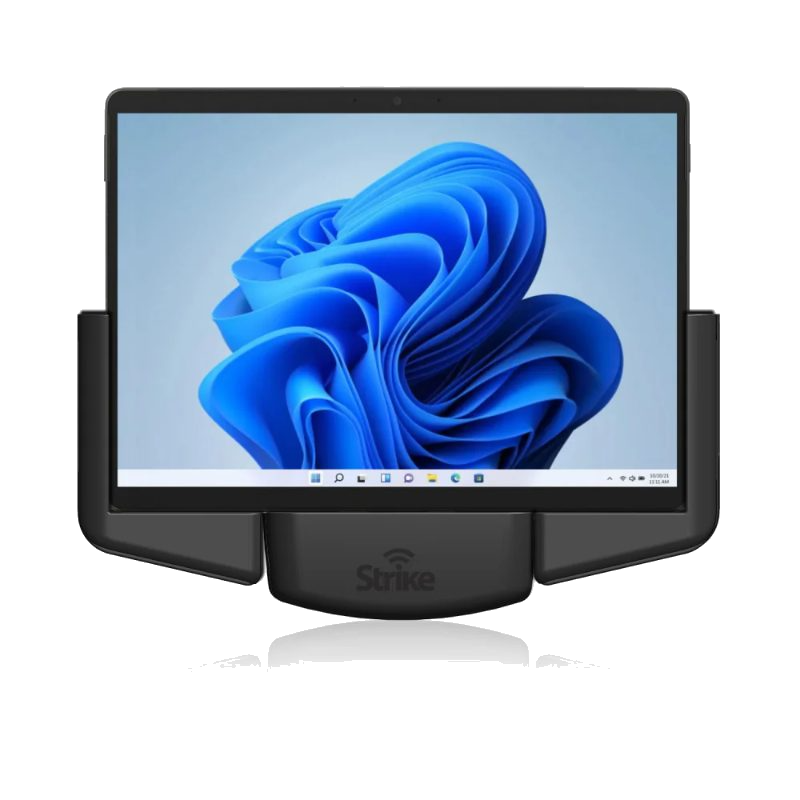
A flexible Windows option for a counter or kiosk stand, with the kickstand and type cover when you need them.
HiBridge is now iOS compatible, ask us more. Turn any iPad into a live front desk in minutes and go live the same day.
Your brand. Your welcome.
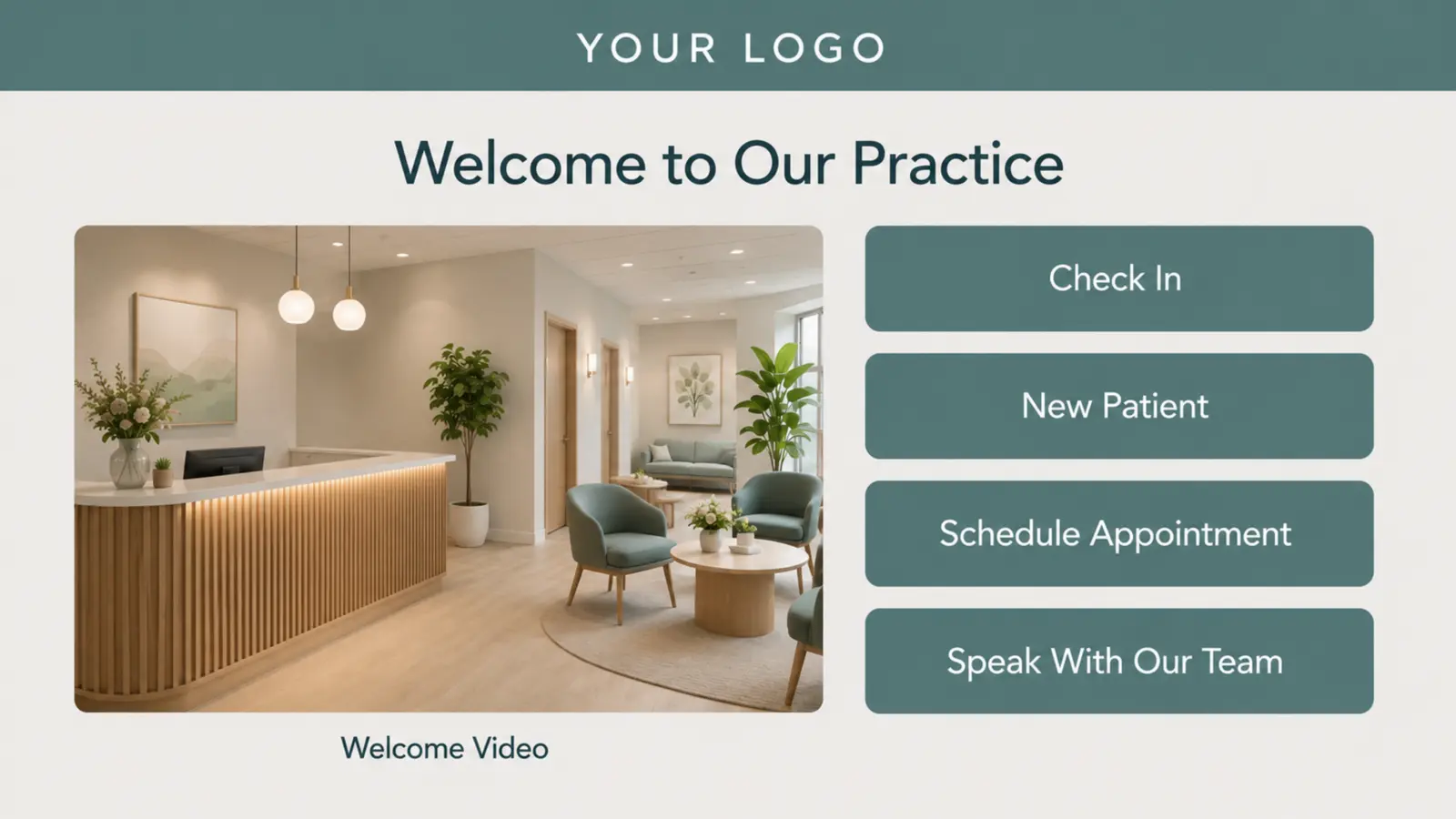
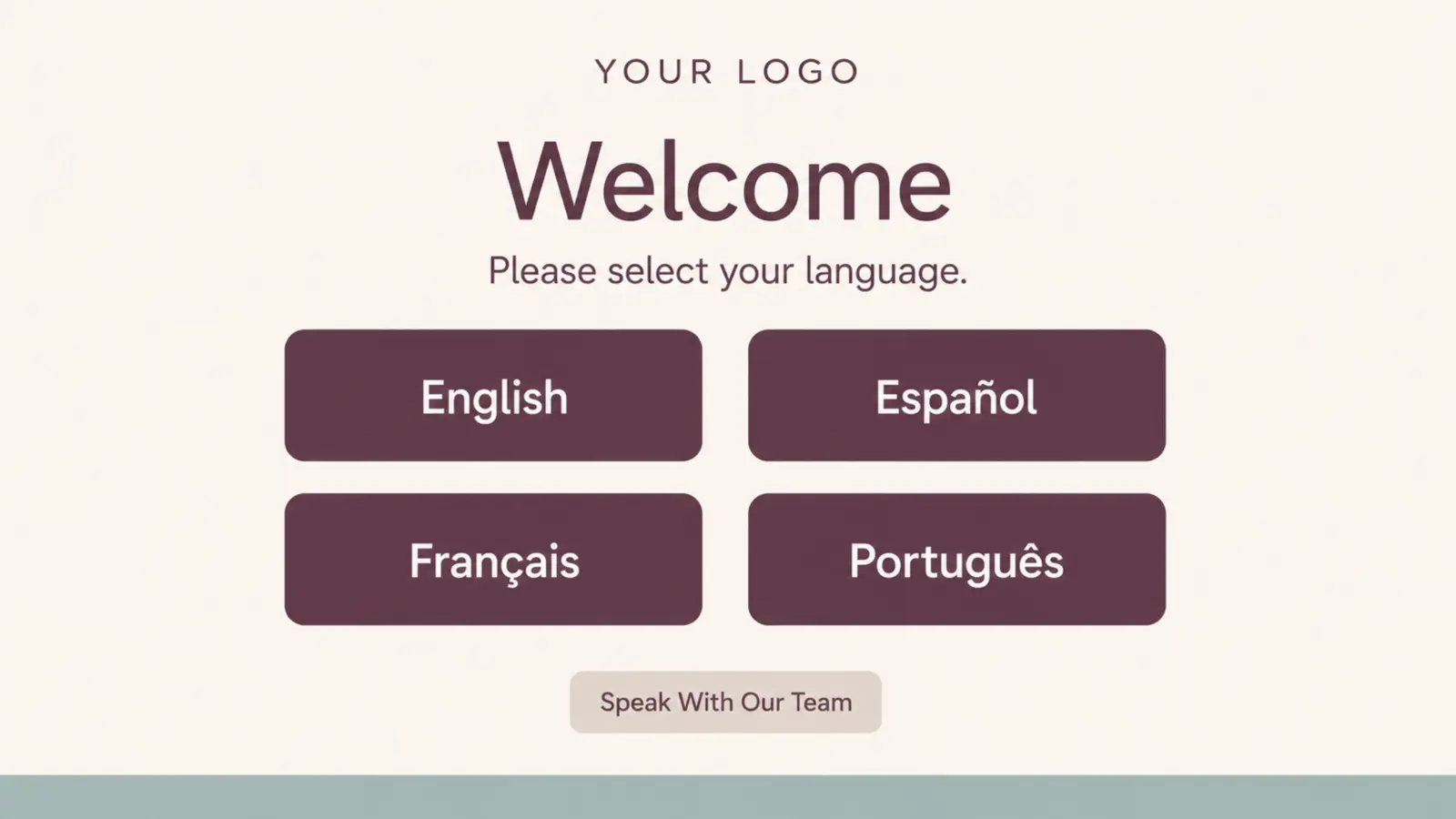
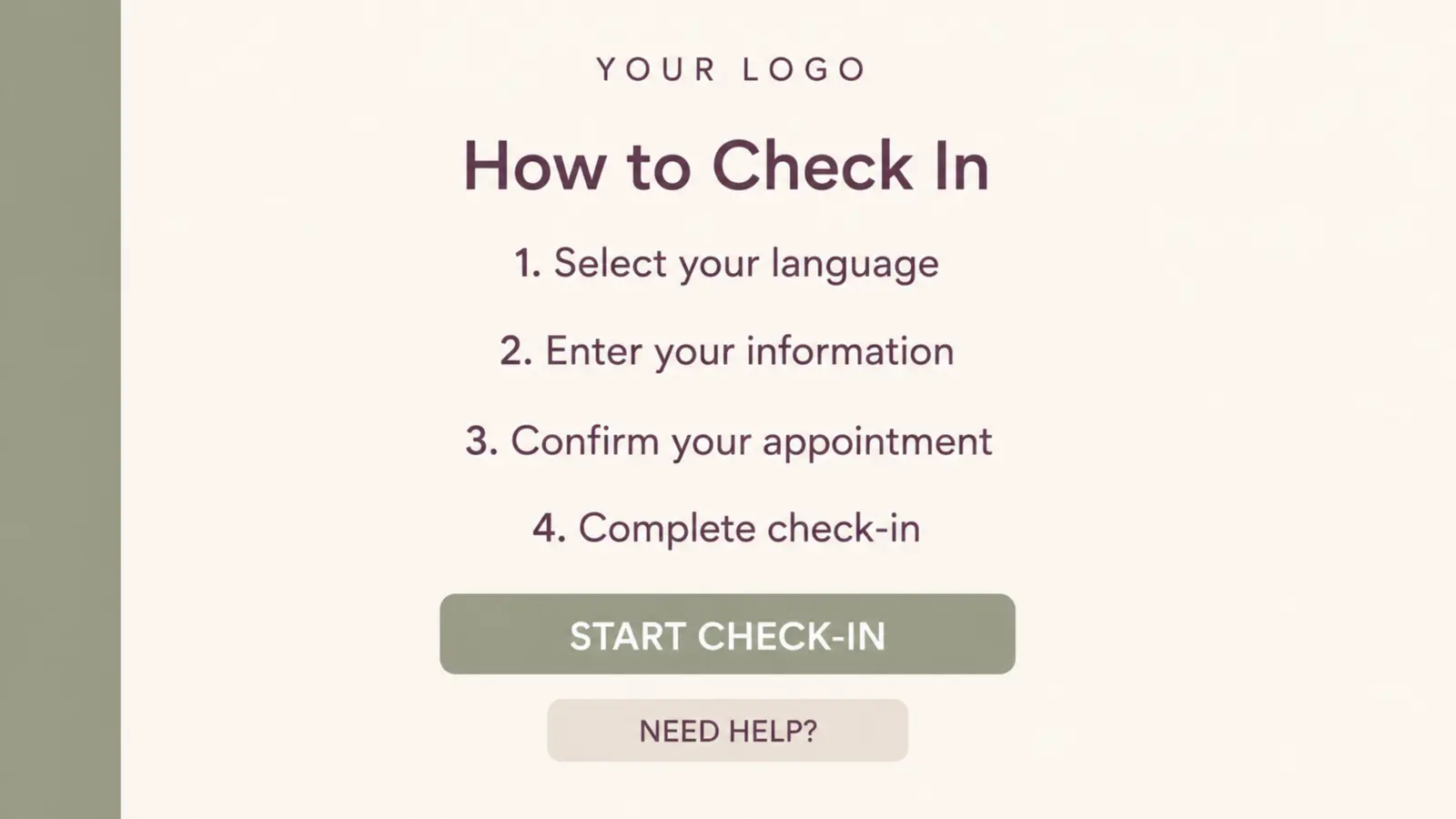
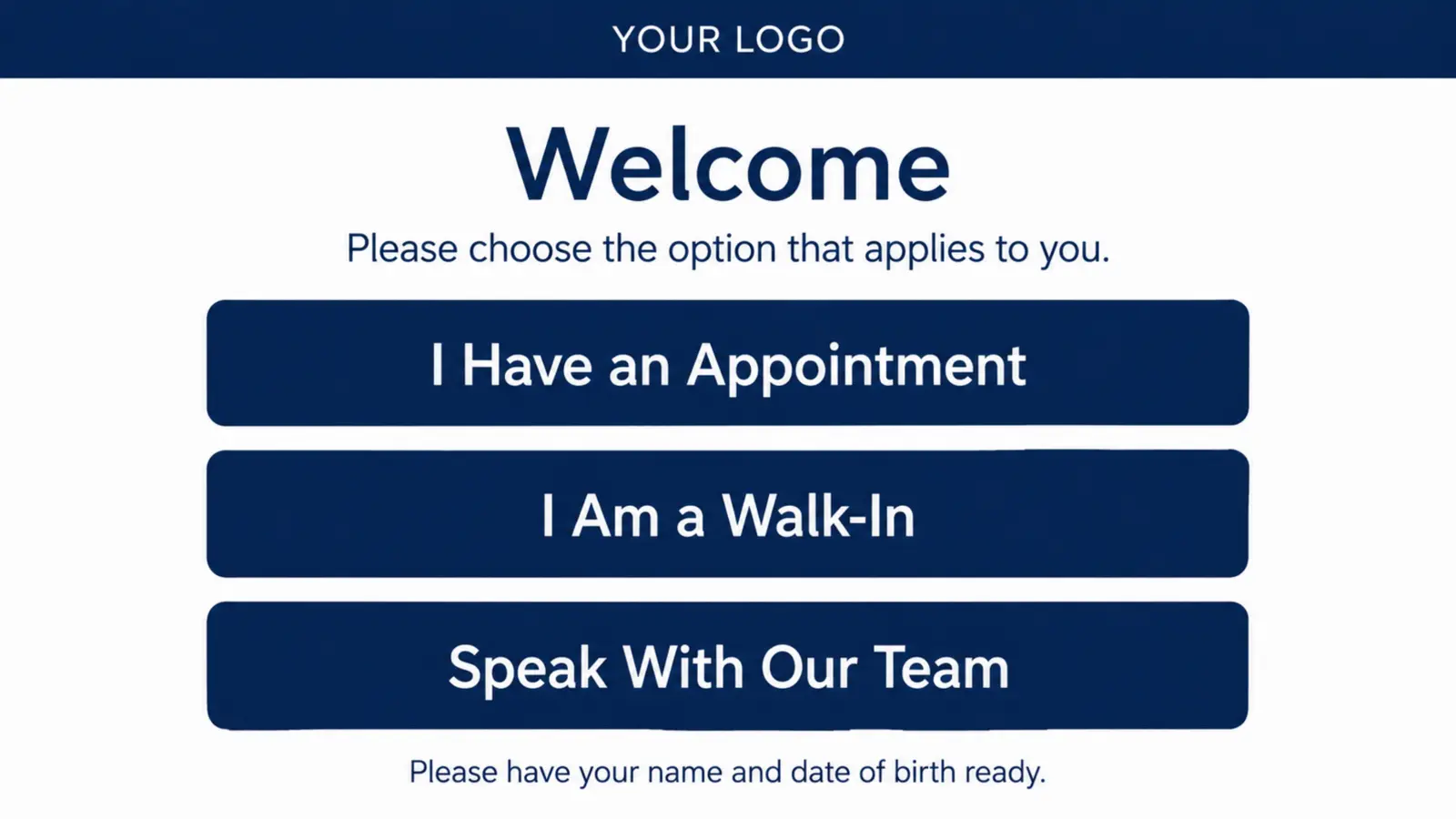
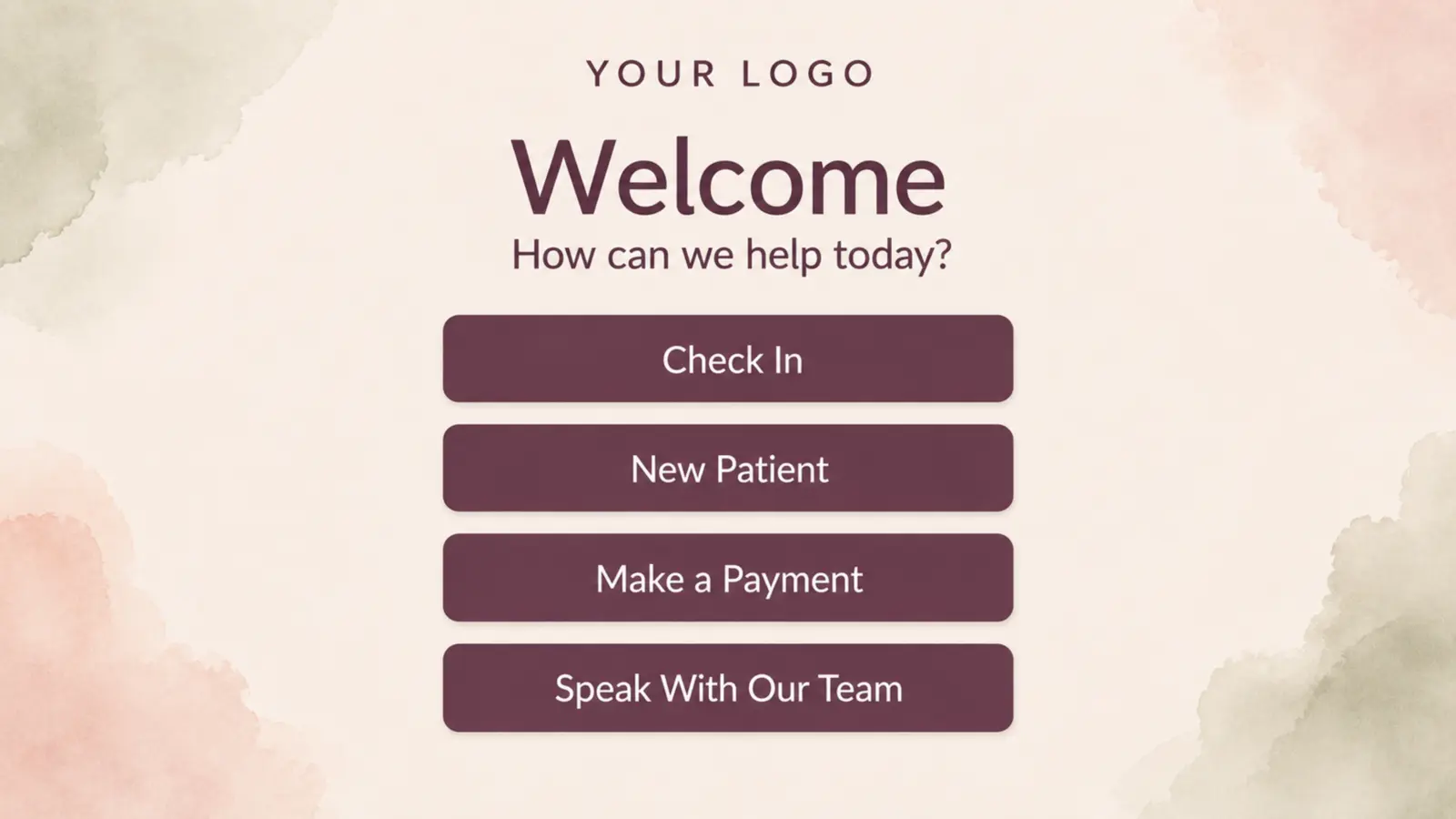
Customize the kiosk with your logo, brand colors, backgrounds, images, videos, text, and simple action buttons. We configure the screen around the people you serve and the supported front desk workflow you want them to follow.
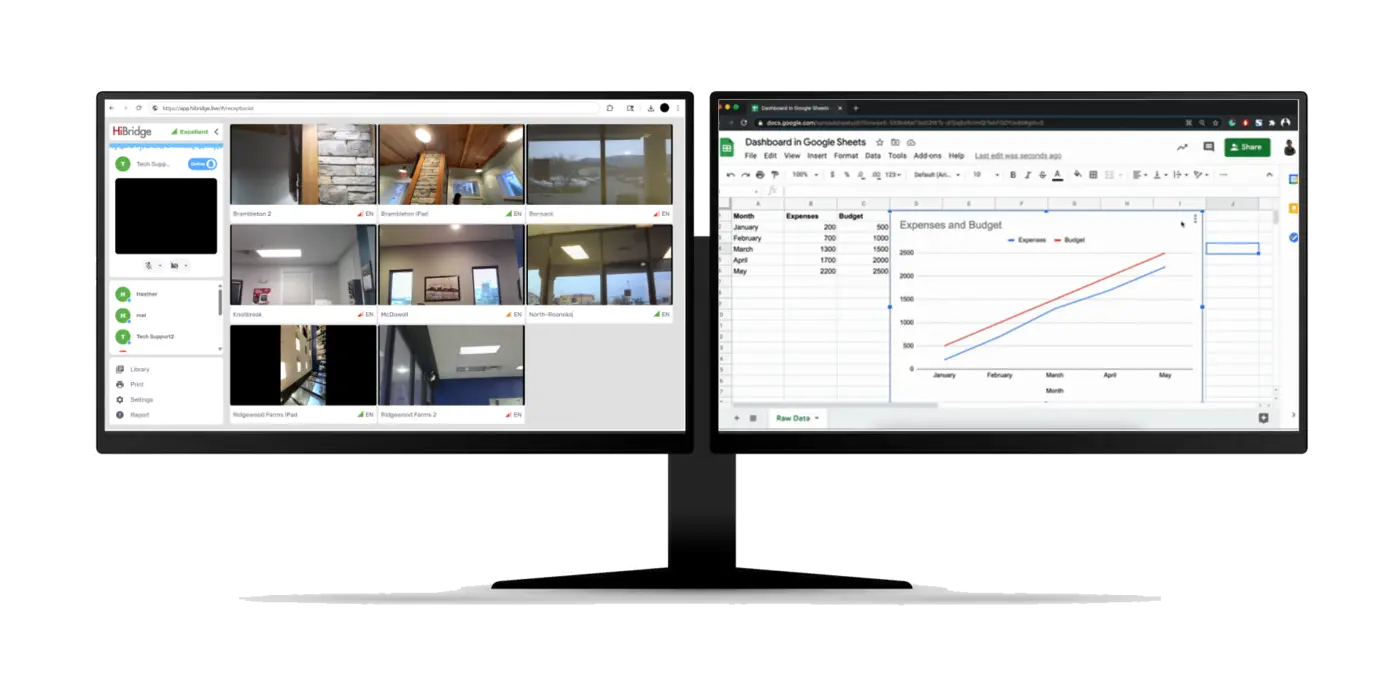
Your receptionist works from their computer with a minimum of two monitors. HiBridge runs full-screen on one; your existing admin software stays on the other - nothing to rip out.
Install HiBridge for Windows or macOS. It launches straight to the desk, ready for the day.
Prefer nothing to install? Run HiBridge in any modern browser and sign straight in.
Tell us about your space and we’ll spec the exact setup - and ship it configured, ready to plug in.