See and greet the visitor
Face to face on screen, by name, in a conversation rather than a queue message.
Feature
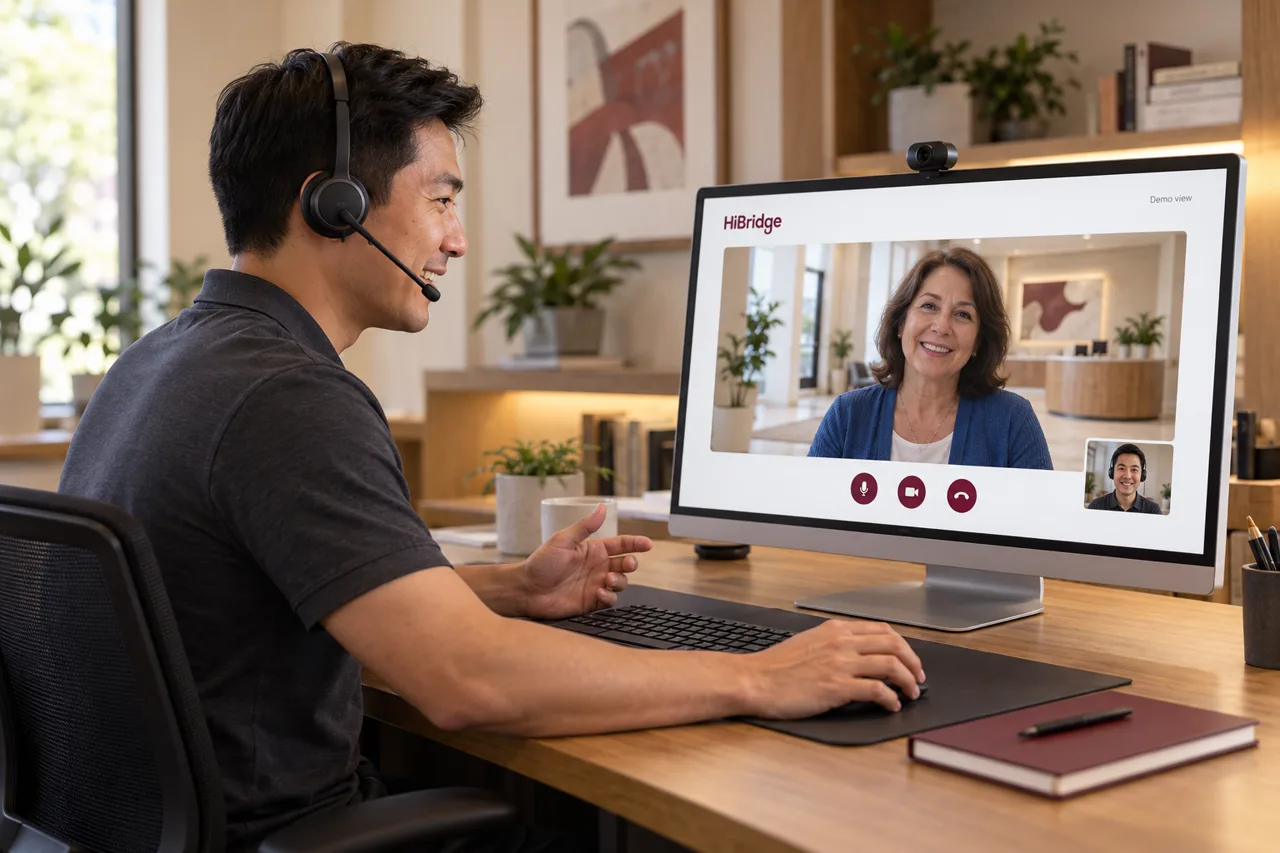
Not an answering service and not a chatbot. A trained person appears on the screen at your counter, sees the visitor in front of them, and can print, scan, and take payment at that desk as if they were standing behind it.
The shift
Almost every front desk staffing problem is really a geography problem. The person has to be in the building, so lunch is uncovered, a call-out empties the desk, and a second location needs a second hire who is idle at the same times as the first.
Once the receptionist works live on screen, none of that follows. Coverage becomes a scheduling question rather than a seating one, and the answer scales with total demand instead of with the number of doors.
What they can actually do
Face to face on screen, by name, in a conversation rather than a queue message.
Print to the counter printer, take a scan, and capture a card payment at that location.
Scheduling, intake, scanning, and record updates through the access you grant. At Rose City Physical Therapy that includes EMR updates.
The inbound calls that would otherwise go to voicemail while the desk is busy with someone in person.
Confirming who a visitor is before they go further into a school, agency, or facility.
Verification, authorizations, and follow-ups handled between visitors instead of piling up behind the counter.
Human, deliberately
It would be cheaper to put a bot on the screen. We think it would also be the reason the whole idea fails.
The visitors who need the front desk most are the ones for whom something has gone slightly wrong: the wrong day, the unexpected balance, the first visit, the language barrier, the anxiety about being somewhere new. That is not an automation problem. That is exactly the moment a person matters.
Our patients say this more plainly than our marketing does. Leonard Wheeler, who prefers dealing with real people, chose to talk about the human connection being intact, not about the technology.
FAQ
An answering service takes calls. This staffs a lobby. The receptionist is on screen with the person standing at your counter, can see them, and can drive the printer, scanner, and card reader at that desk to finish the transaction.
A real person, live. There is no chatbot or recorded avatar in the visitor-facing role.
Either. The platform is the product; the staffing model is a separate decision. Some customers run it with their own team from one central room, some staff it with a remote receptionist sourced through HiBridge. We will be explicit about which one you are being quoted.
Anywhere with a secure connection, which is precisely why coverage stops depending on who can physically be in one building at one time.
It is a fair question and one we take head-on in a recorded webinar on the objections to virtual reception, including downtime. Ask us about your specific redundancy setup during the demo.
The fastest way to judge this is to be the visitor for a few minutes. That is what a demo is.
Book a demoRelated
 Feature
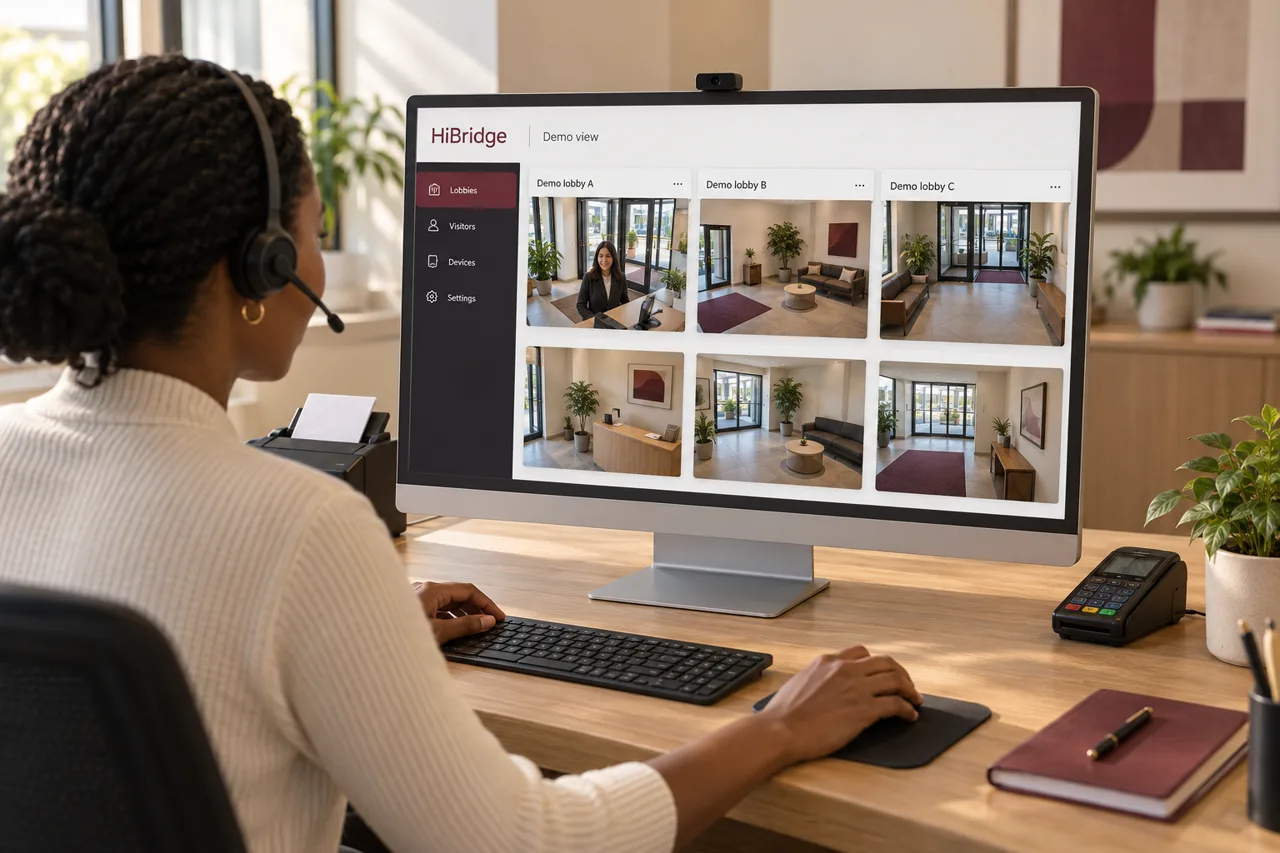
One view of every lobby, so a pooled team can cover several locations at once.
See the portal →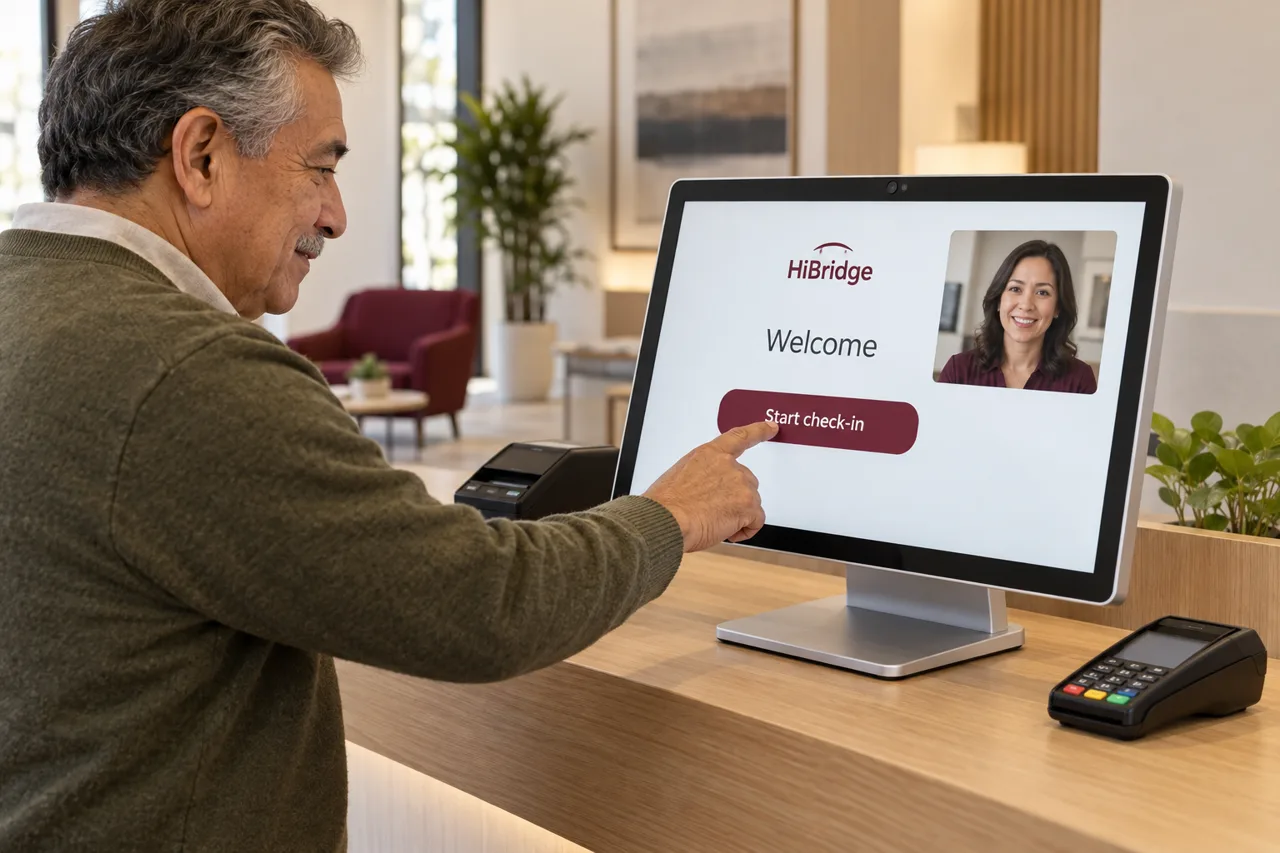 Feature
Visitors check themselves in, complete forms, and pay on arrival, with a real person one tap away.
See self check-in →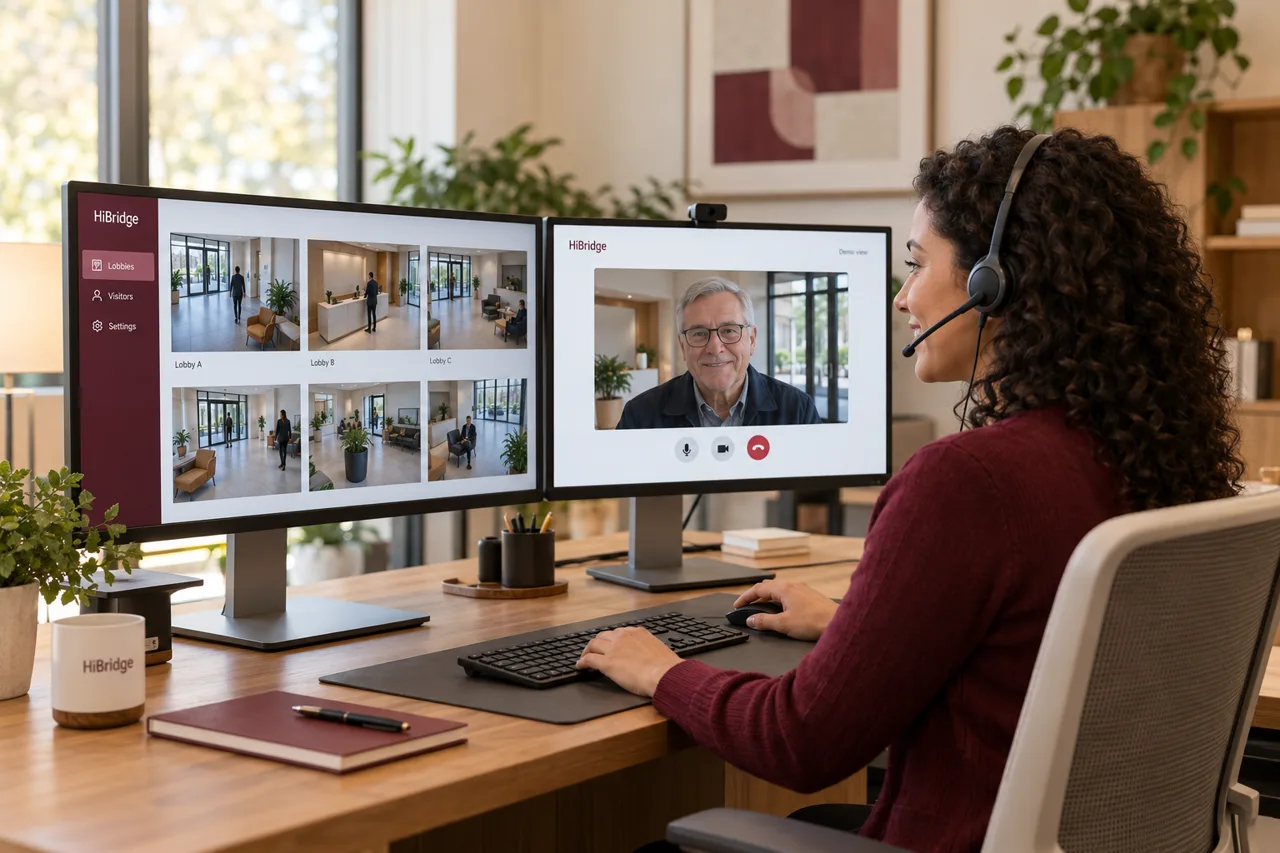 Use case
Why pooled reception breaks the one-hire-per-door math, and how coverage is planned.
See the page →