Lobby lines
Residents queue for permits, payments, and records while a short-staffed counter works through them one at a time.
For public agencies
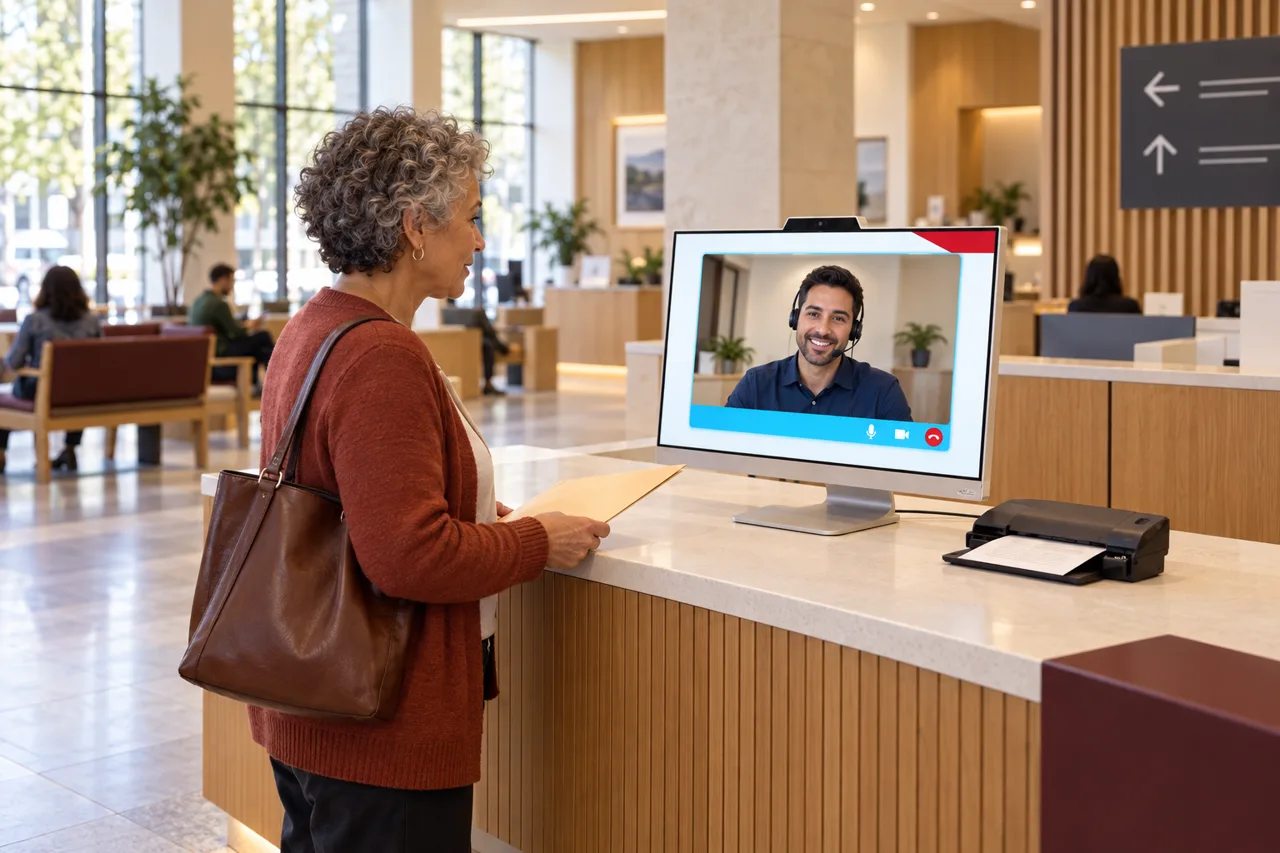
Public offices face full lobbies, tight budgets, and residents who need answers now. HiBridge greets citizens at the counter, answers video calls, and routes every request, so public service stays responsive even when staffing is thin.
The problem
Residents queue for permits, payments, and records while a short-staffed counter works through them one at a time.
Video lines flood with the same questions, and people give up long before anyone picks up.
Citizens wait in the wrong line, then get sent to another department, and another.
Open front-counter roles go unfilled for months, leaving offices stretched thin.
How HiBridge solves it
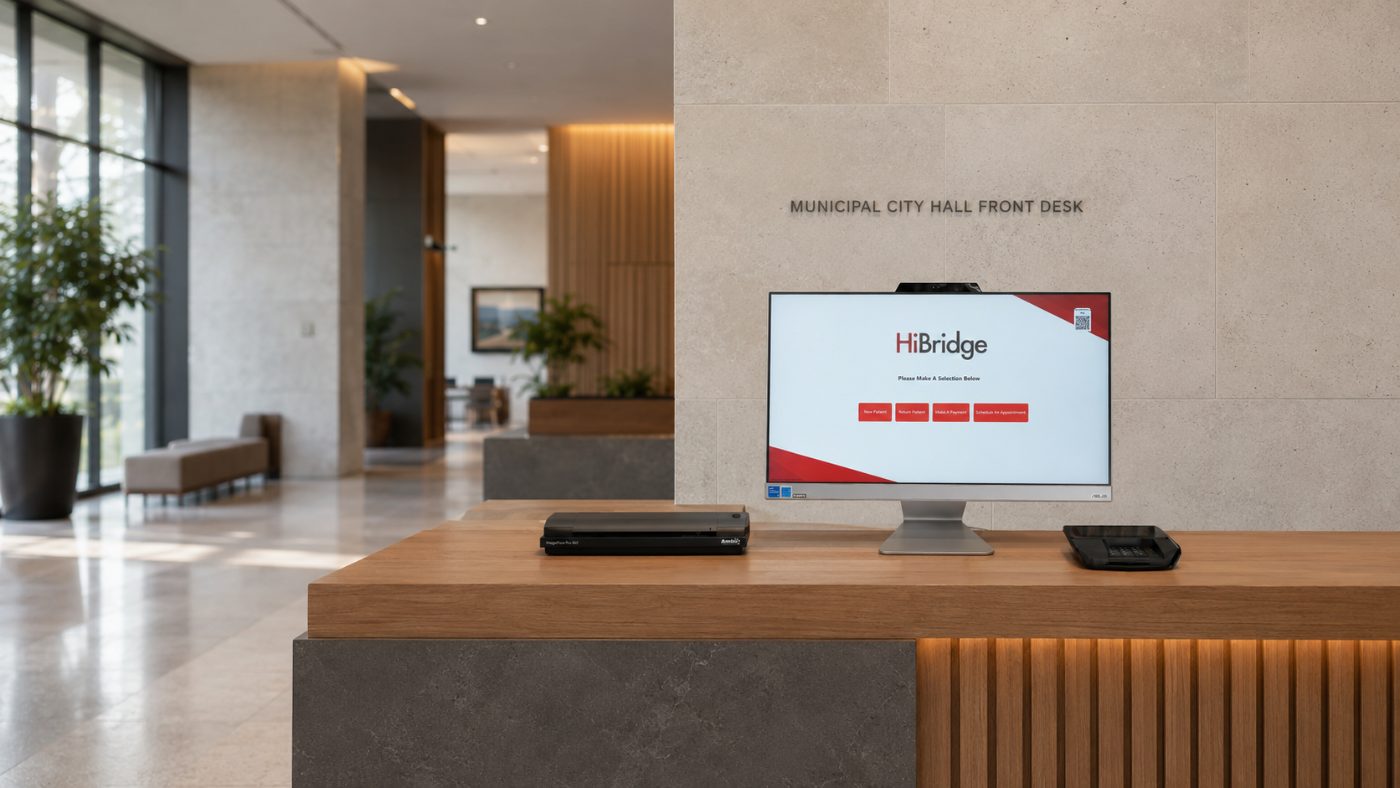
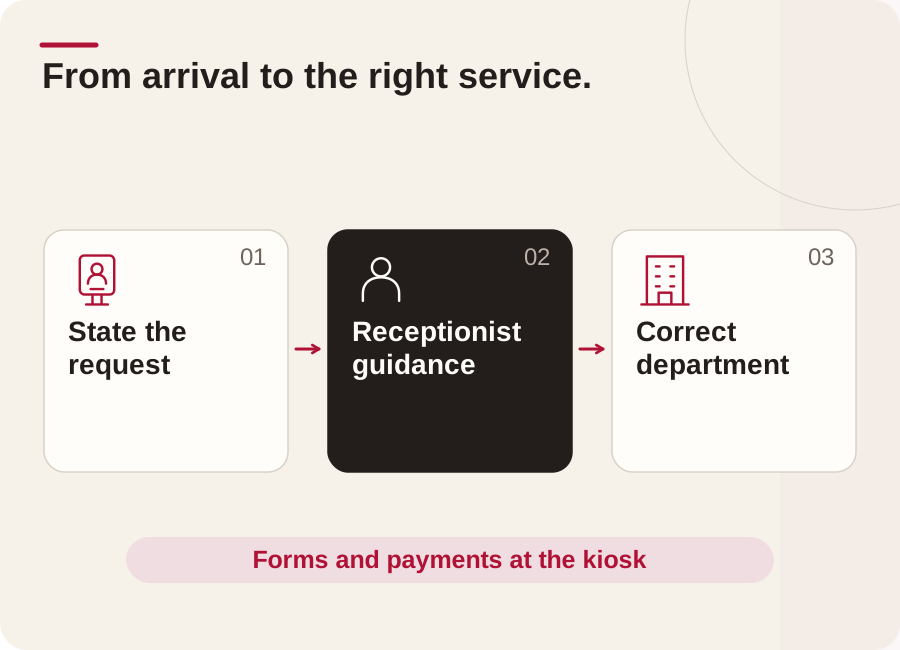
Residents state their need at the kiosk and a live receptionist points them to the right window the first time.
Receptionists handle high-volume video calls and FAQs so counter staff can serve the people in the room.
Fees captured and forms completed at the kiosk, cleanly and consistently, with no paper backlog.
A shared reception team absorbs peaks and vacancies without expanding payroll.
Outcomes
Who this fits
Multi-location
Most public service operators do not have a coverage problem at one location, they have it across all of them at once. A pooled reception team on the HiBridge portal sees every lobby in one view, so a quiet site absorbs a busy one instead of each door needing its own hire.
That is also how breaks, call-outs, and peak hours get covered without adding headcount. Read more on the multi-location front desk page.
Security & privacy
A virtual desk changes who can overhear a conversation. Visitors speak to one receptionist on a screen rather than across an open counter, and check-in details are entered by the visitor rather than read aloud.
Our current security, privacy, and compliance posture is documented on the security and privacy page.
FAQ
Both models run on the same platform. HiBridge is the patented virtual reception technology: kiosk, live video, payments, printing, scanning, and the multi-location receptionist portal. Some organisations staff it with their own team from a central location; others staff it with a remote receptionist sourced through HiBridge. We will walk through which model fits your public service during a demo.
A real person. One tap brings a live receptionist onto the screen. There is no phone tree and no chatbot standing in for a human.
Yes. One pooled reception team can cover several lobbies at once from a single view, which is the main reason multi-site operators move to a virtual front desk.
A screen at the desk, a camera, and a network connection. Existing tablets and desk hardware can often be reused, and peripheral options for printing, scanning, and card capture are covered on the hardware page.
Book a demo and we will run the kiosk and receptionist portal against your own public service workflow, then show you the staffing and cost picture with your numbers.
Tell us about your public service and how many locations you run, and we will show you exactly how HiBridge fits.
Prefer numbers first? Run the staffing and savings calculator.
Book a demoRelated
 Featured industry
See patient check-in, live reception, recorded walkthroughs, and published outcomes from physical therapy organizations.
See the page →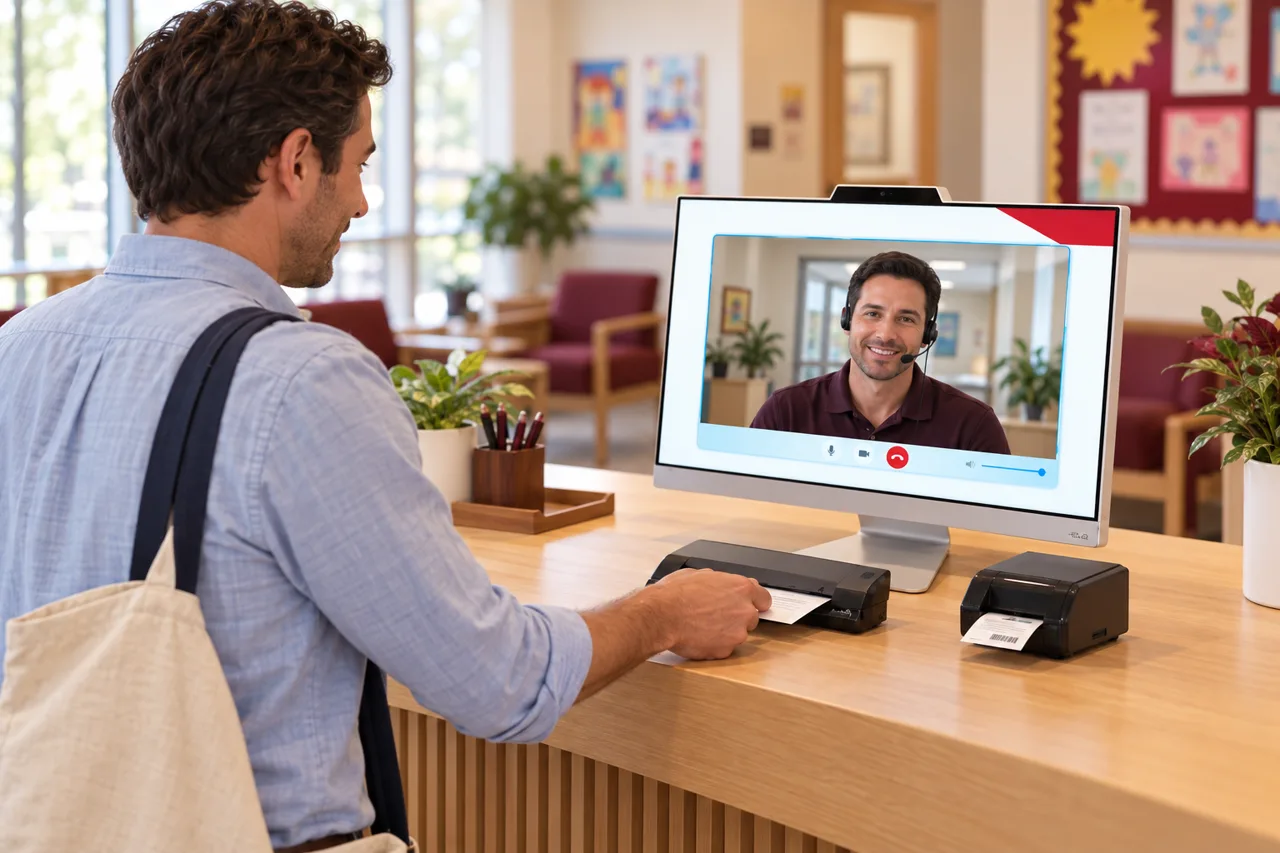 Industry
Visitors, parents, and students at the front office, greeted, verified, and directed without pulling staff off their work.
See the page →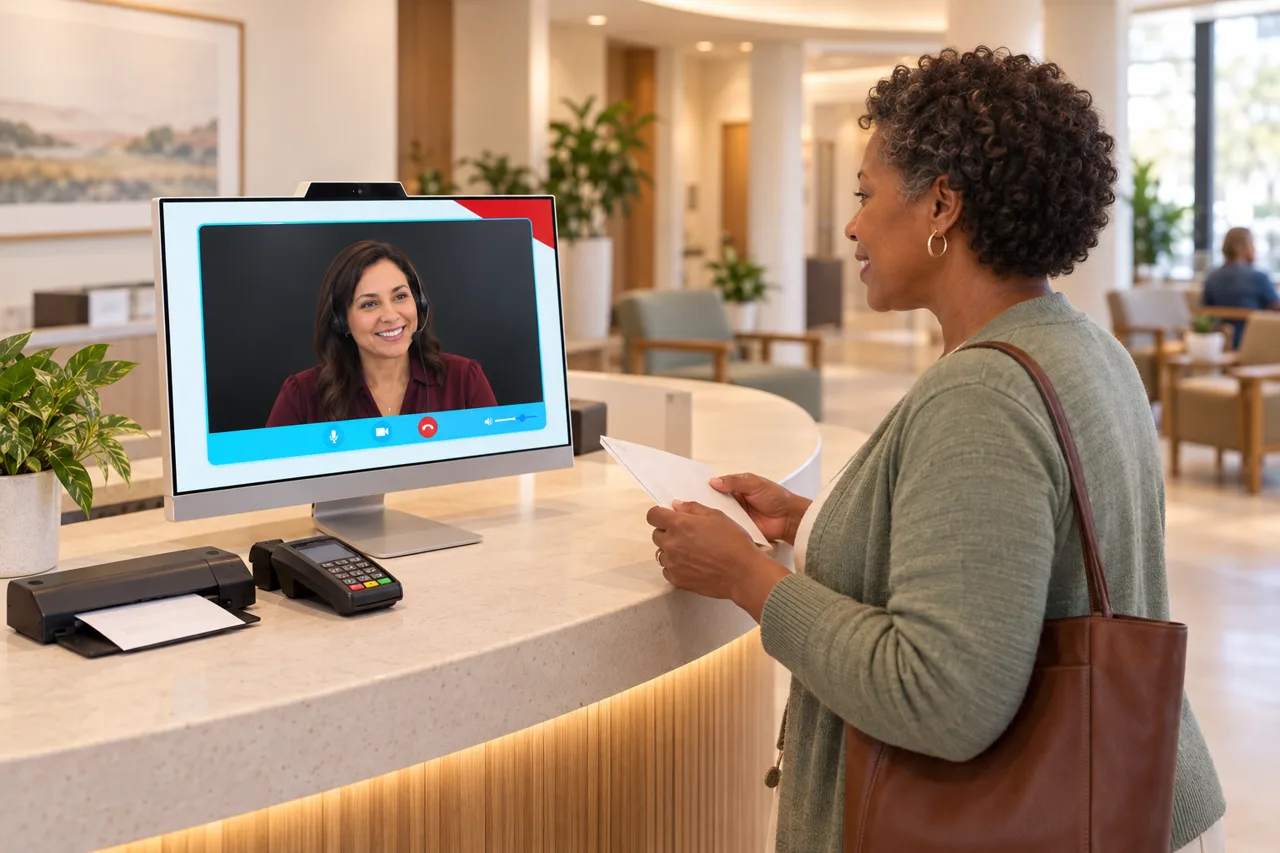 Industry
Patients checking in, copays to collect, and video calls that never stop, handled so clinical teams can focus on care.
See the page →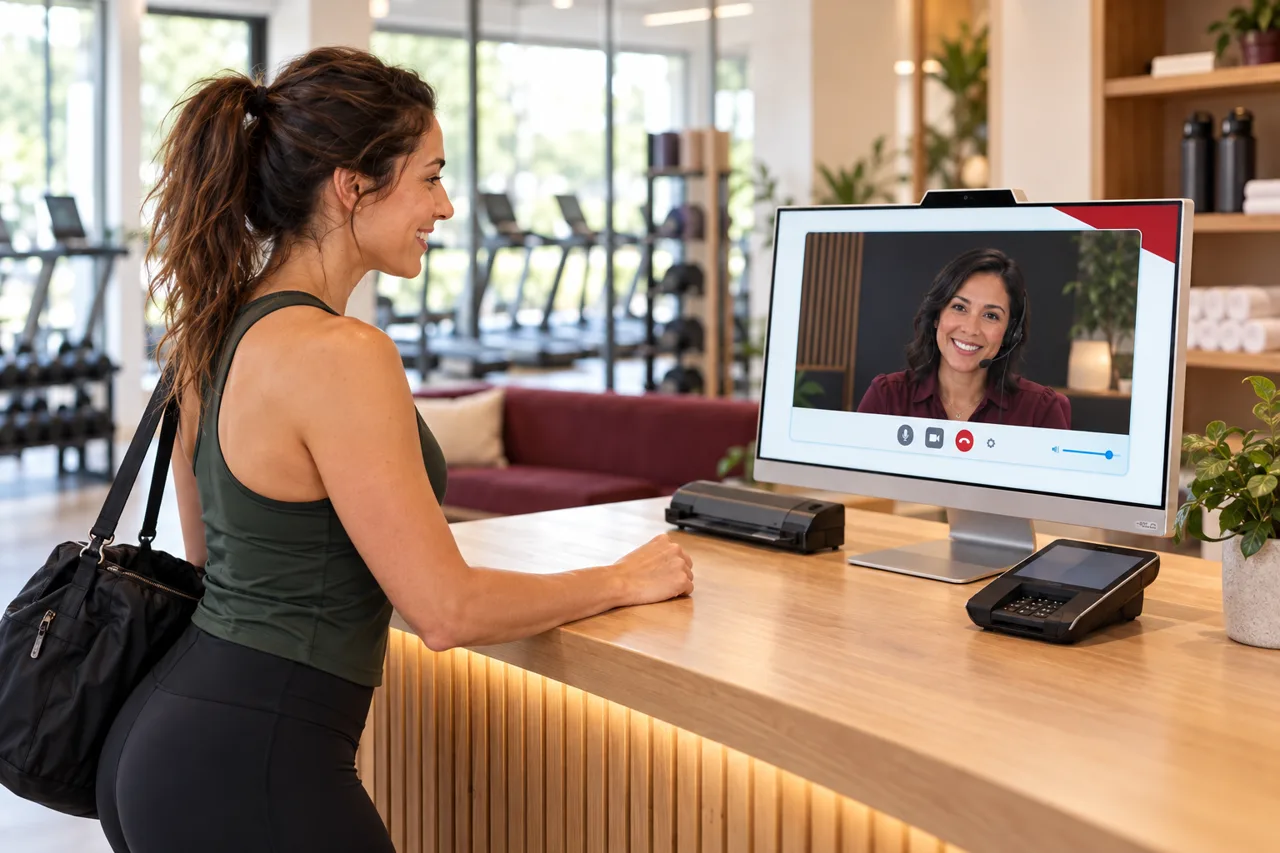 Industry
Prospects who call after hours, unmanned check-ins, and dues to collect, covered without staffing the desk around the clock.
See the page →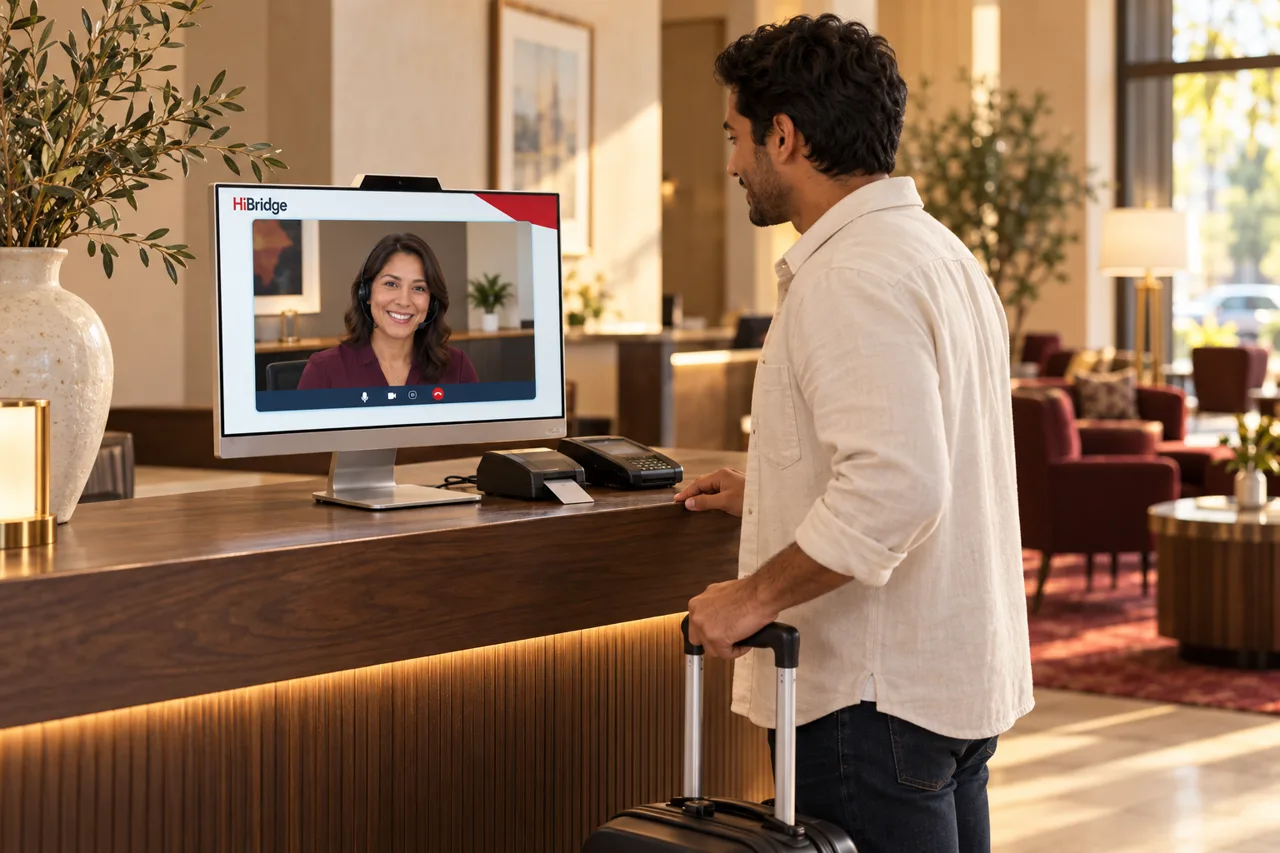 Industry
Guests arriving at all hours, front desks that empty overnight, and calls that shape the review, covered with a real, warm welcome.
See the page →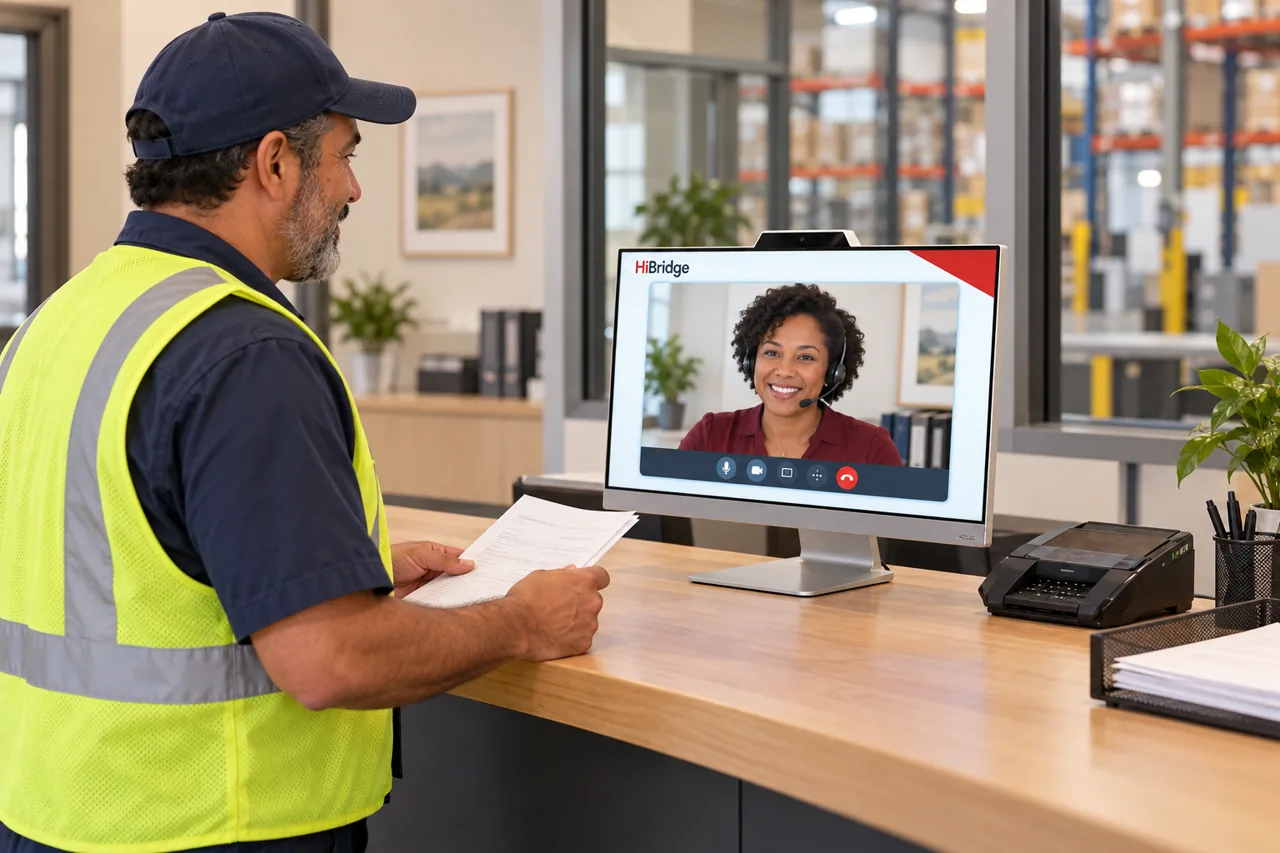 Industry
Drivers checking in, visitors at the gate, and dispatch video calls no one can get to, handled so the dock keeps moving.
See the page →