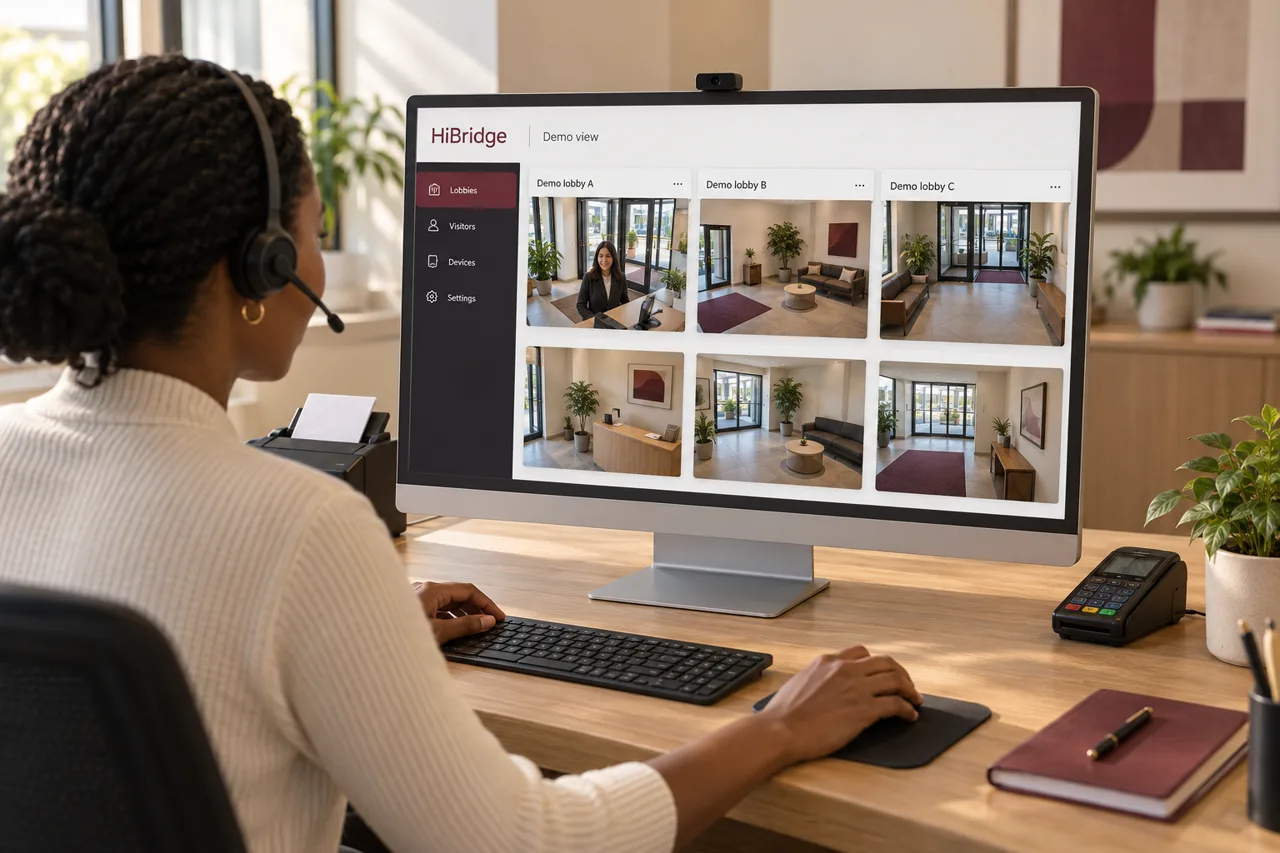
Every location, live
All lobbies visible at once, so the team can see where demand is building before it becomes a wait.
Feature
The portal is where the coverage math changes. A receptionist is not watching one door, they are watching all of them, and the next visitor goes to whoever is free rather than queuing behind one location’s assigned person.
The mechanism
Front desks are staffed for peak, then paid for all day. Each location has to be able to handle its busiest ten minutes, so it carries a person through every quiet hour as well. Multiply that by four locations and you have four people covering four peaks that rarely happen at the same time.
A pooled team sizes to total demand instead. The portal is what makes pooling possible: one view, one queue, and routing that sends the next visitor to whoever is available anywhere in the estate.
What it does
All lobbies visible at once, so the team can see where demand is building before it becomes a wait.
The next visitor goes to an available receptionist rather than to a specific site’s person.
Lunches, breaks, call-outs, and peaks are absorbed by the pool instead of leaving a desk empty.
Printing, scanning, and card capture at the visitor’s counter, driven from the receptionist’s side of the screen.
What it means operationally
The lunch hour. A single-desk site has an unavoidable, predictable daily gap. A pool does not, because the coverage was never tied to that chair.
The call-out. One person out sick is a scheduling adjustment rather than an empty lobby.
The next location. Opening a site adds a screen, not a hire, until total demand justifies another person.
FAQ
Every location a receptionist is responsible for, in one view, with the visitors waiting at each one. Instead of watching a single lobby, the team watches the whole estate and takes whoever is next.
It depends entirely on your arrival pattern and how much of each interaction needs a person. The staffing calculator models this from your own volume rather than quoting a number that would be meaningless without it.
Routing sends a visitor to whoever is free, and the receptionist stays with that visitor until the interaction is finished. The goal is fewer handoffs than a traditional desk, not more.
Yes, if that is what your operation needs. Pooling is the default because it is where the coverage and cost advantage comes from, but the portal supports assigning people to specific sites.
A demo runs the portal against your estate and your arrival pattern, so the coverage question gets a real answer.
Book a demoRelated
 Use case
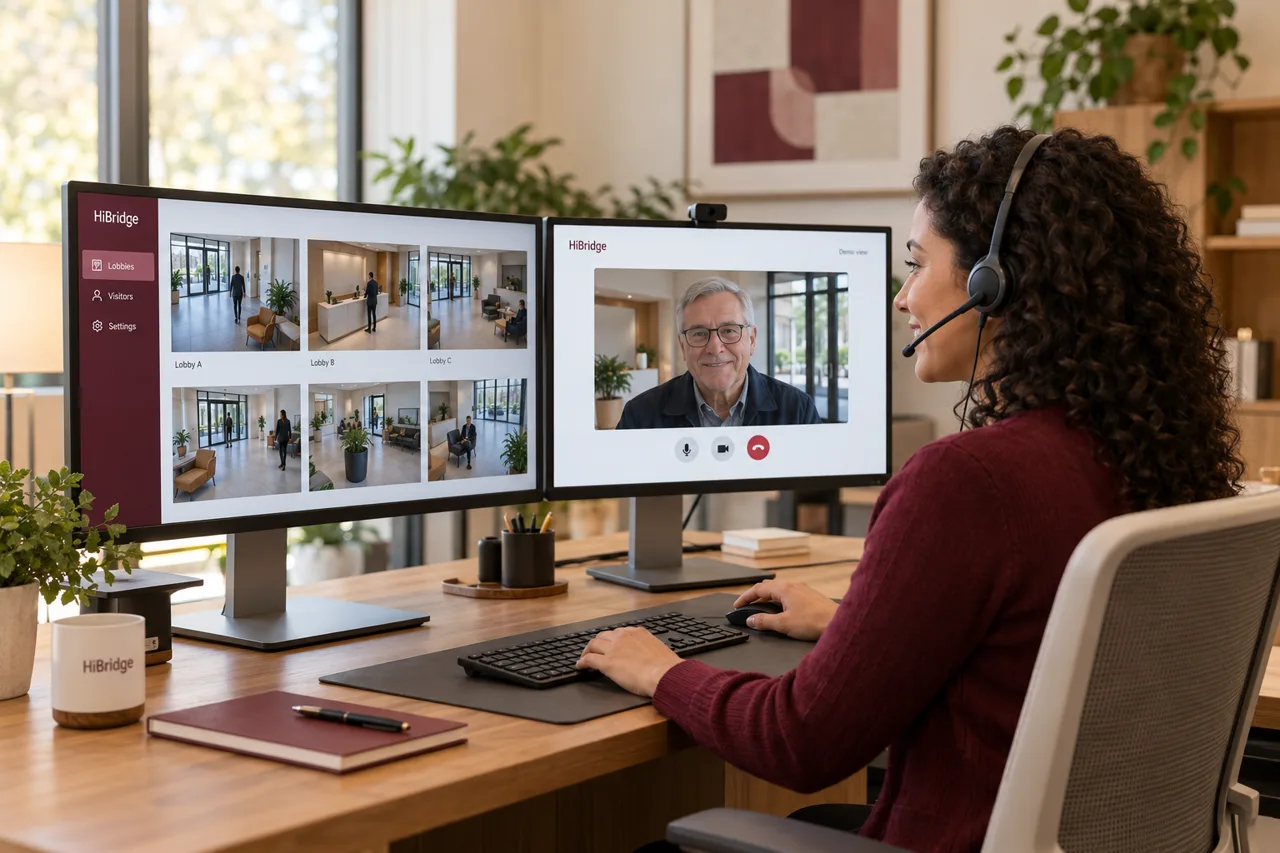
Why pooled reception breaks the one-hire-per-door math, and how coverage is planned.
See the page →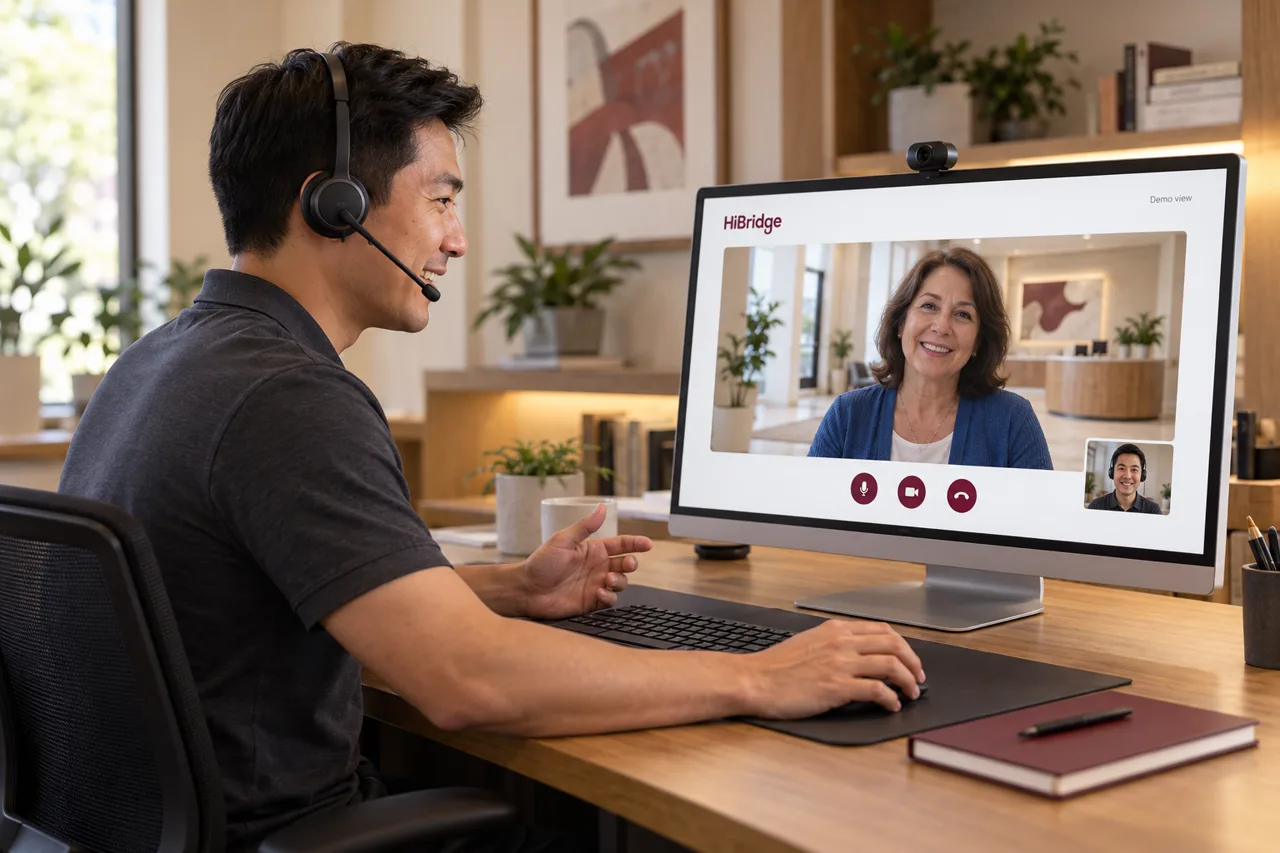 Feature
How a receptionist works a lobby live from anywhere, and what that changes about coverage.
See the page →Model your own front desk: volume, admin workload, coverage, and cost.
Run the calculator →