The counter versus the floor
One associate on the service desk is one associate not helping the customer deciding whether to buy.
For stores and service counters
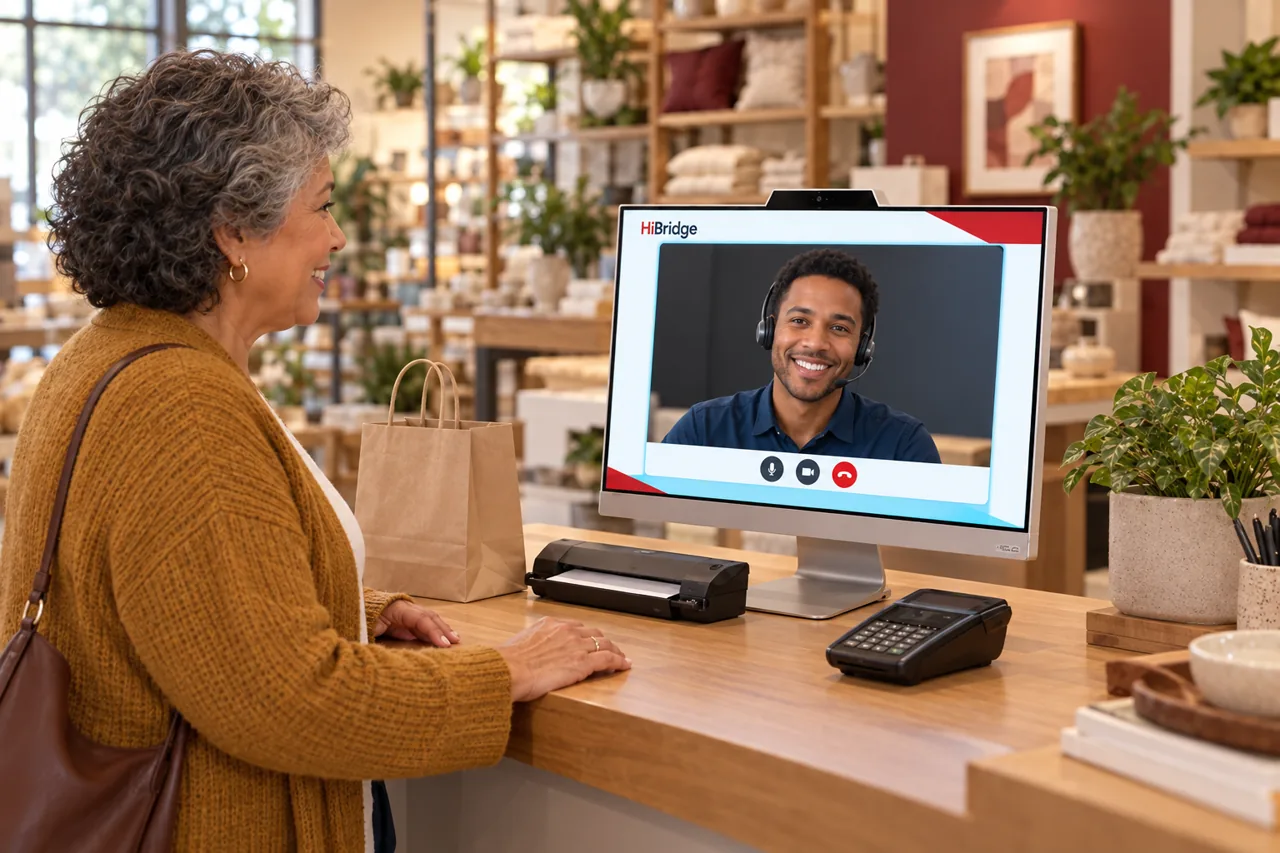
Retail staffing is a constant trade-off between the shop floor and the service counter. Collections, returns, and appointment check-ins all pull someone away from selling. HiBridge covers the counter from a screen so your team stays where the customers are.
The problem
One associate on the service desk is one associate not helping the customer deciding whether to buy.
Click-and-collect arrivals bunch at the same times and form a queue in front of the people browsing.
A return needs judgement, so it waits for a supervisor who is already helping somebody else.
Saturday afternoon needs three people at the counter and Tuesday morning needs none, but the roster only has one setting.
How HiBridge solves it
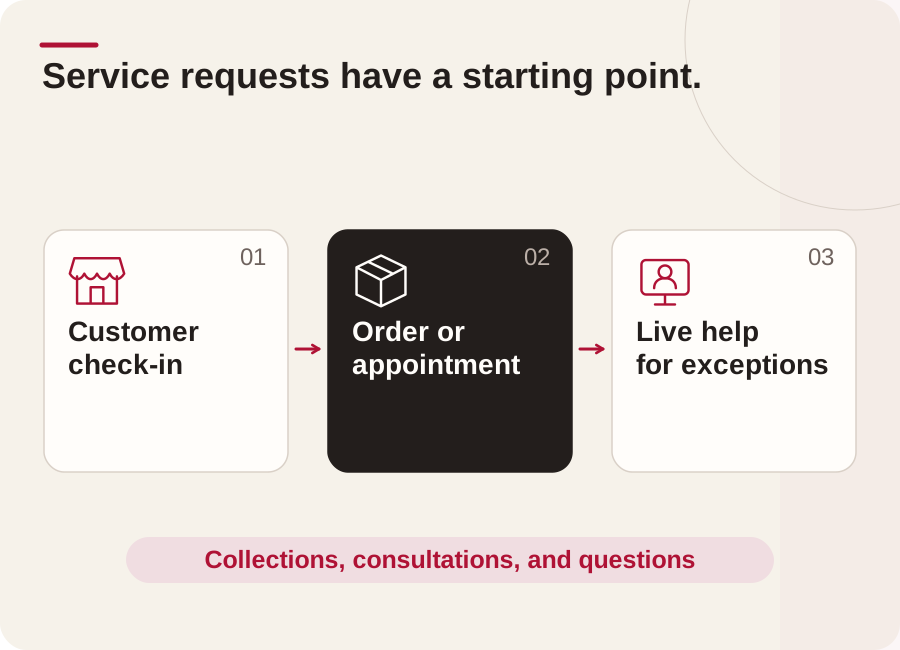
Customers confirm their order at the screen and are handed off quickly, without a queue building on the floor.
Anything needing judgement, a return, a warranty question, a complaint, goes to a live receptionist on screen.
Service and consultation appointments check themselves in, so the specialist knows they have arrived without anyone fetching them.
A pooled team covers the Saturday rush across all your stores instead of over-rostering every one of them.
Outcomes
Who this fits
Multi-site
Most store operators do not have a coverage problem at one site, they have it at all of them at once. A pooled team on the HiBridge portal sees every lobby in one view, so a quiet location absorbs a busy one instead of each door needing its own hire.
That is also how breaks, shift changes, and peak hours get covered without adding headcount. The arithmetic is worked through on the multi-location front desk page.
Security & privacy
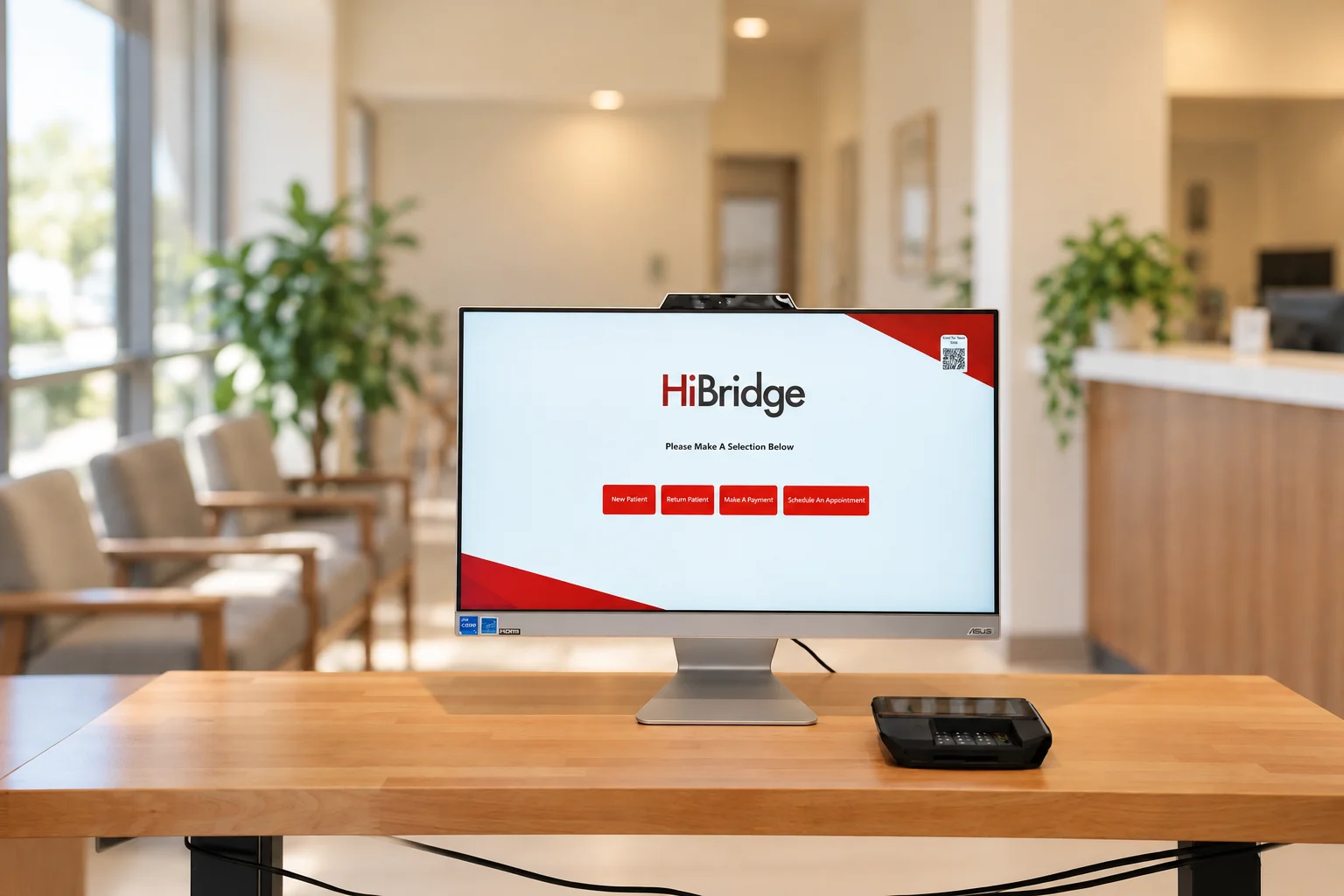
A virtual desk changes who can overhear a conversation. Visitors speak to one receptionist on a screen rather than across an open counter, and check-in details are entered by the visitor rather than read aloud.
What is published on our security posture, and what we will send you as a document, is on the security and privacy page.
FAQ
We will tell you plainly rather than imply it. Our named, documented customers today are concentrated in physical therapy and wider healthcare. This page explains how the platform applies to your front desk, and if you ask us on the contact page we will be specific about your sector.
Both models run on the same platform. HiBridge is the patented virtual reception technology: kiosk, live video, payments, printing, scanning, and the multi-location receptionist portal. Some organisations staff it with their own team from a central location; others staff it with a remote receptionist sourced through HiBridge.
A real person. One tap brings a live receptionist onto the screen. There is no phone tree and no chatbot standing in for a human.
Yes, and that is where most of the value is. One pooled reception team can cover several stores at once from a single view, so coverage follows demand instead of one hire per door.
A screen at the desk, a camera, and a network connection. Existing tablets can often be reused, and printing, scanning, and card capture options are covered on the hardware page.
Tell us about your store and how many locations you run, and we will show you exactly how HiBridge fits, including where it does not.
Prefer numbers first? Run the staffing and savings calculator.
Book a demoRelated
 Industry
How a virtual front desk maps onto this front desk: the problems, the workflow, and the coverage model.
See the page →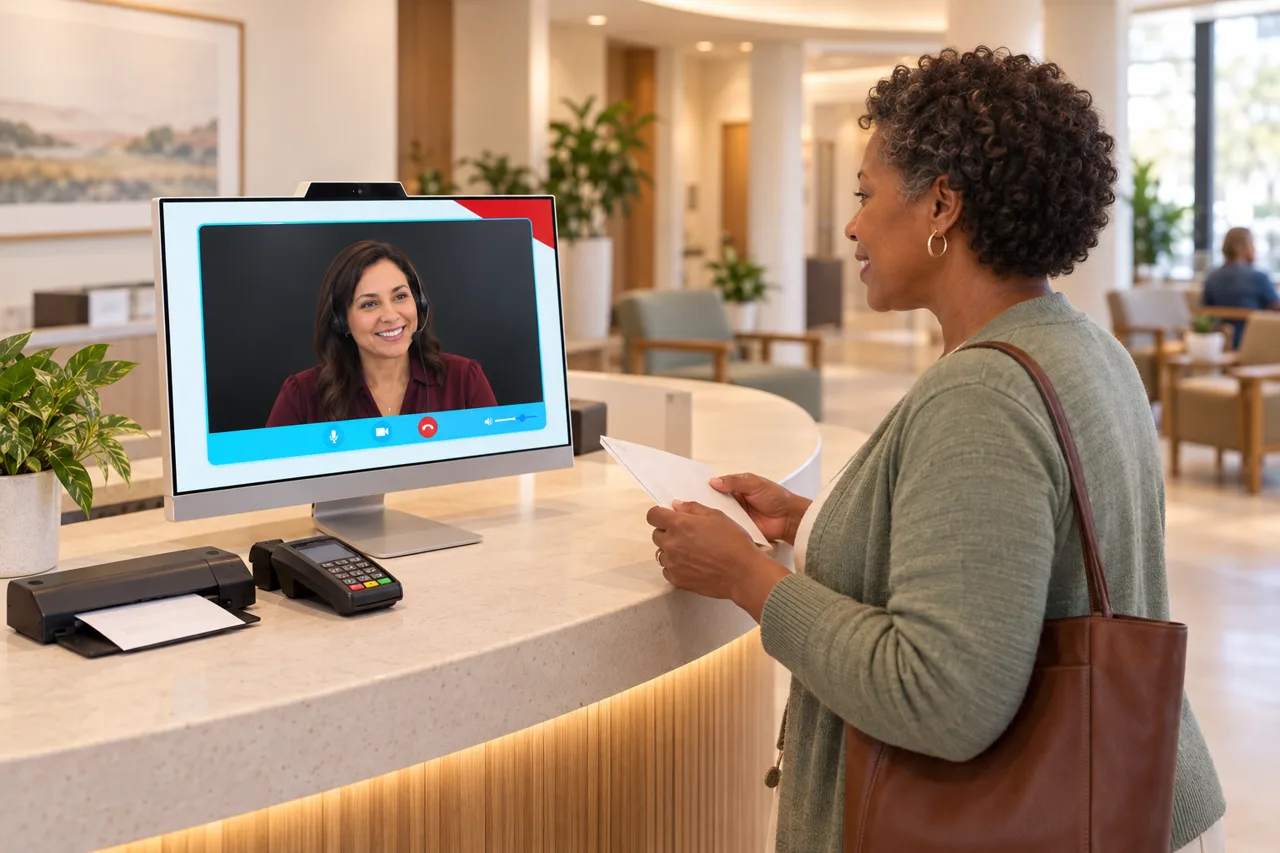 Industry
How a virtual front desk maps onto this front desk: the problems, the workflow, and the coverage model.
See the page →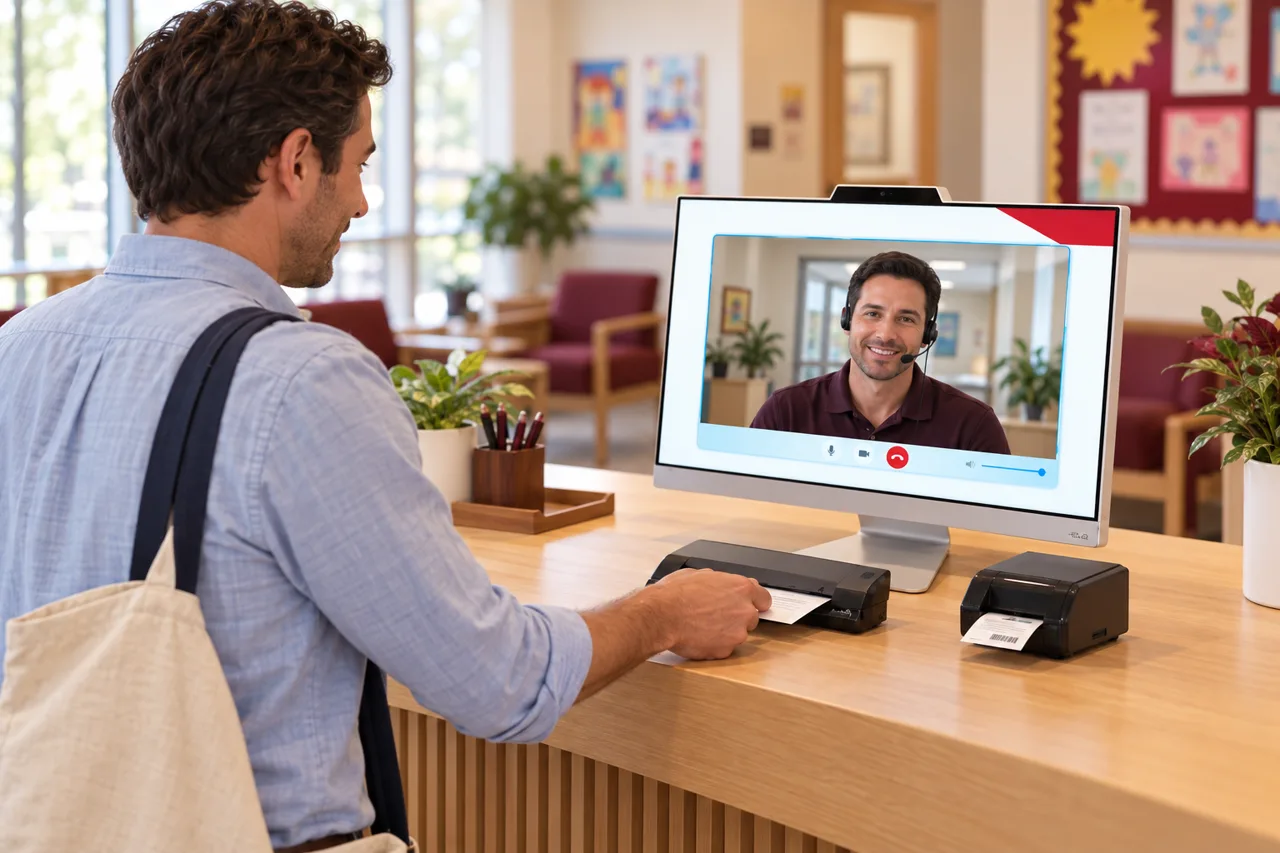 Industry
How a virtual front desk maps onto this front desk: the problems, the workflow, and the coverage model.
See the page →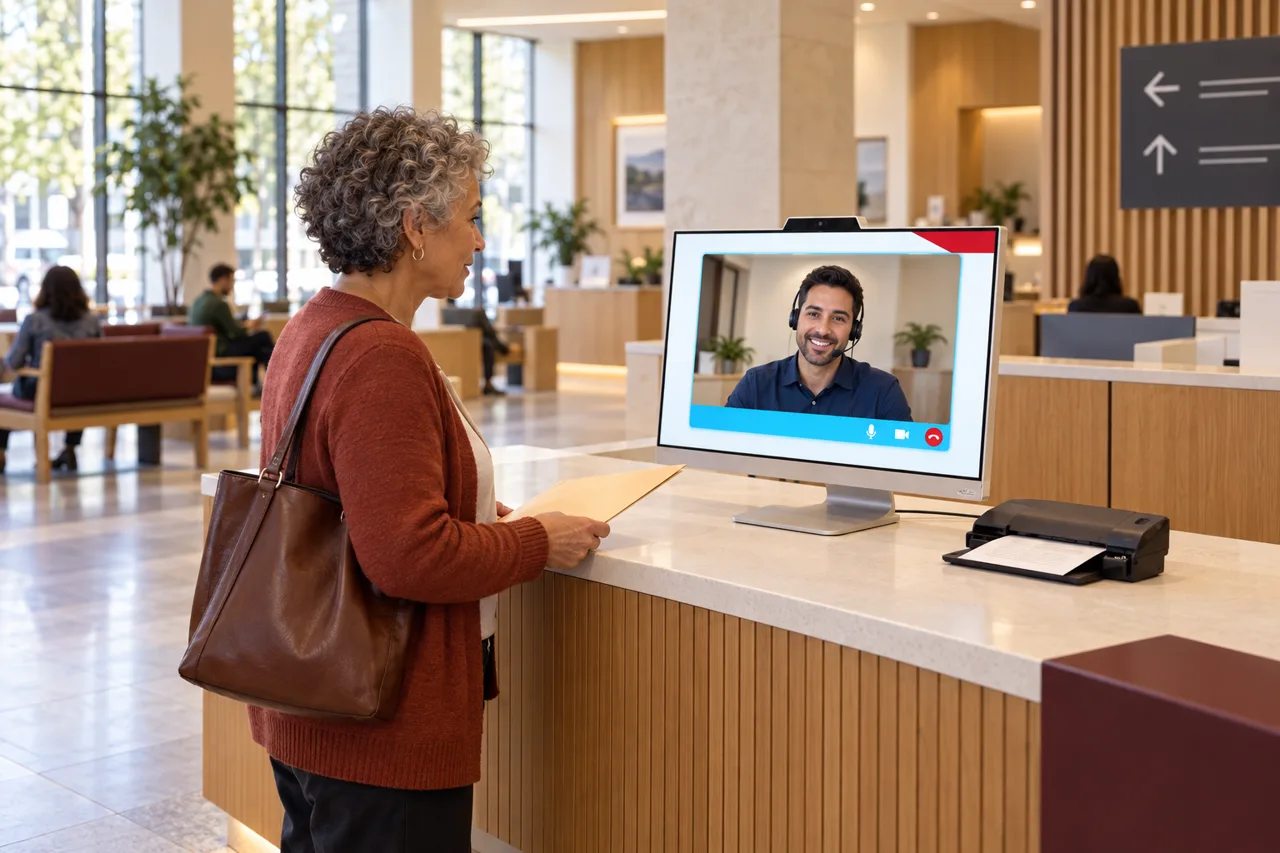 Industry
How a virtual front desk maps onto this front desk: the problems, the workflow, and the coverage model.
See the page →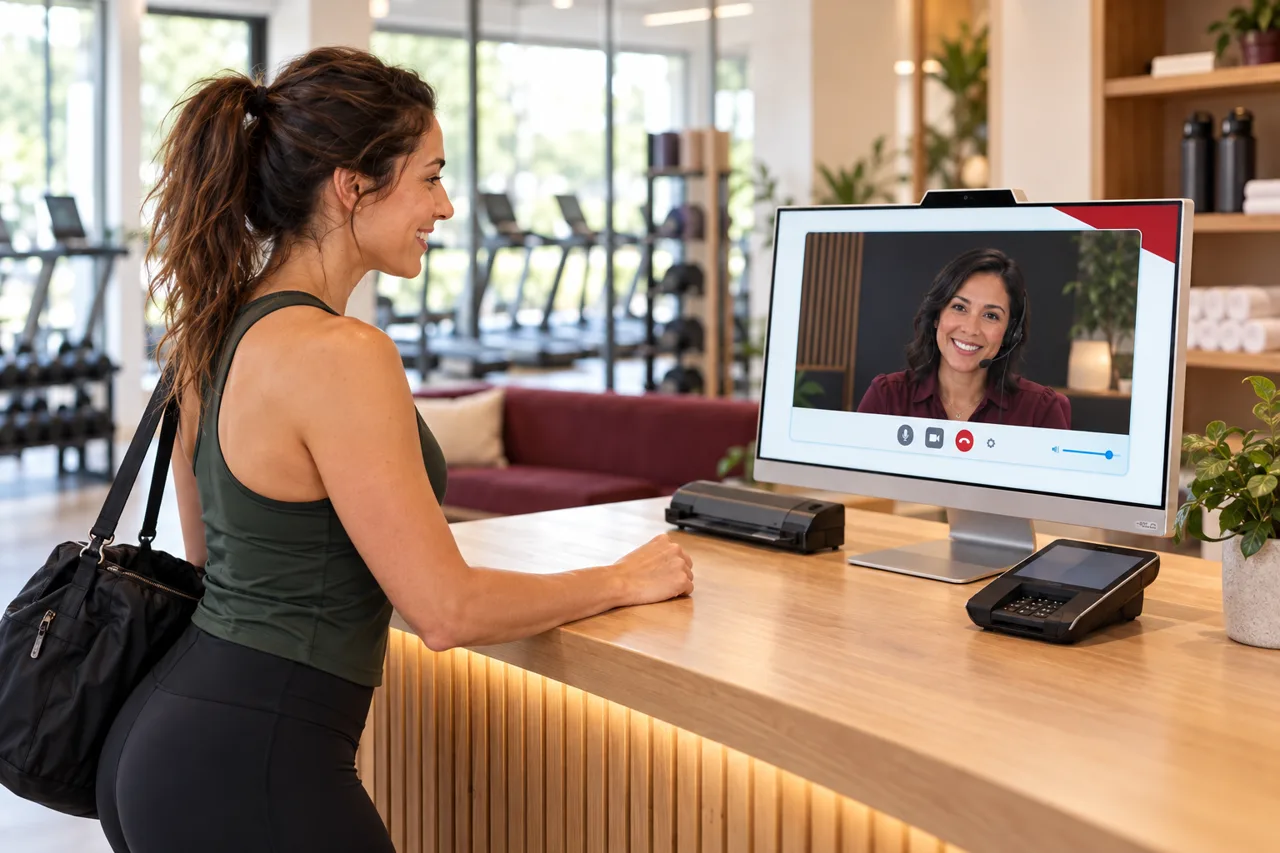 Industry
How a virtual front desk maps onto this front desk: the problems, the workflow, and the coverage model.
See the page →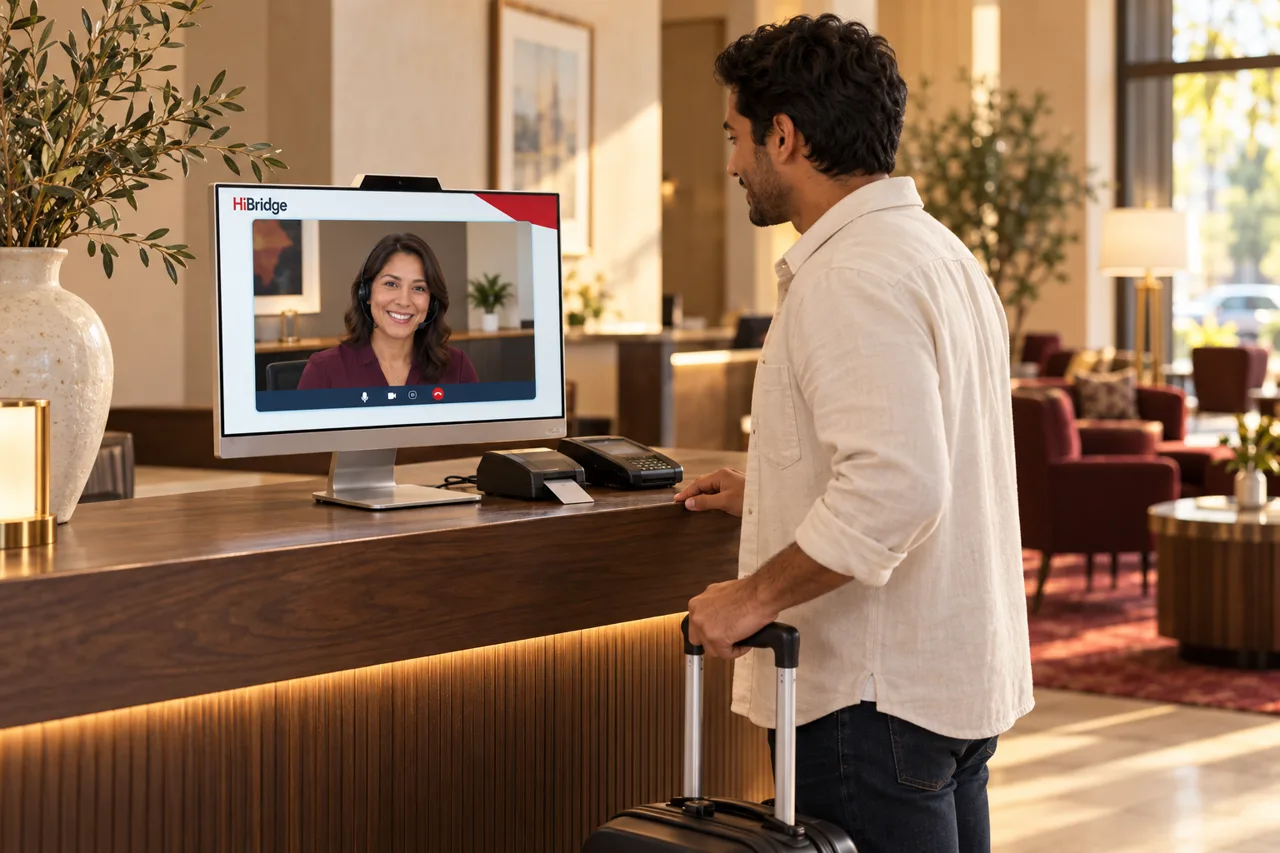 Industry
How a virtual front desk maps onto this front desk: the problems, the workflow, and the coverage model.
See the page →