Billable hours at the counter
A partner or associate interrupts client work to greet a walk-in, and the firm quietly writes off the time.
For professional firms
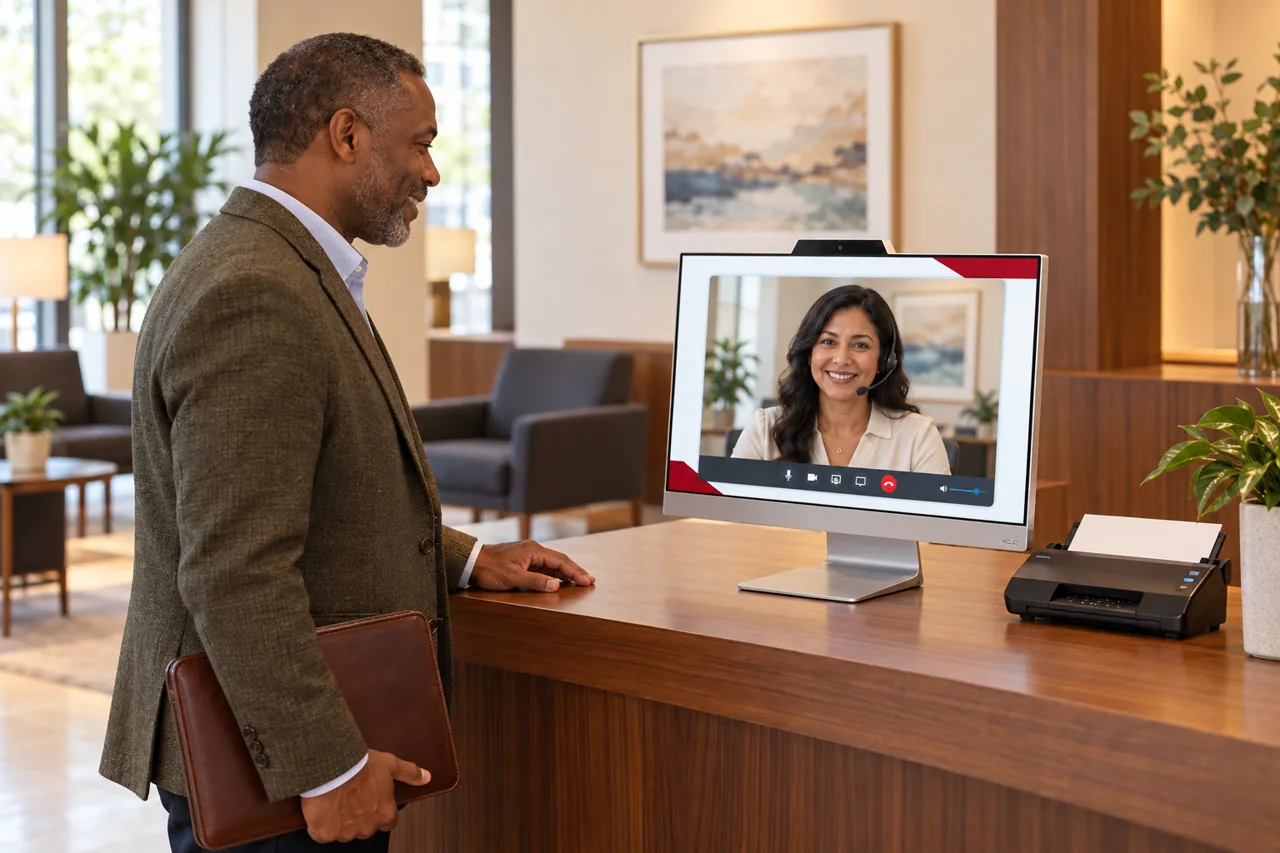
In a professional firm the front desk is a cost centre that everyone pays for twice: once in salary, and again in the billable hours lost when a fee-earner answers the door. HiBridge puts a real receptionist on screen so the greeting stays professional and the office stays focused.
The problem
A partner or associate interrupts client work to greet a walk-in, and the firm quietly writes off the time.
A first enquiry from a potential client arrives while the office is in a meeting, and the next firm on the list gets the instruction.
Client names, matters, and balances are discussed across an open reception desk within hearing of everyone waiting.
A four-person office cannot justify a receptionist salary, so reception becomes everybody’s part-time job and nobody’s responsibility.
How HiBridge solves it
A real receptionist takes new-client calls and walk-in enquiries so no potential instruction goes to voicemail.
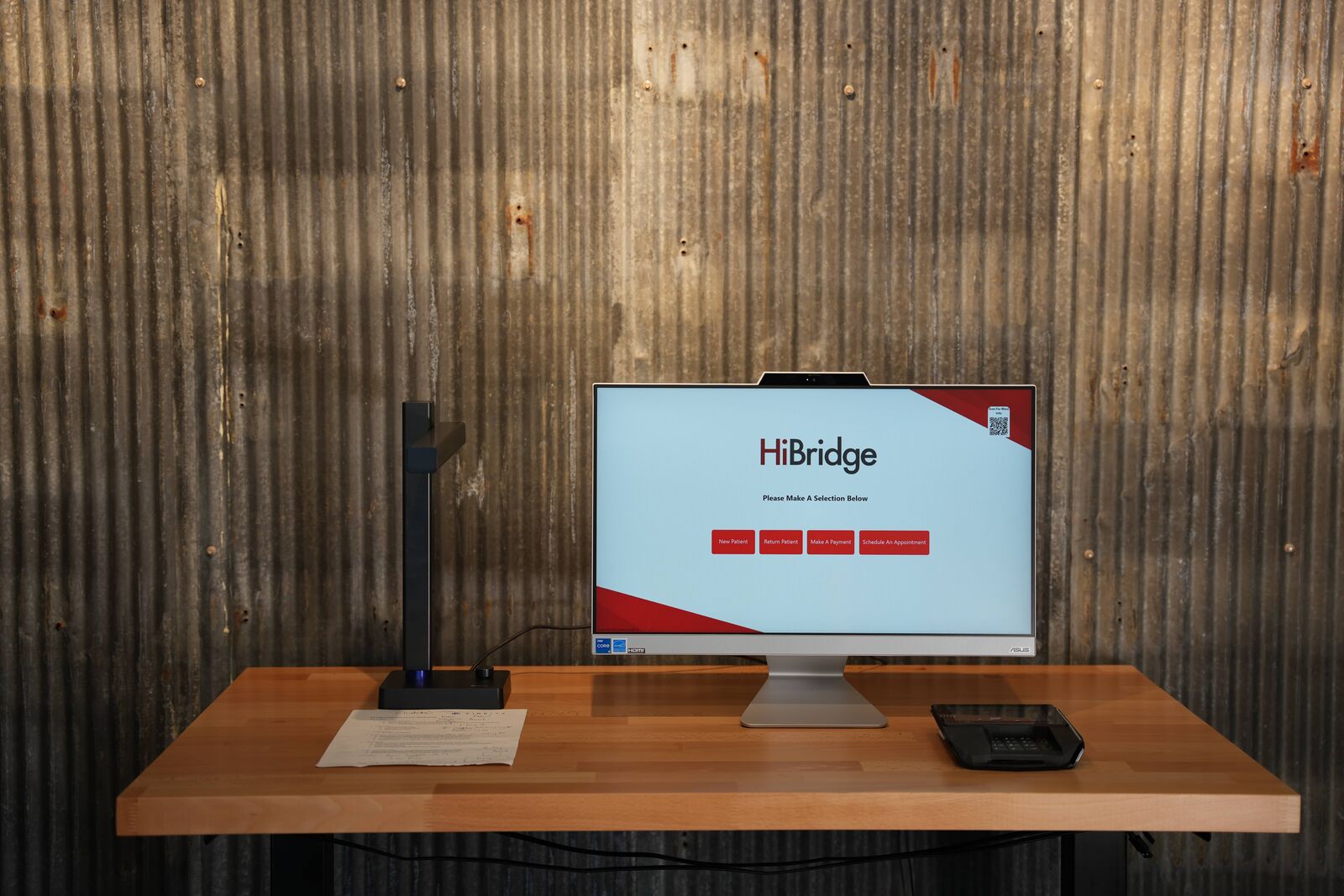
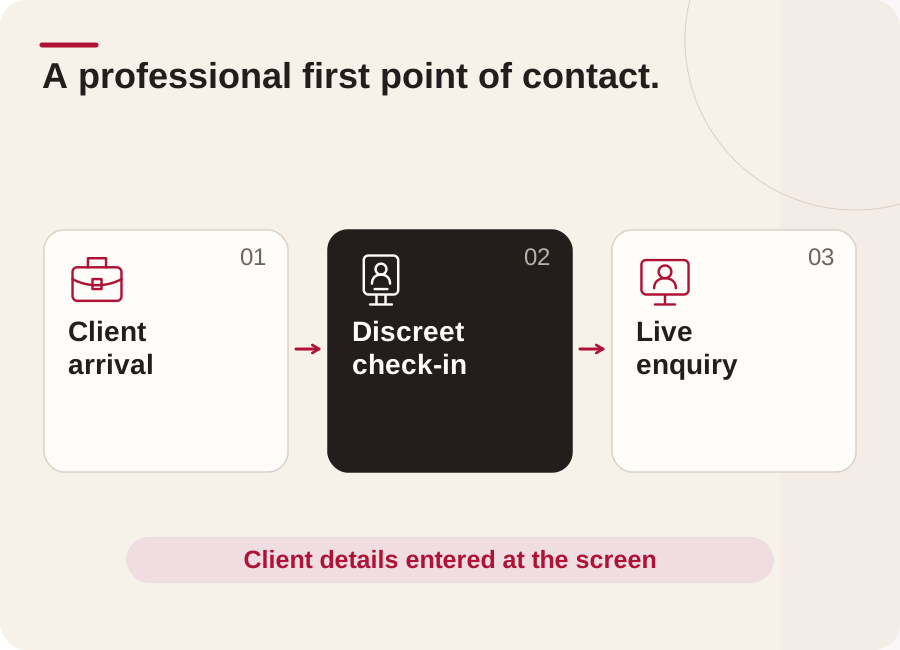
Clients confirm their own details on the kiosk rather than saying them out loud across the reception desk.
Nobody leaves a matter to answer the door, and the interruption cost disappears from the week.
A small office gets a covered, professional front desk without carrying a full-time salary for it.
Outcomes
Who this fits
Multi-site
Most office operators do not have a coverage problem at one site, they have it at all of them at once. A pooled team on the HiBridge portal sees every lobby in one view, so a quiet location absorbs a busy one instead of each door needing its own hire.
That is also how breaks, shift changes, and peak hours get covered without adding headcount. The arithmetic is worked through on the multi-location front desk page.
Security & privacy
A virtual desk changes who can overhear a conversation. Visitors speak to one receptionist on a screen rather than across an open counter, and check-in details are entered by the visitor rather than read aloud.
What is published on our security posture, and what we will send you as a document, is on the security and privacy page.
FAQ
We will tell you plainly rather than imply it. Our named, documented customers today are concentrated in physical therapy and wider healthcare. This page explains how the platform applies to your front desk, and if you ask us on the contact page we will be specific about your sector.
Both models run on the same platform. HiBridge is the patented virtual reception technology: kiosk, live video, payments, printing, scanning, and the multi-location receptionist portal. Some organisations staff it with their own team from a central location; others staff it with a remote receptionist sourced through HiBridge.
A real person. One tap brings a live receptionist onto the screen. There is no phone tree and no chatbot standing in for a human.
Yes, and that is where most of the value is. One pooled reception team can cover several offices at once from a single view, so coverage follows demand instead of one hire per door.
A screen at the desk, a camera, and a network connection. Existing tablets can often be reused, and printing, scanning, and card capture options are covered on the hardware page.
Tell us about your office and how many locations you run, and we will show you exactly how HiBridge fits, including where it does not.
Prefer numbers first? Run the staffing and savings calculator.
Book a demoRelated
 Industry
How a virtual front desk maps onto this front desk: the problems, the workflow, and the coverage model.
See the page →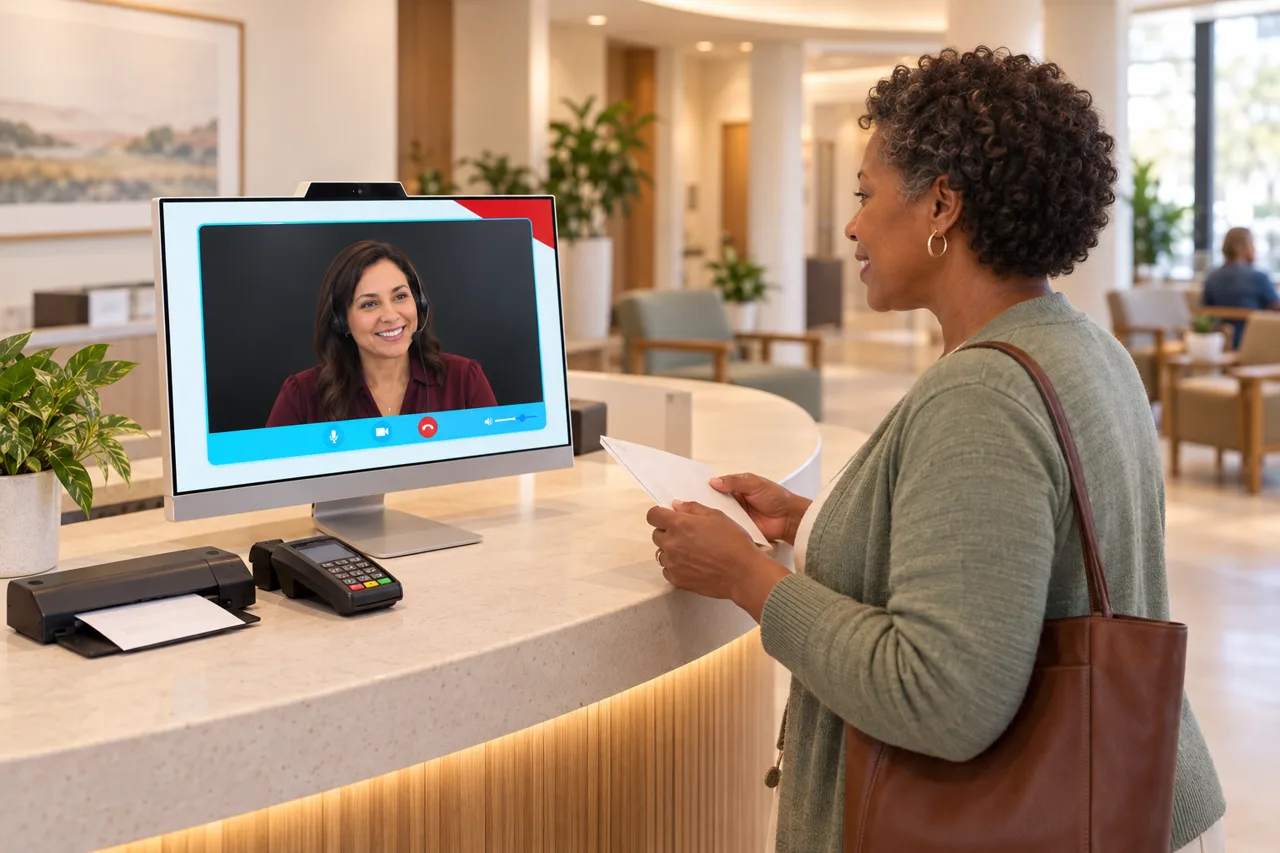 Industry
How a virtual front desk maps onto this front desk: the problems, the workflow, and the coverage model.
See the page →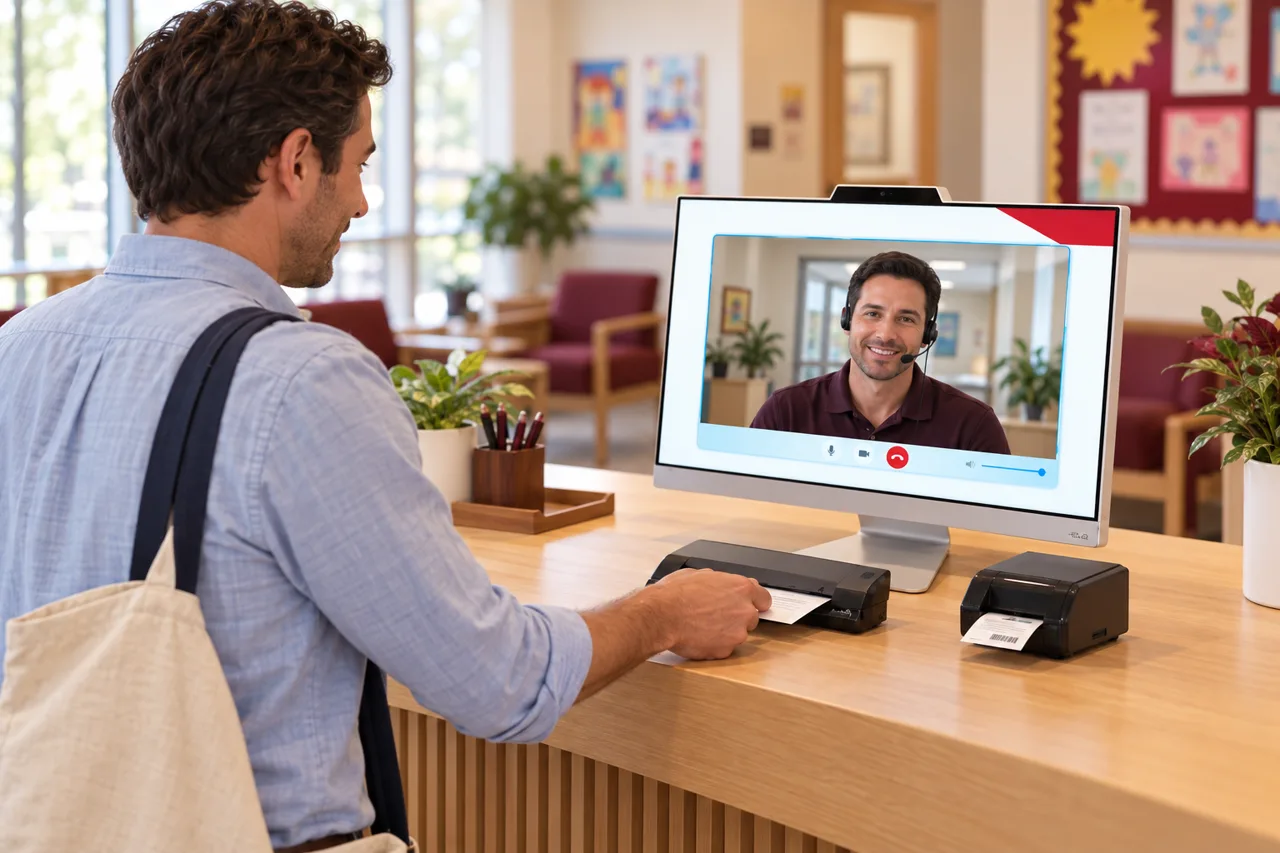 Industry
How a virtual front desk maps onto this front desk: the problems, the workflow, and the coverage model.
See the page →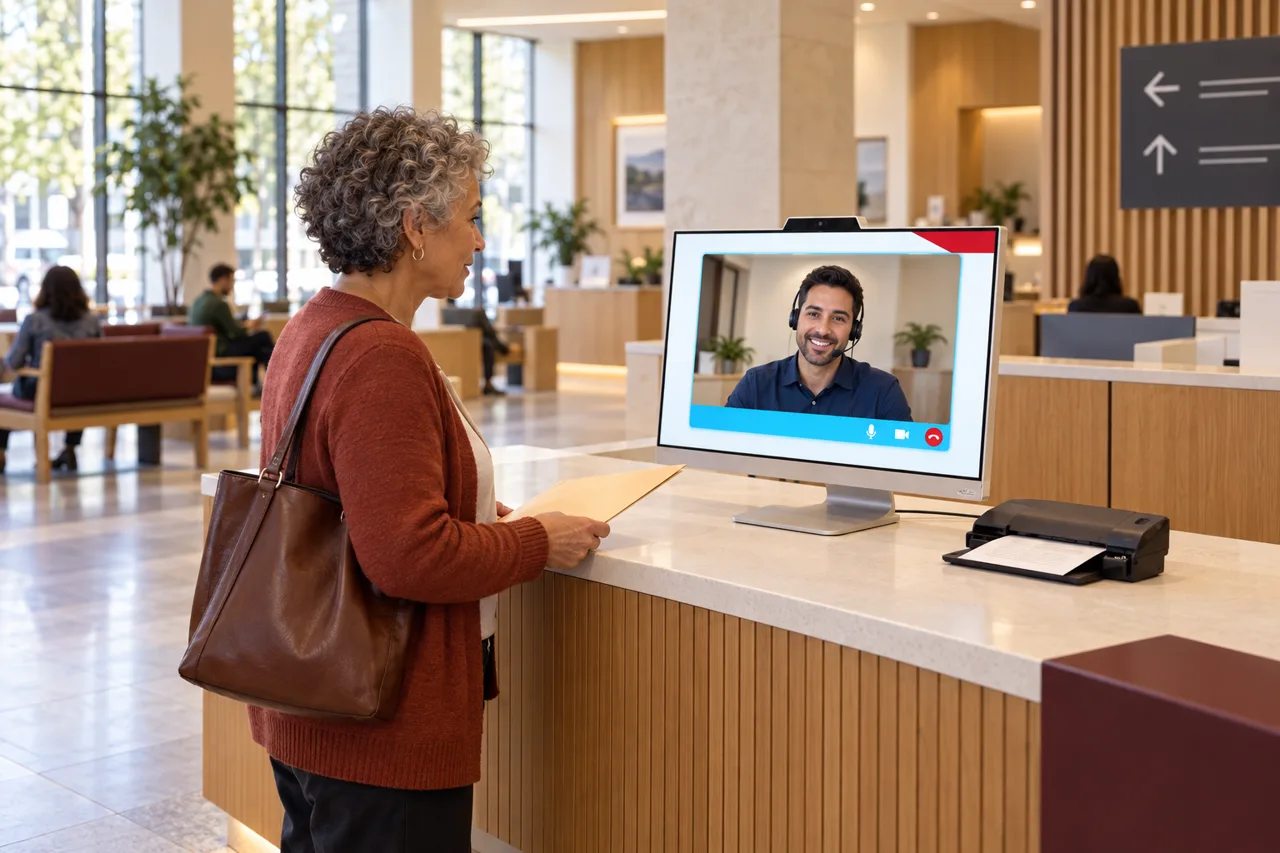 Industry
How a virtual front desk maps onto this front desk: the problems, the workflow, and the coverage model.
See the page →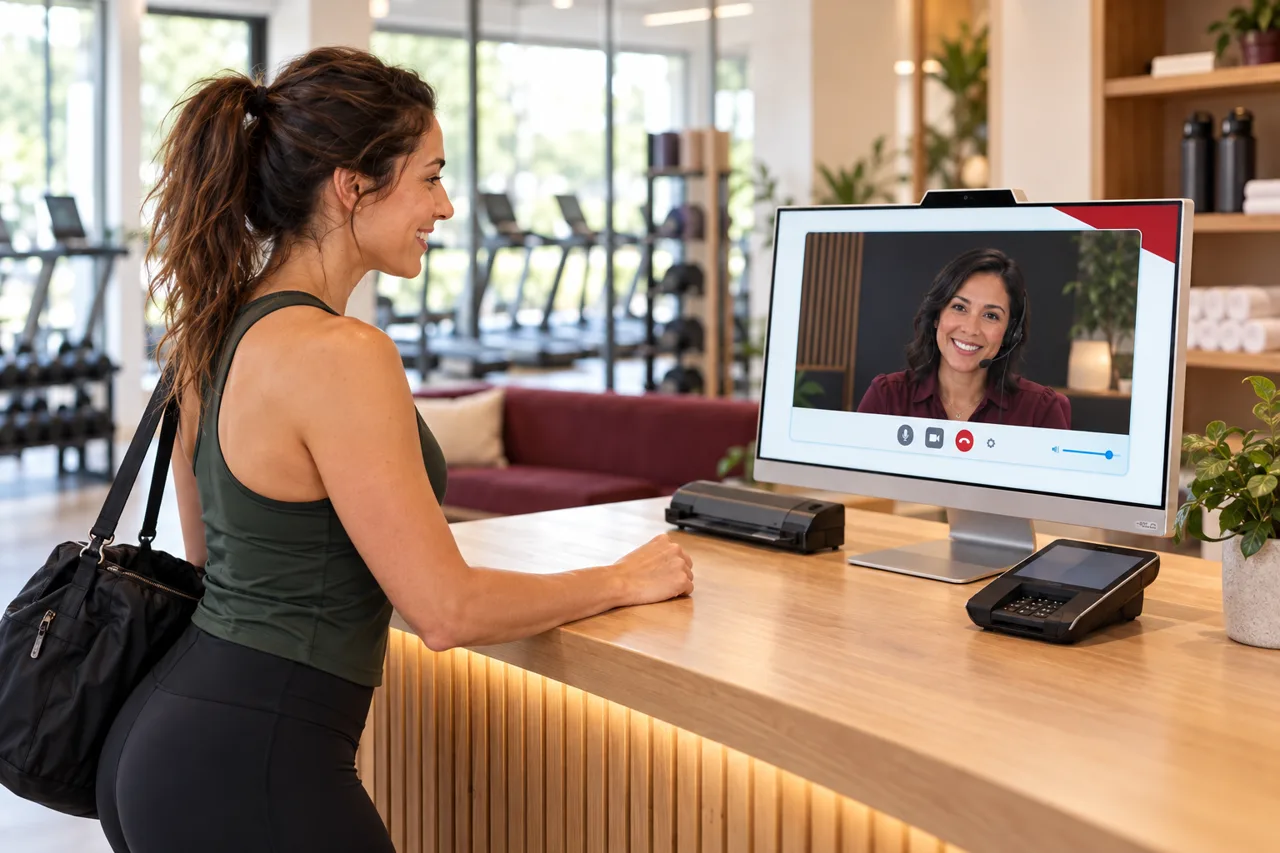 Industry
How a virtual front desk maps onto this front desk: the problems, the workflow, and the coverage model.
See the page →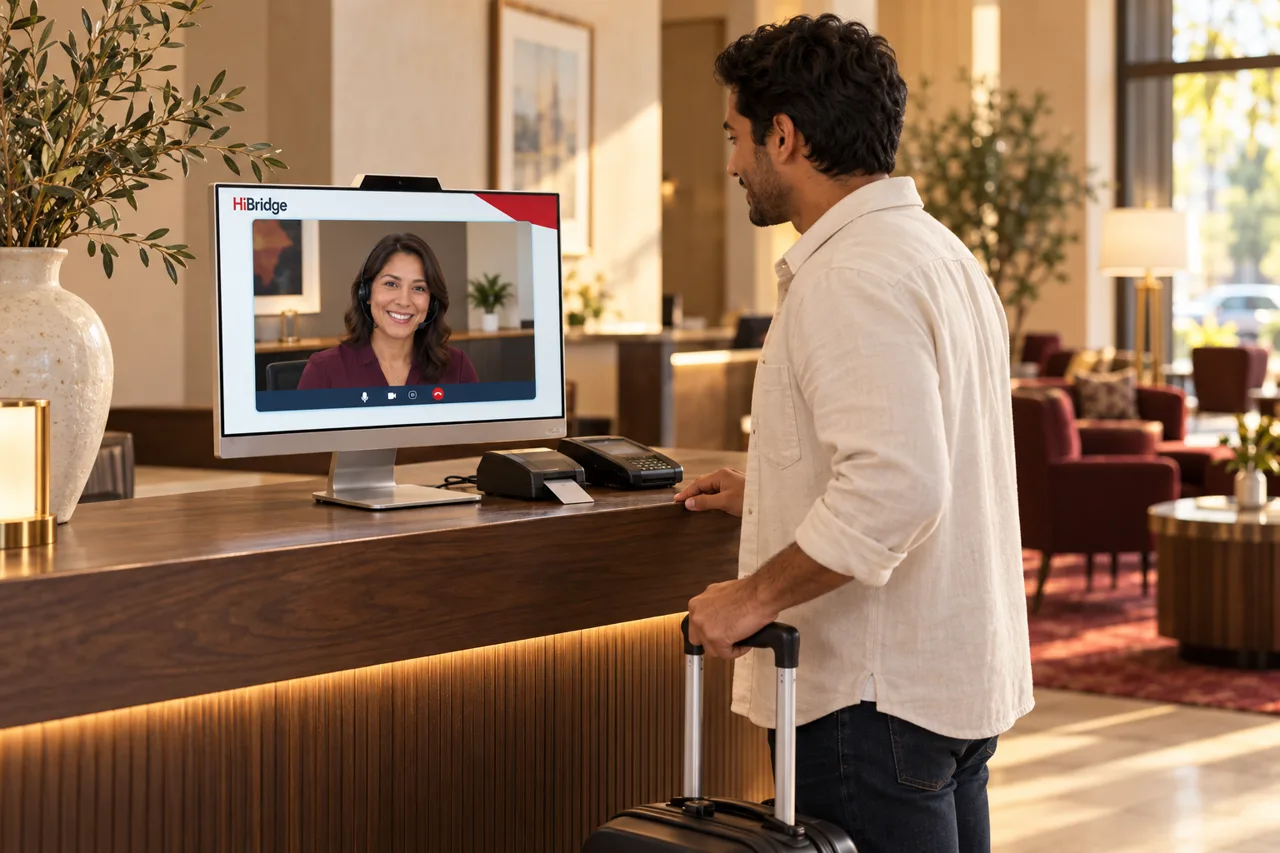 Industry
How a virtual front desk maps onto this front desk: the problems, the workflow, and the coverage model.
See the page →