Research & guides / Comparison
AI Receptionist vs. Live Virtual Receptionist: Which Solves Your Front Desk Problems?
Solve front desk coverage gaps and visitor confusion. Compare AI and live virtual reception, with practical workflows for businesses across industries.
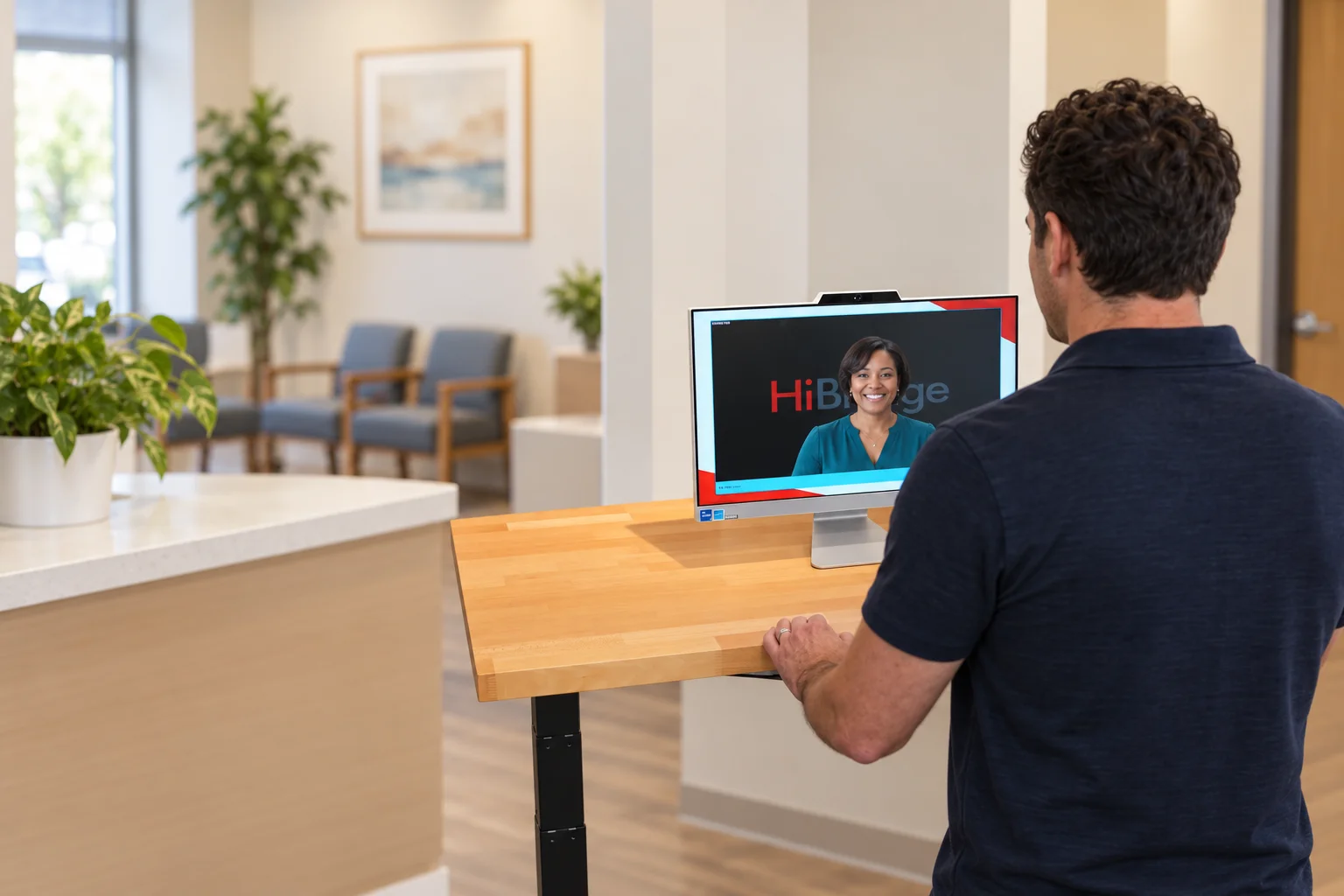
What problem are you trying to solve at the front desk?
A visitor arrives while your receptionist is helping someone else. A staff member leaves their work to cover the lobby. One location is quiet while another has people waiting. These are coverage and coordination problems. The right reception model gives visitors a clear next step and connects them with someone who can help.
That need extends beyond healthcare. The U.S. Bureau of Labor Statistics describes reception work across nearly every industry, including greeting visitors, managing appointments, answering calls, and notifying employees of arrivals. Start by identifying which of those tasks creates the most friction in your business.
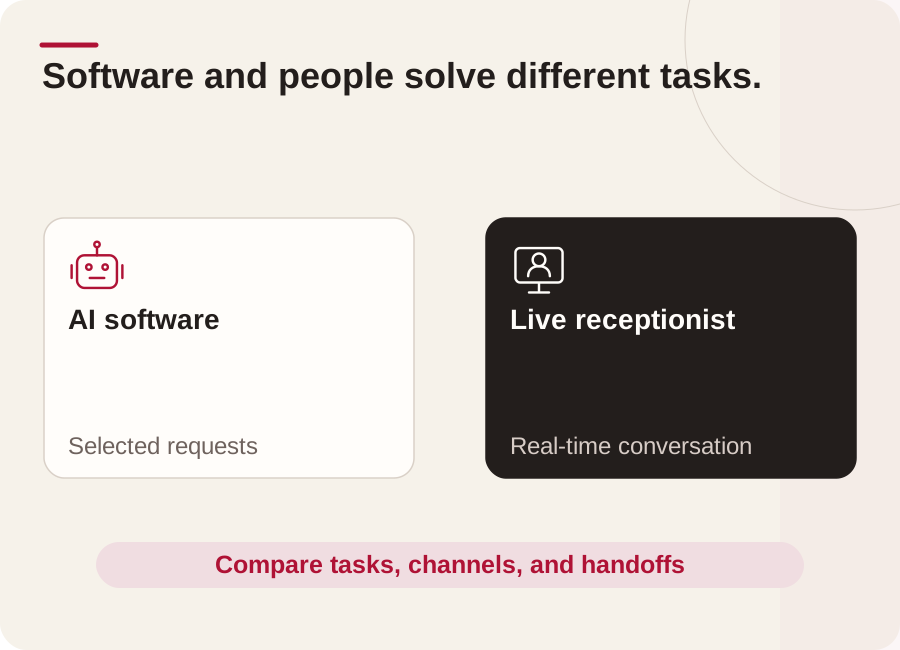
What is the difference between an AI receptionist and live virtual reception?
An AI receptionist uses software to handle selected requests. A live virtual receptionist is a person who works remotely and speaks with visitors in real time. Both require clear procedures. An AI phone service may address call handling, while a live video receptionist can support people standing in your lobby. Confirm the channel and tasks each service actually covers.
HiBridge provides a virtual front desk platform with live-human video reception and self check-in. It does not provide an AI receptionist. Your coverage can use existing staff, a centralized team, a staffing partner, or a hybrid arrangement. Staffing hours and languages depend on the coverage you arrange.
How can a live virtual front desk solve everyday reception problems?
The useful change is separating work that needs a physical presence from conversations and administrative steps that can happen remotely.
| Front desk problem | Practical approach | Why it can help |
|---|---|---|
| Visitors are unsure what to do when they arrive | Show clear check-in choices and a visible option for live help | Gives people a starting point and a route for questions |
| Breaks or administrative work leave reception uncovered | Schedule remote reception coverage for those periods | Lets an assigned person greet visitors while local staff handle other work |
| Several locations have uneven arrival volumes | Plan a shared reception team with location-specific instructions | Allows coverage to be organized across sites, with staffing matched to demand |
| A routine check-in becomes an unusual request | Connect the visitor with a trained person who can clarify and escalate | Keeps exceptions from becoming a dead end |
These are workflow benefits to test, not guaranteed reductions in waiting time or staffing cost. A shared receptionist still needs enough capacity for simultaneous arrivals.
What would a visitor experience with HiBridge?
Consider a professional services office where the receptionist also supports the back office. A client arrives during a scheduled coverage period, sees the business's greeting, and chooses the appropriate check-in or live-help option.
For a routine visit, the client follows the configured steps. If the appointment details are unclear, a remote receptionist joins by video, asks a clarifying question, and follows the office's procedure to contact the host. A local employee handles anything requiring physical assistance or authorization beyond reception's role.
This illustrative workflow gives the client a conversation without requiring the back-office employee to be the first point of contact every time. The business should confirm the self check-in configuration, system access, and handoffs it needs before rollout.
How does this apply to different types of businesses?
The following are planning examples, not customer results or promises that every workflow is already configured.
- Professional services: A remote receptionist welcomes clients and routes appointment questions while accountants, consultants, or legal staff continue their scheduled work. Sensitive questions go to the authorized professional.
- Fitness and wellness: A new visitor can ask where to go or request help contacting a membership representative while instructors lead sessions. Physical orientation and equipment assistance remain with the onsite team.
- Hospitality: Live video reception can support arrival questions and direct guests to the right employee during agreed coverage hours. Luggage, room access, and urgent onsite needs still require the property's own procedures and people.
- Education and government: A receptionist can clarify a visitor's purpose and contact the appropriate office. Authorized onsite staff retain responsibility for access decisions, safeguarding, identity procedures, and emergencies.
- Healthcare: Reception can help with administrative check-in questions and route requests to the practice team. Clinical decisions remain with qualified clinical staff.
When might AI, live reception, or a combination make sense?
AI-enabled automation may fit narrowly defined requests that a provider can demonstrate reliably, such as answering approved routine questions. Live reception is worth evaluating when visitors need clarification, reassurance, or a conversation about an unusual situation. A combined approach can use self-service for repeatable steps and people for assistance.
For generative AI, NIST's risk-management guidance addresses evaluation, monitoring, and human oversight. Apply that principle by testing mistakes and handoffs, not just the ideal demonstration. This guidance does not establish that one reception model produces better business results.
Ask each provider to demonstrate an unclear request, an unavailable employee, two simultaneous arrivals, and an internet interruption. Confirm the fallback and who owns the next step. An AI service and a human team both need appropriate information access, training or configuration, and ongoing review.
How can you test whether the solution improves your business?
Begin with one location, a defined coverage window, and a small set of tasks. Write down the current visitor journey before changing it, then use the same measurements during a pilot:
- Time to acknowledgment: How long before an arriving visitor knows someone is helping?
- Completion: How many visitors finish the intended check-in, and where do they need assistance?
- Staff interruptions: How often must local employees stop other work to cover routine reception?
- Handoffs: Do requests reach the correct employee, and how many remain unresolved?
- Total operating cost: Include technology, hardware, staffing, training, connectivity, and onsite support.
Compare similar days and arrival volumes. Ask visitors and staff what became easier or harder. Expand only when the results support it. Live virtual reception can be a practical solution where greeting, guidance, and coordination create the bottleneck; physical service, supervision, and emergency response still need an onsite plan.
Schedule a HiBridge demonstration with your busiest arrival scenario, coverage gaps, and current workflow. Seeing how your team would handle a real front desk problem is the most useful way to evaluate the fit.